Features
This page provides an overview of the language server features that JETLS offers.
Screenshots on this page use VSCode (via the jetls-client extension), as its LSP UI is the de facto reference. The same features work in any supported editor, though the presentation may differ.[error_lens]
Overview
- Diagnostic
- Go to definition
- Go to type definition
- Document link
- Find references
- Hover
- Document highlight
- Document and workspace symbol
- Code lens
- Inlay hint
- Semantic tokens
- Completion
- Signature help
- Rename
- Code actions
- Code views
- Formatting
- TestRunner integration
- Notebook support
Diagnostic
JETLS reports diagnostics from three analysis stages — syntax parsing, lowering, and type inference — covering everything from malformed input to deep type-level issues. Some diagnostics come with quick-fix code actions. See the Diagnostic reference for the full list of diagnostic codes and examples.
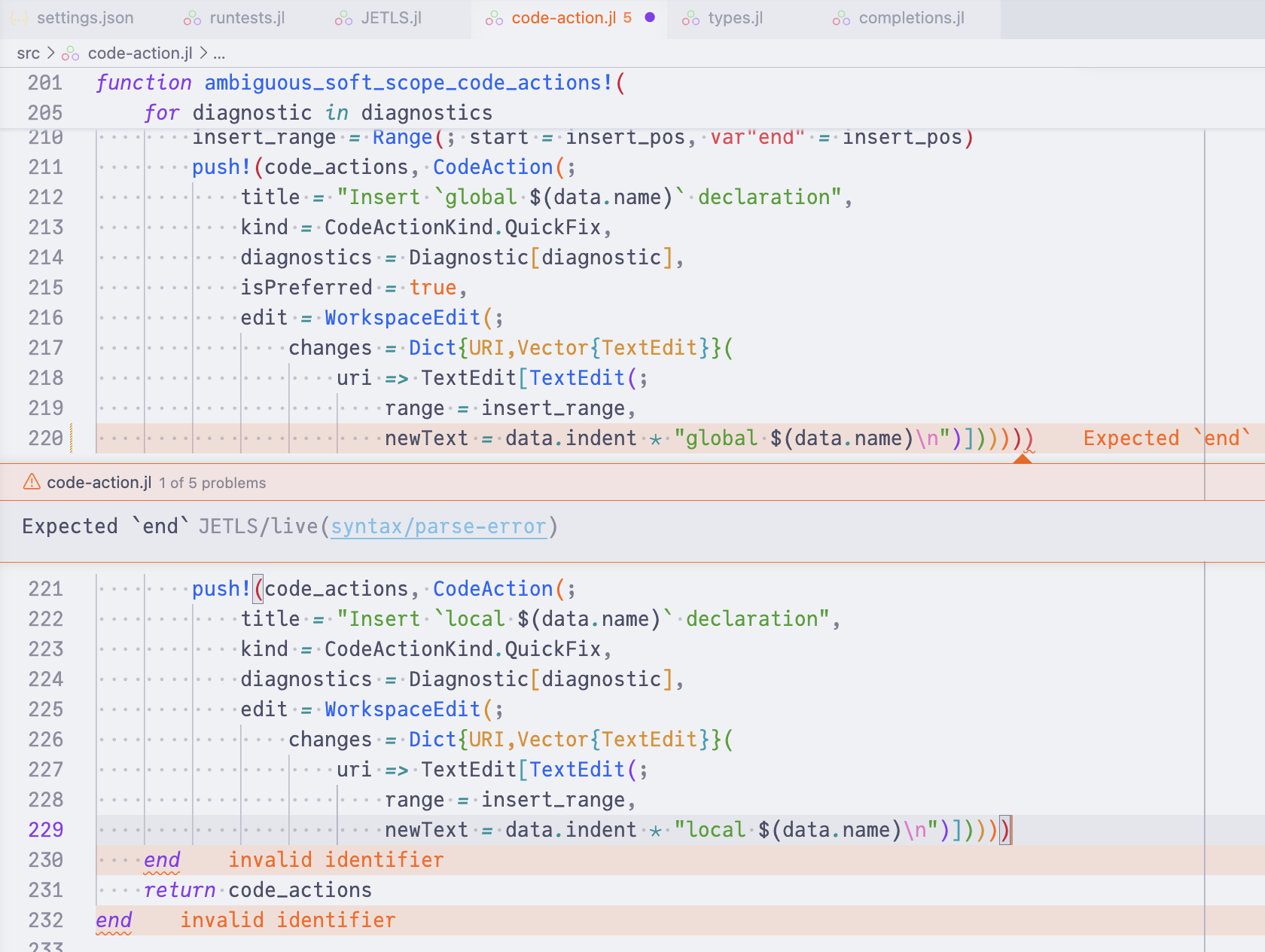
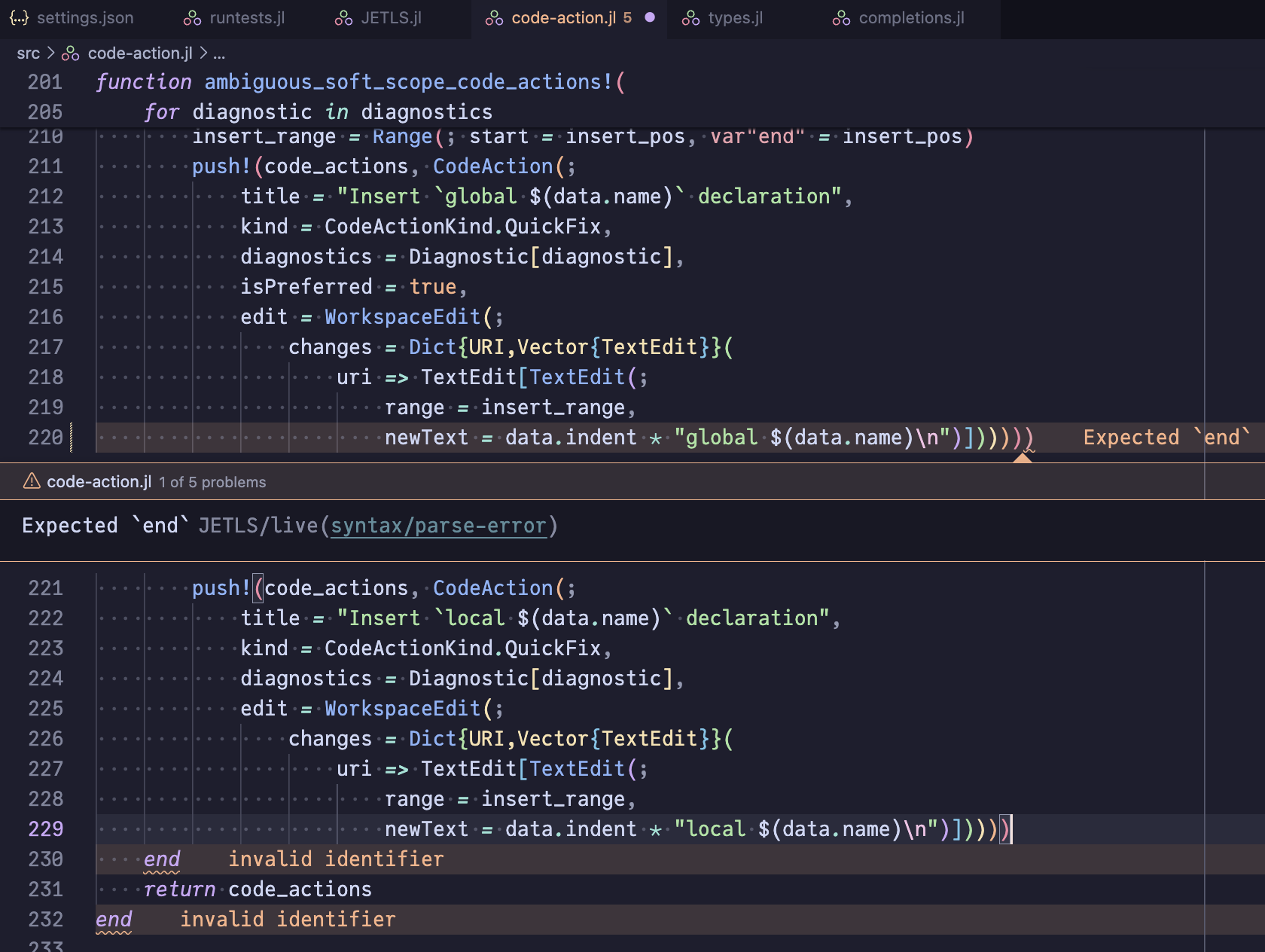
Syntax diagnostics
Parse errors detected by JuliaSyntax.jl.
Lowering diagnostics
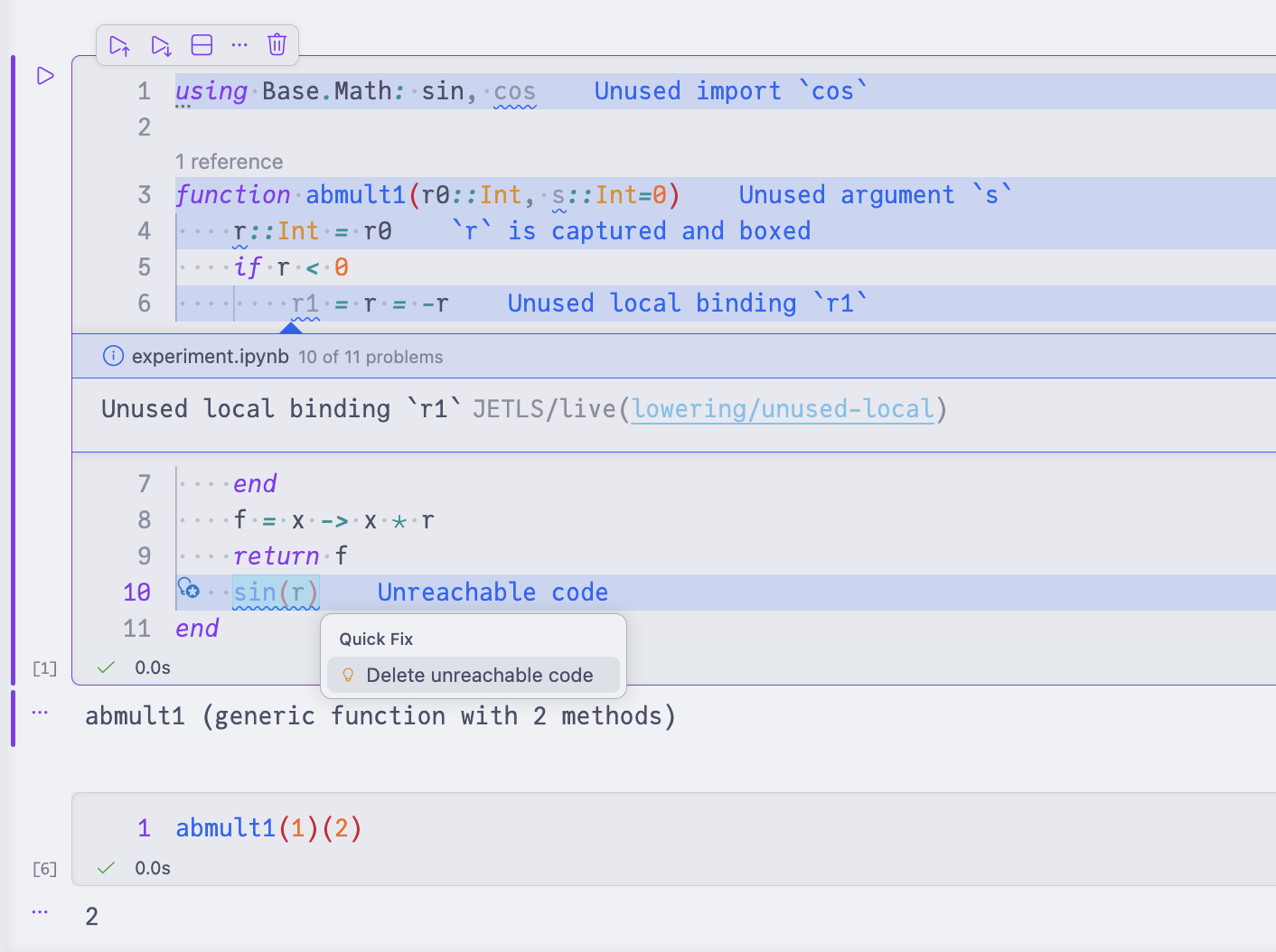
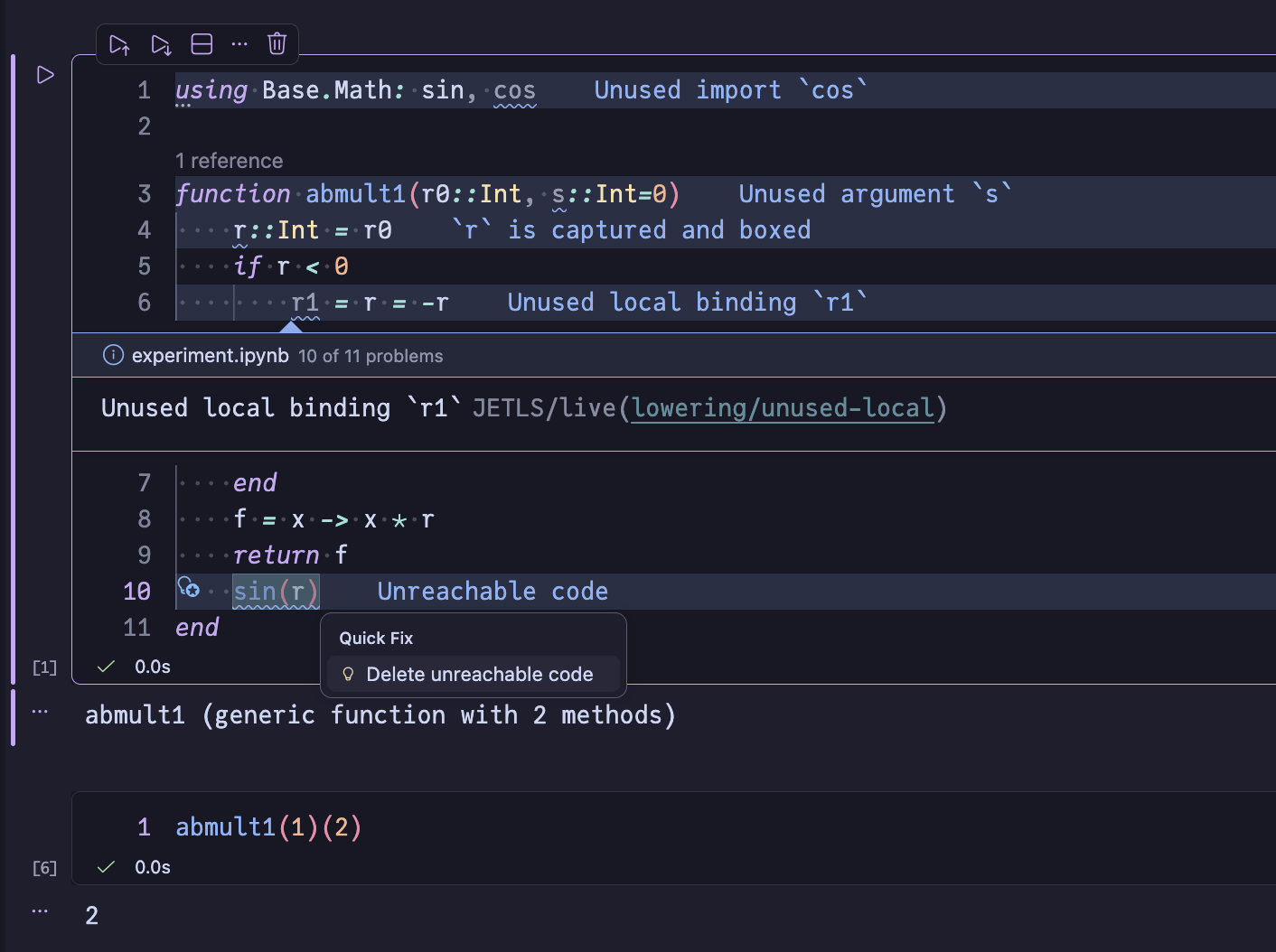
Static analysis issues produced during lowering by JuliaLowering.jl — including undefined / unused bindings, unreachable code, scope ambiguities, and import-related issues.
Inference diagnostics
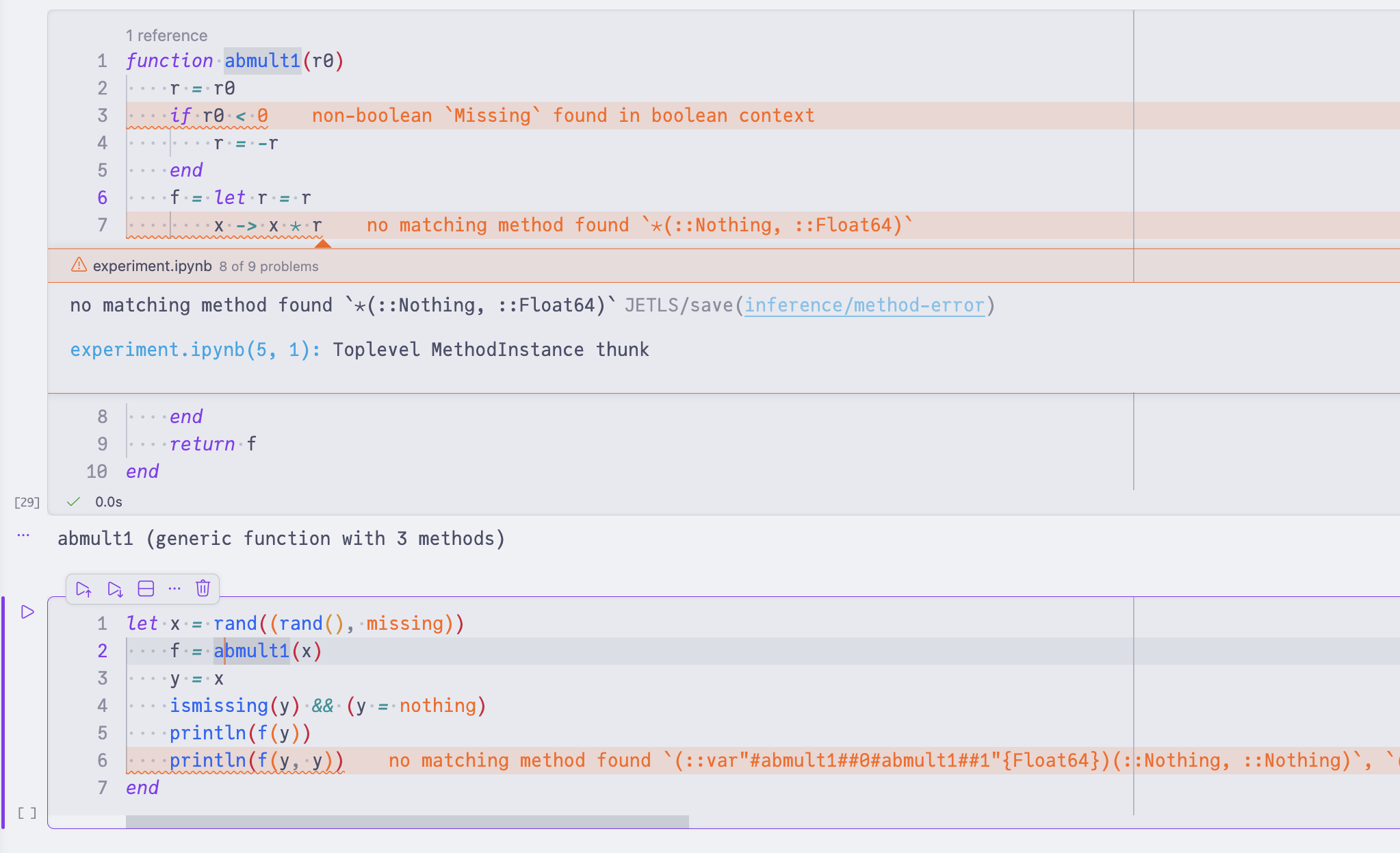
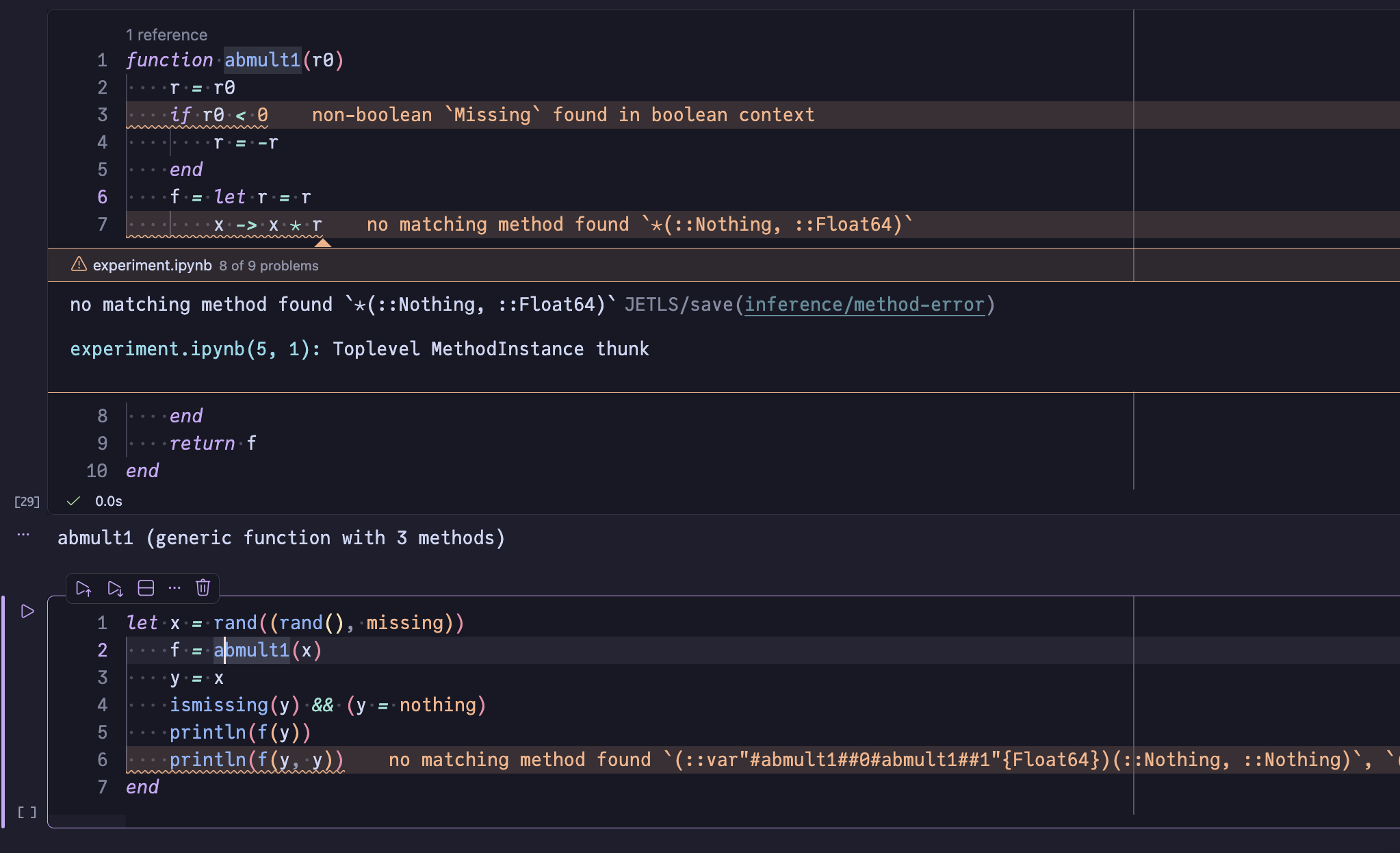
Type-level issues caught by JET.jl during type inference, such as non-existent field access, out-of-bounds indexing, method errors, and non-boolean conditions.
Go to definition
Jump to where a symbol is defined. JETLS resolves method and module definitions, as well as local bindings.
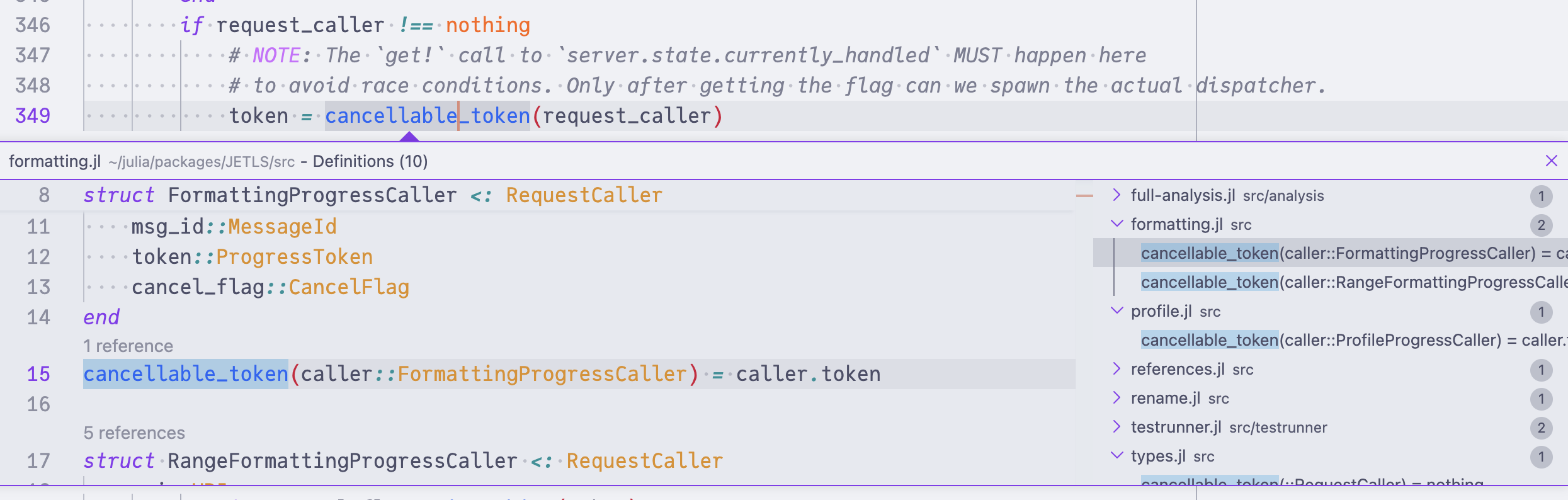
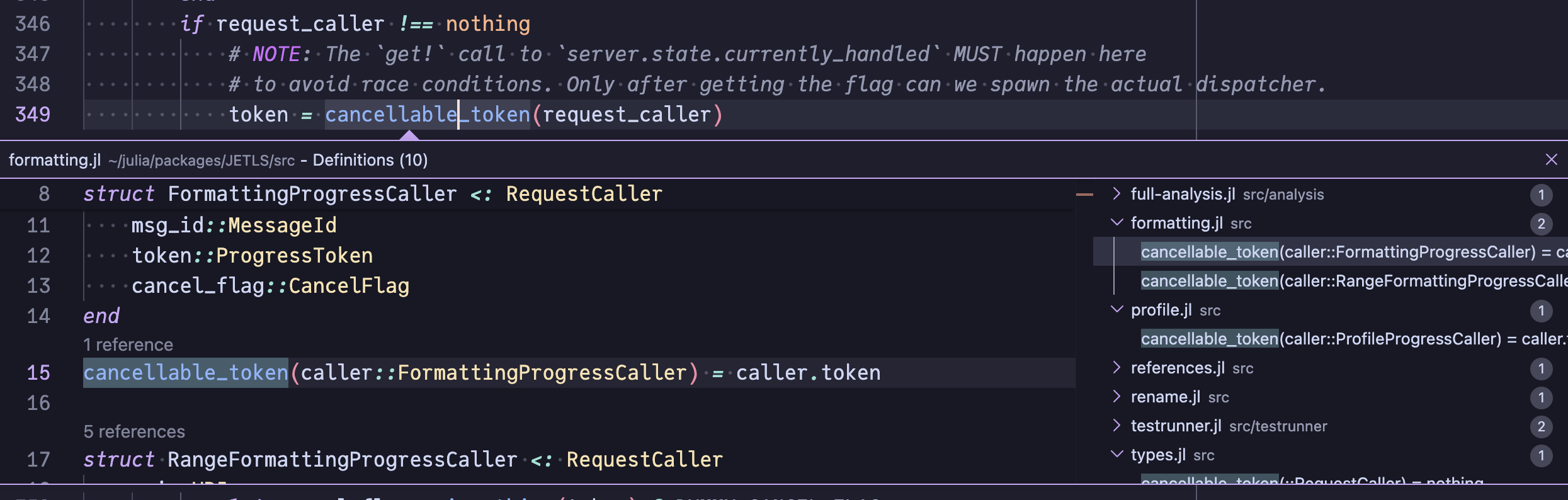
When the cursor is on (or right after) a call site, JETLS narrows the result to the method dispatch picked for the inferred argument types — sin│(42) jumps to sin(::Real) only, not to every method of sin. Bare cursors on the function name (sin│) still return every definition.
JETLS also implements go to declaration (textDocument/declaration), which jumps to declaration sites (e.g., import/using, local x, or empty function foo end) when distinct from the definition, and falls back to go to definition otherwise.
Go to type definition
Jump to the definition of an expression's type rather than the expression itself, e.g. with the cursor on a binding of type Foo, JETLS navigates to the struct Foo definition; for a Vector{Int}-typed value, it lands on Vector's definition.
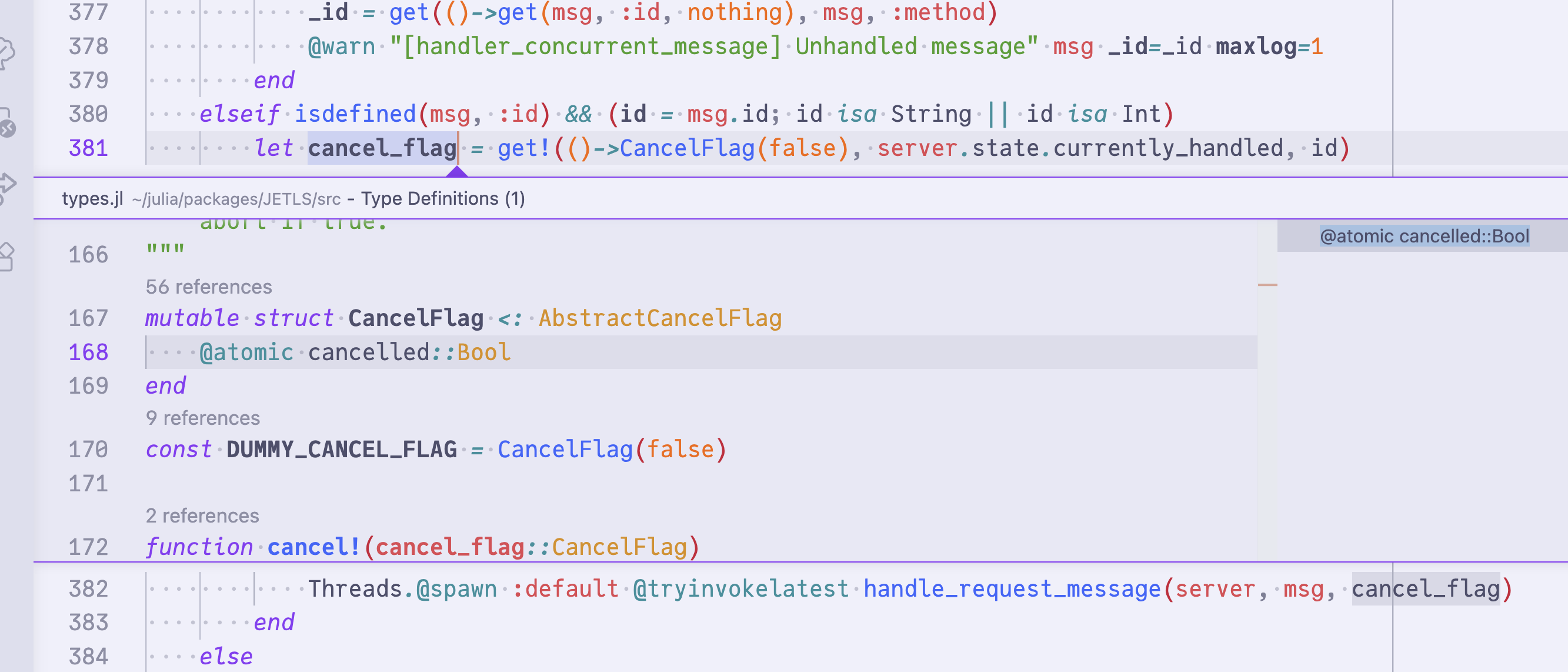
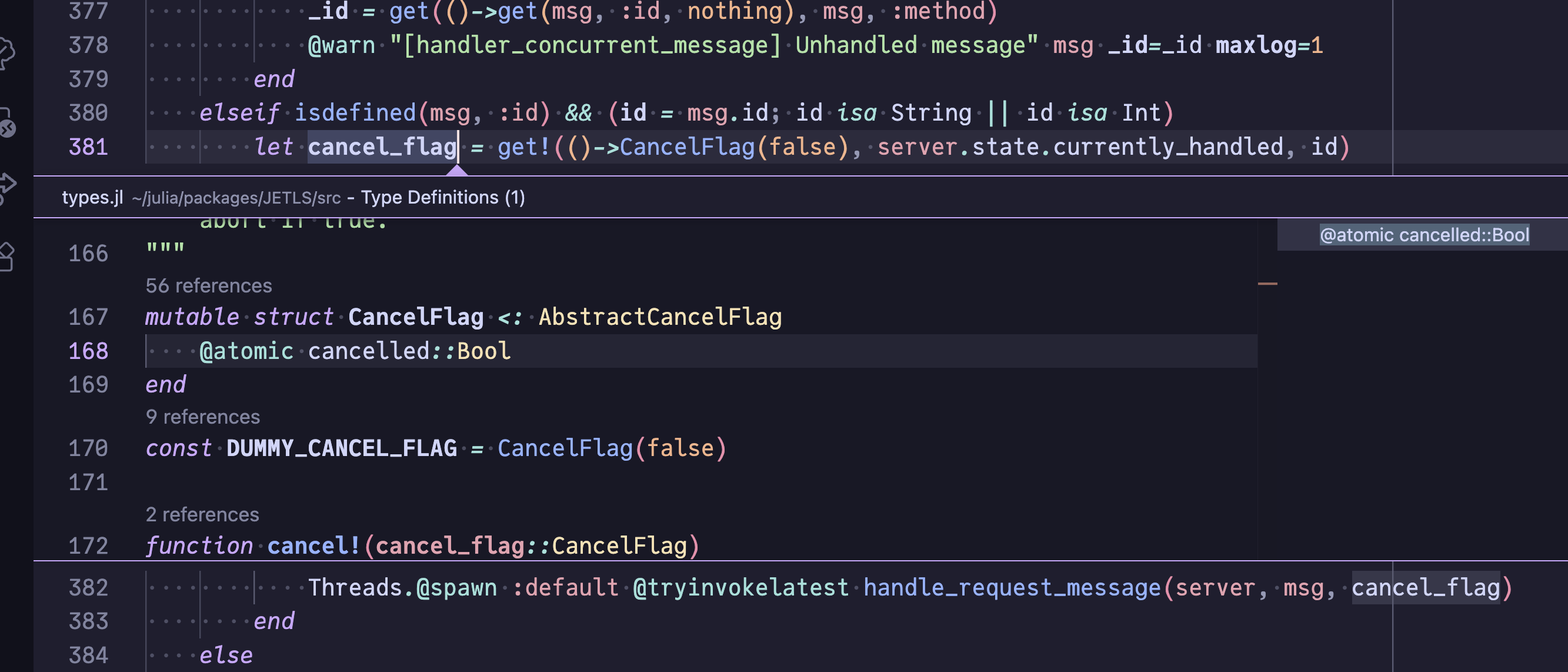
The cursor can be on:
- An identifier (local binding, parameter, type name, etc.). The inferred type at that position is resolved.
- A dot-chain expression (
Base.Pa│ir). The full chain is treated as the target. - A call expression. Placing the cursor right after
)(e.g.sin(1.0)│) resolves to the call's return type.do-block calls work the same way —func() do ... end│resolves to the call's return type.
For Union types, one location is returned per constituent.
Document link
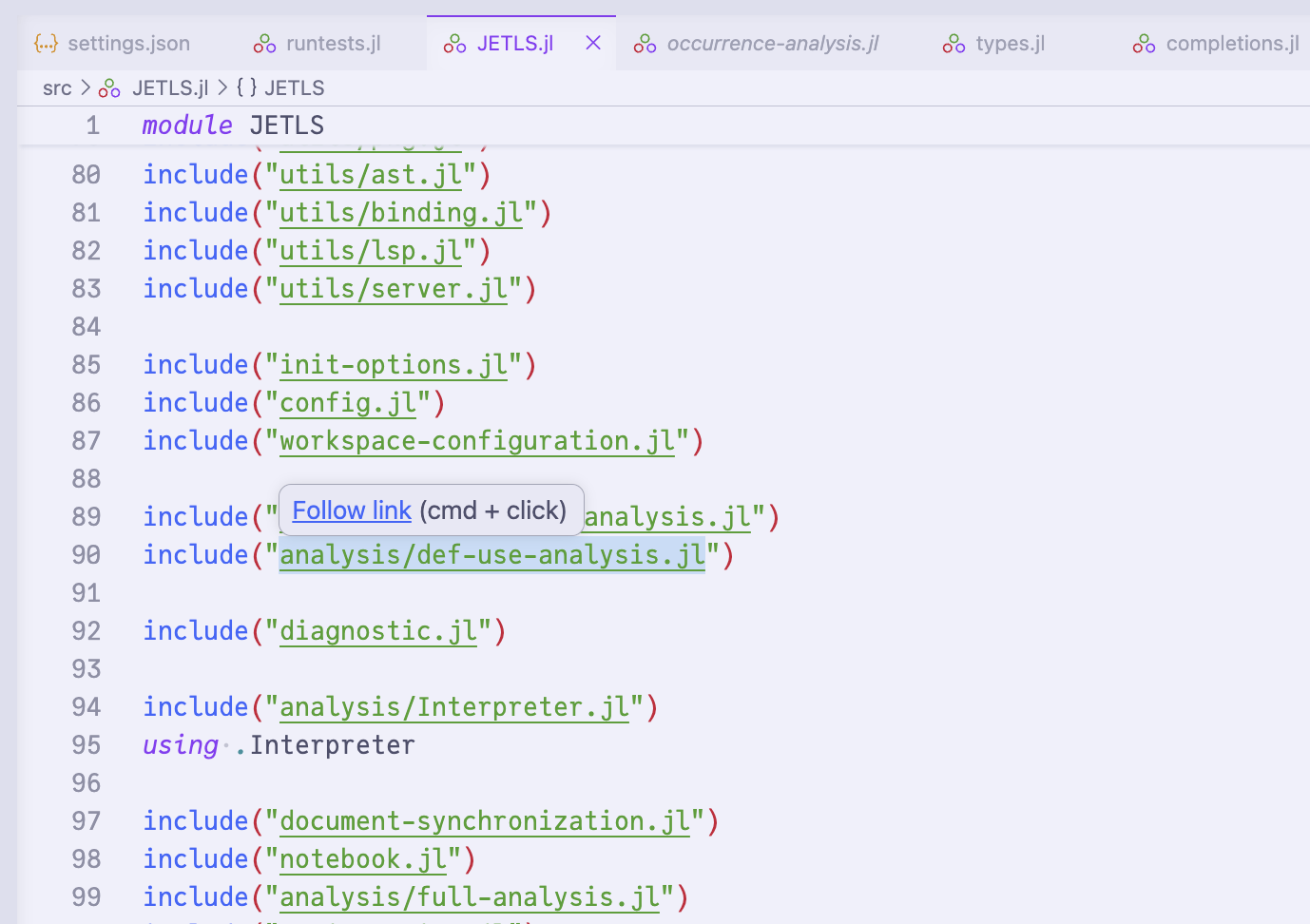
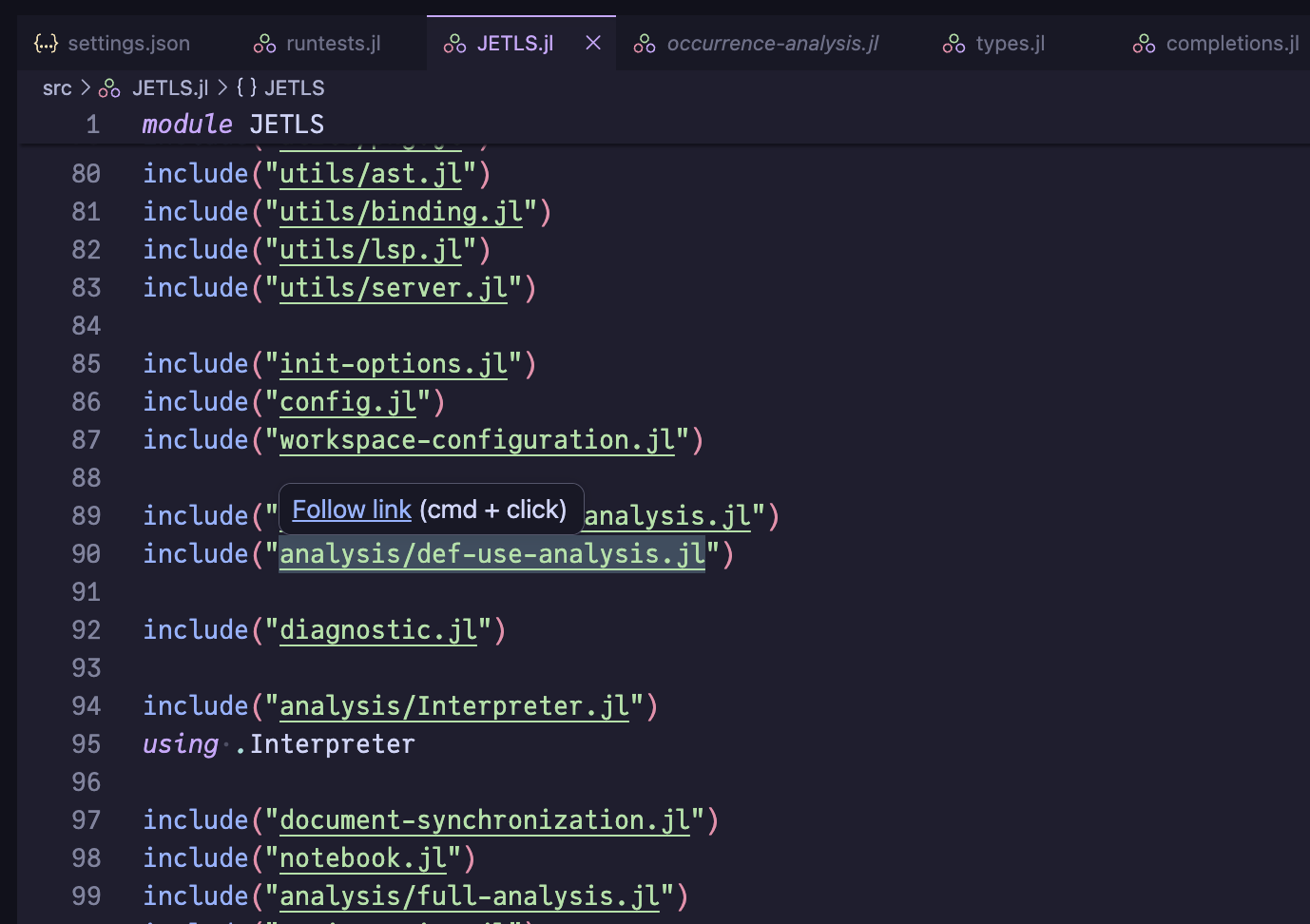
Path strings inside include("...") and include_dependency("...") calls become clickable links that open the referenced file. The path must be a single non-interpolated string and resolve to an existing file relative to the current document's directory.
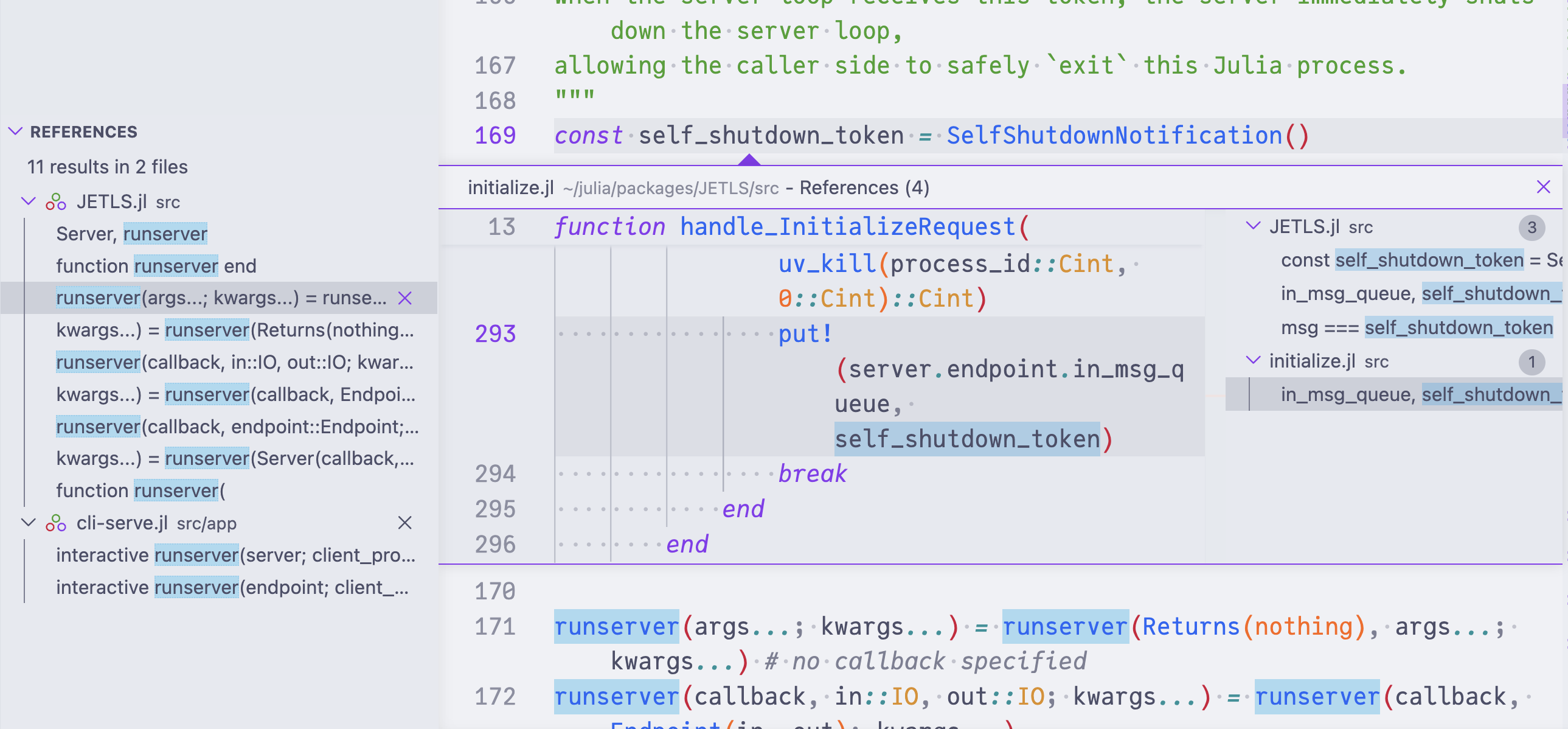
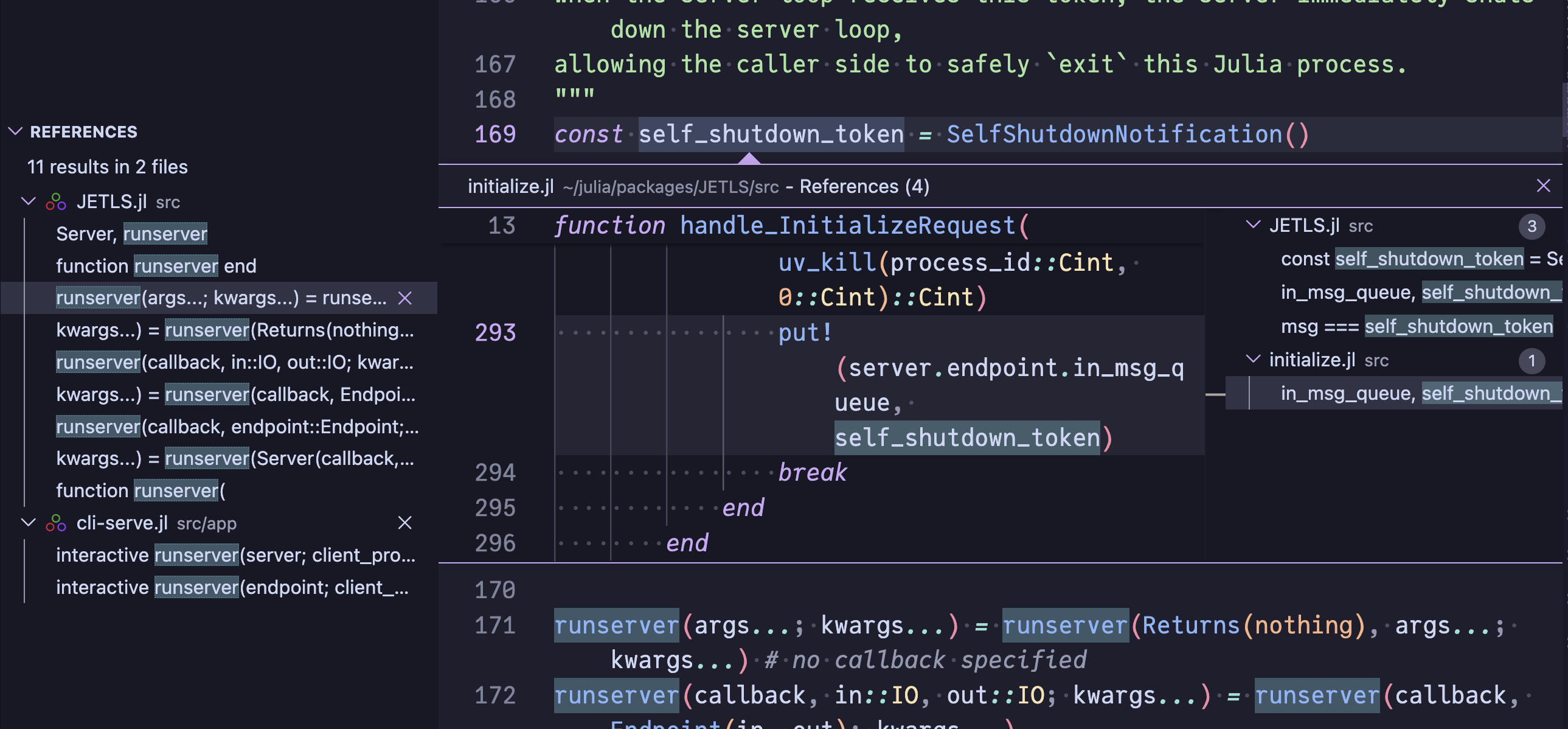
Find references
Find all references to a symbol across files analyzed together (e.g., a package and its included files). Both local and global bindings are supported. When the client requests includeDeclaration=false, method definitions of the target are excluded.
Hover
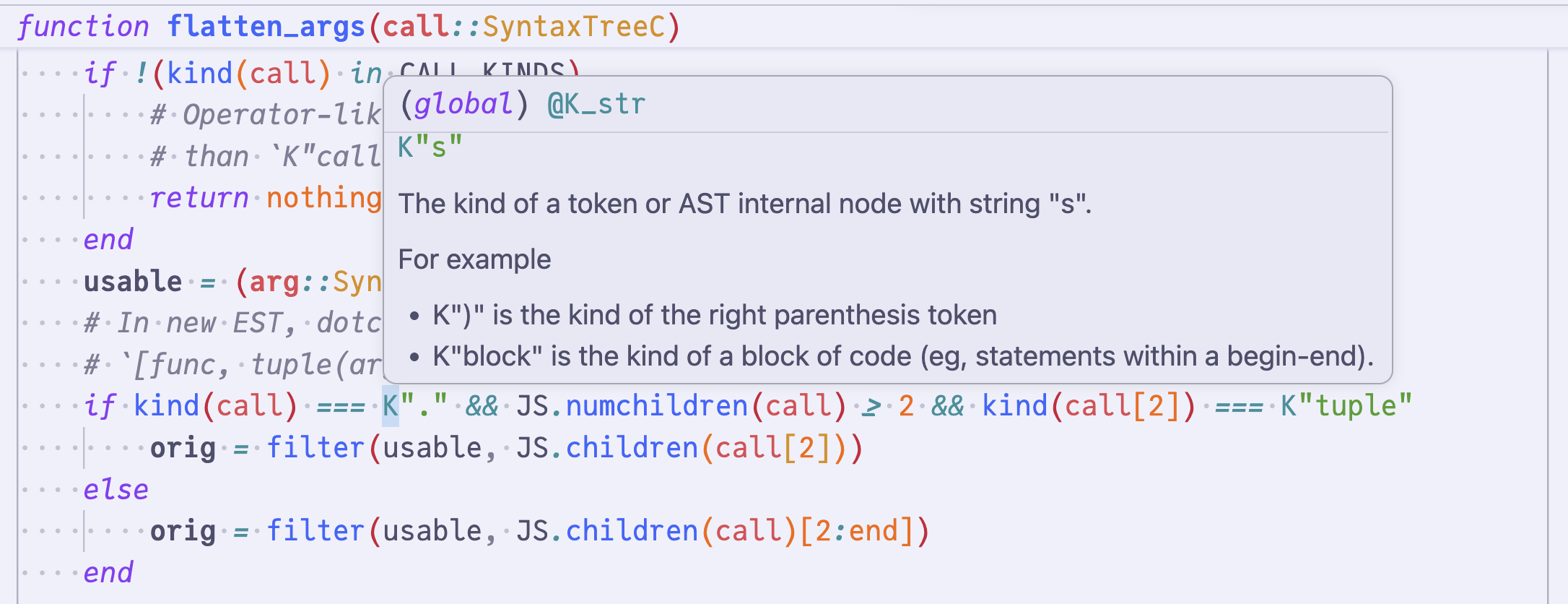
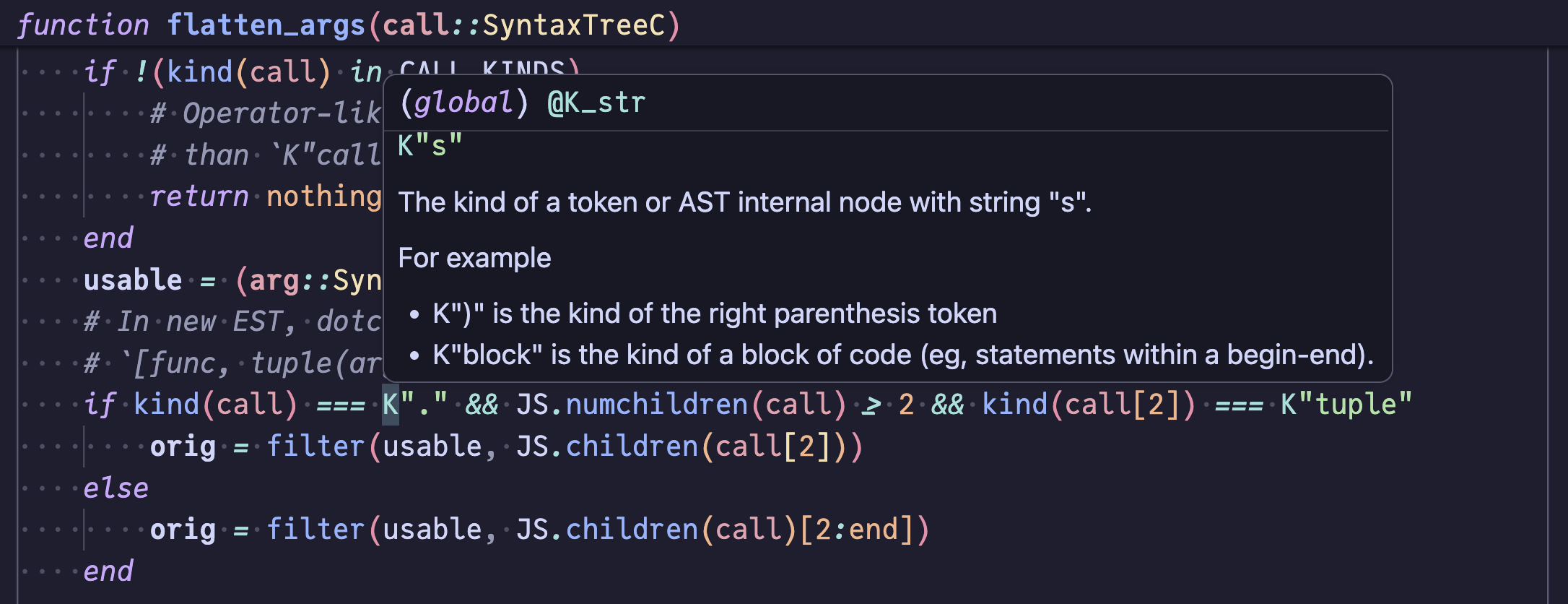
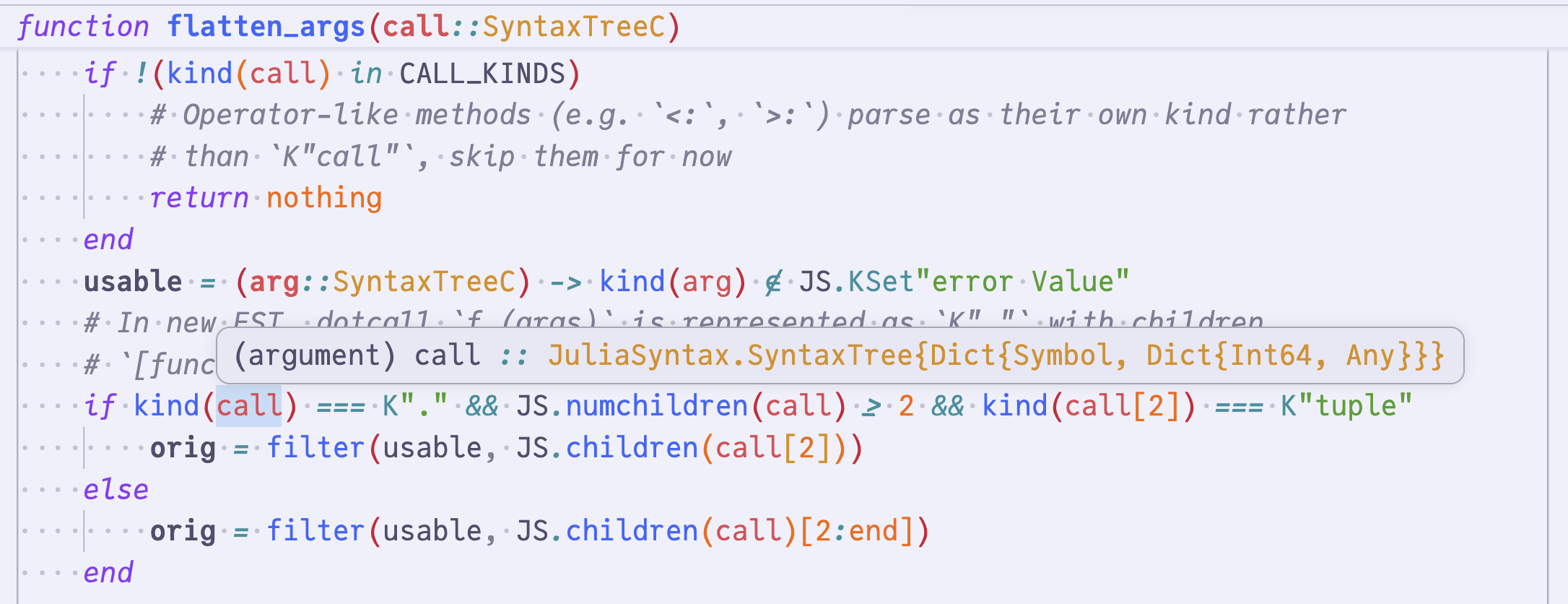
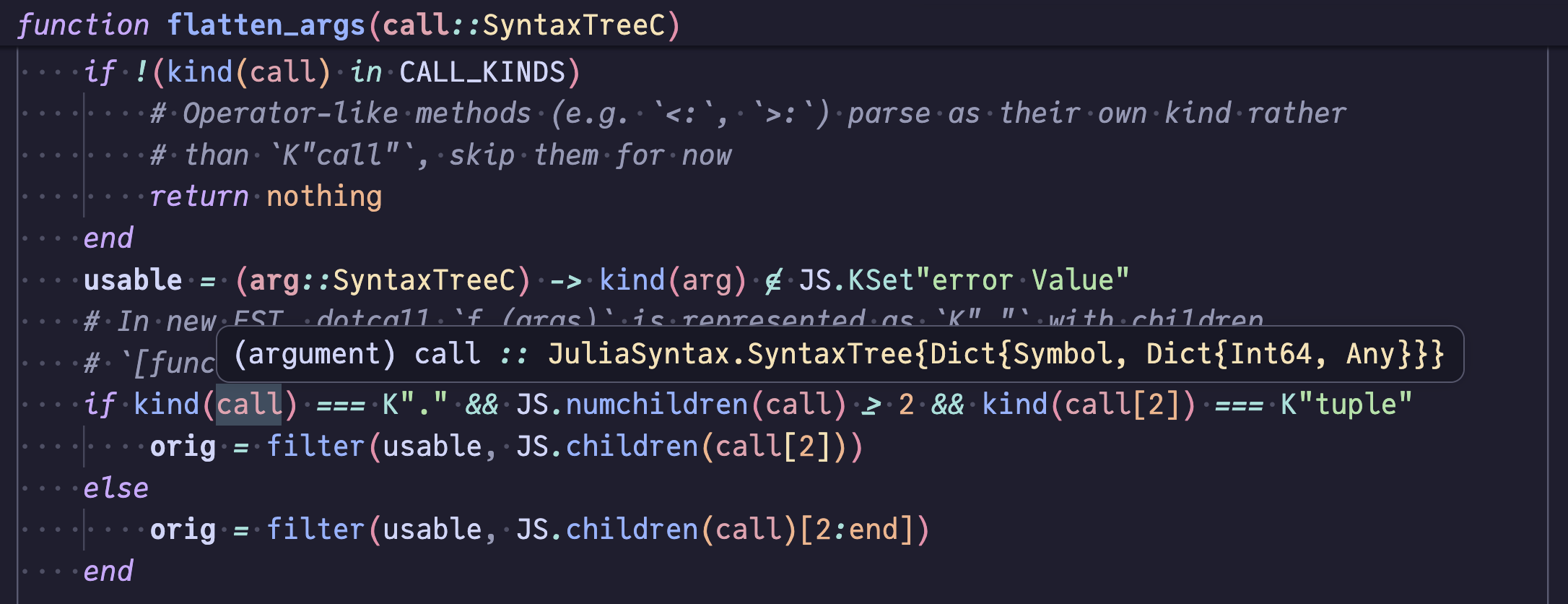
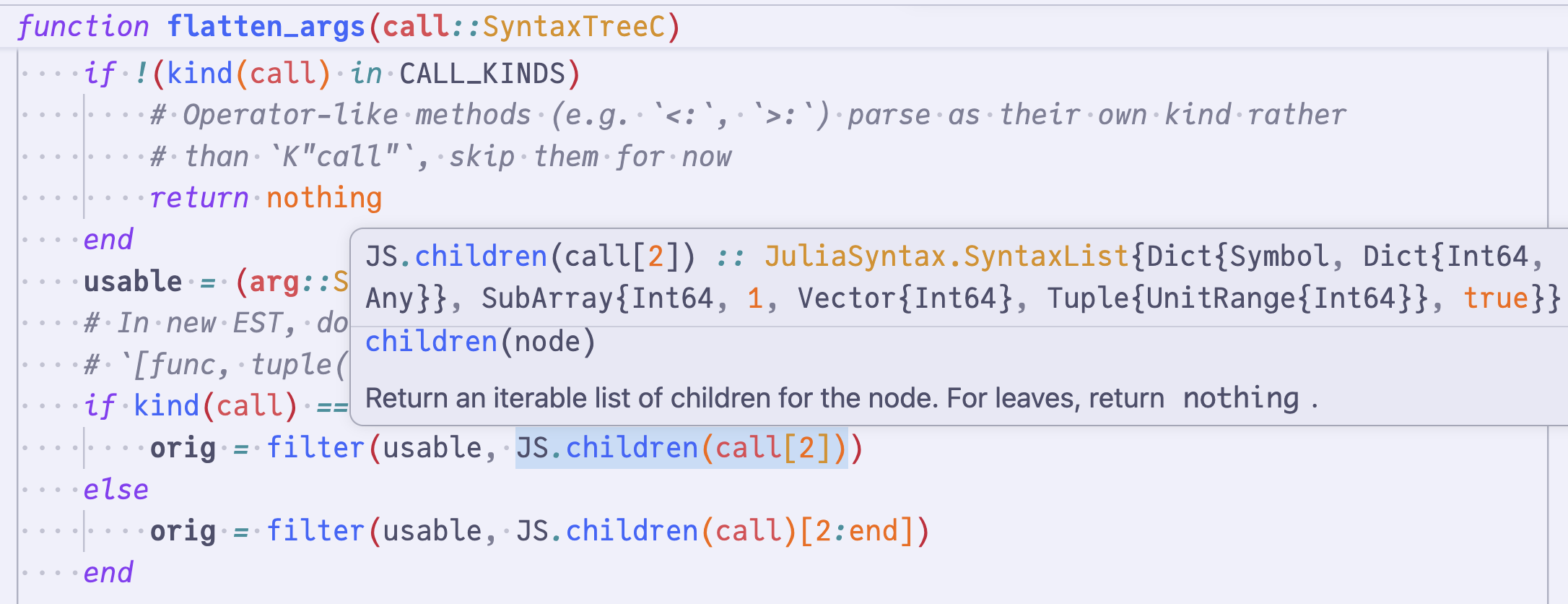
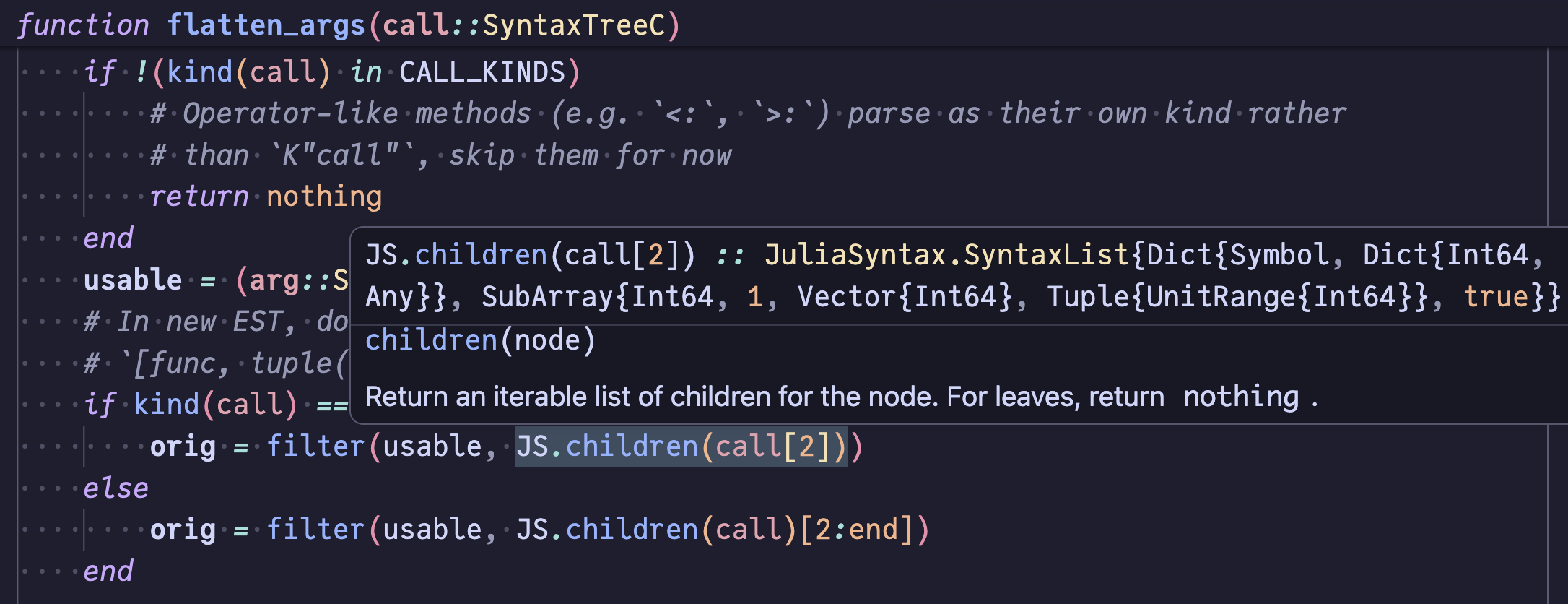
Hover surfaces the inferred type and documentation at the cursor. It works on any identifier, dot expression (Base.Compi│ler.tmeet), call result (func(args)│), or indexing position (xs[i]│), and the type is queried at the cursor's byte range so flow-sensitive narrowing is reflected.
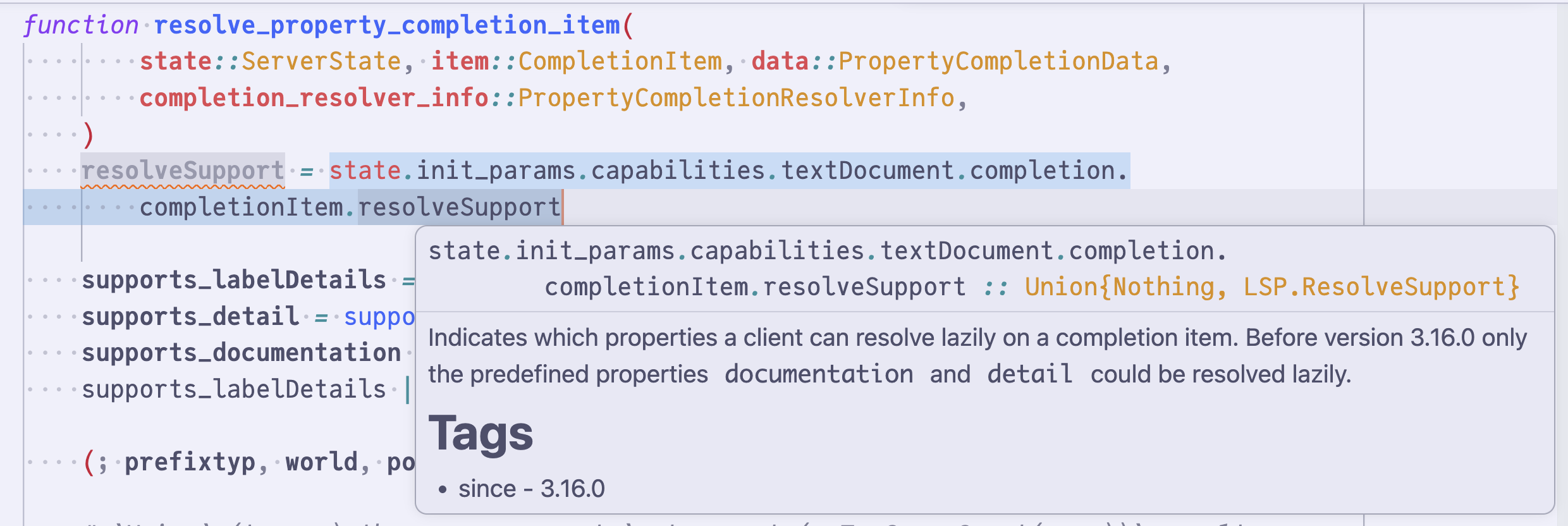
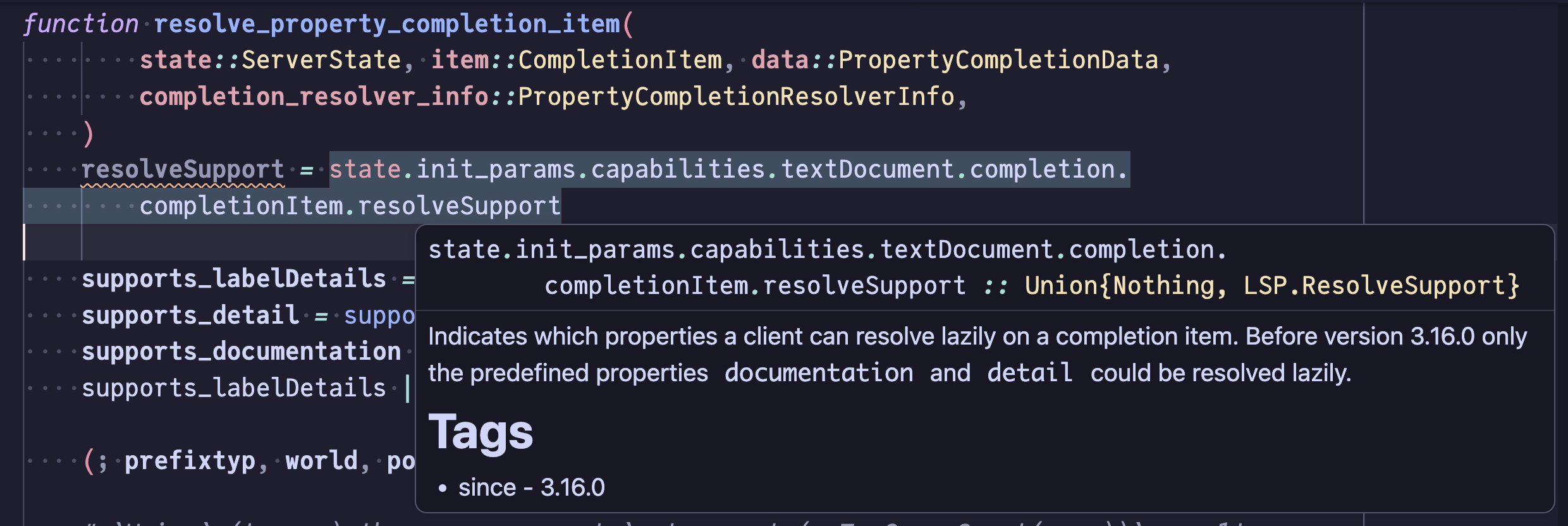
Documentation displayed alongside the header depends on the cursor position:
- Default: the binding's own docstring is shown together with the docstring of whatever value the expression resolves to via type inference (so e.g. hovering on
some.valuesurfacessin's docstring when the field resolves tosin). - Dot expressions whose left-hand side is a struct instance (
x.y│) surface the per-field docstring attached toyin its struct definition when the field is documented. - Callee identifiers in a call (
sin│(rand(Int)),Base.Math.sin│(x)) promote the header to the full call expression (sin(rand(Int)) :: Float64) and narrow the docstring to the dispatched method (sin(::Real)) when dispatch resolves to a single method. - Cursors past a call-like surface's closing punctuation (
f(args)│,xs[i]│,[a, b]│, …) show only theexpr :: Theader without any docstring body. - Non-call cursors (
f│) still show every overload's doc.
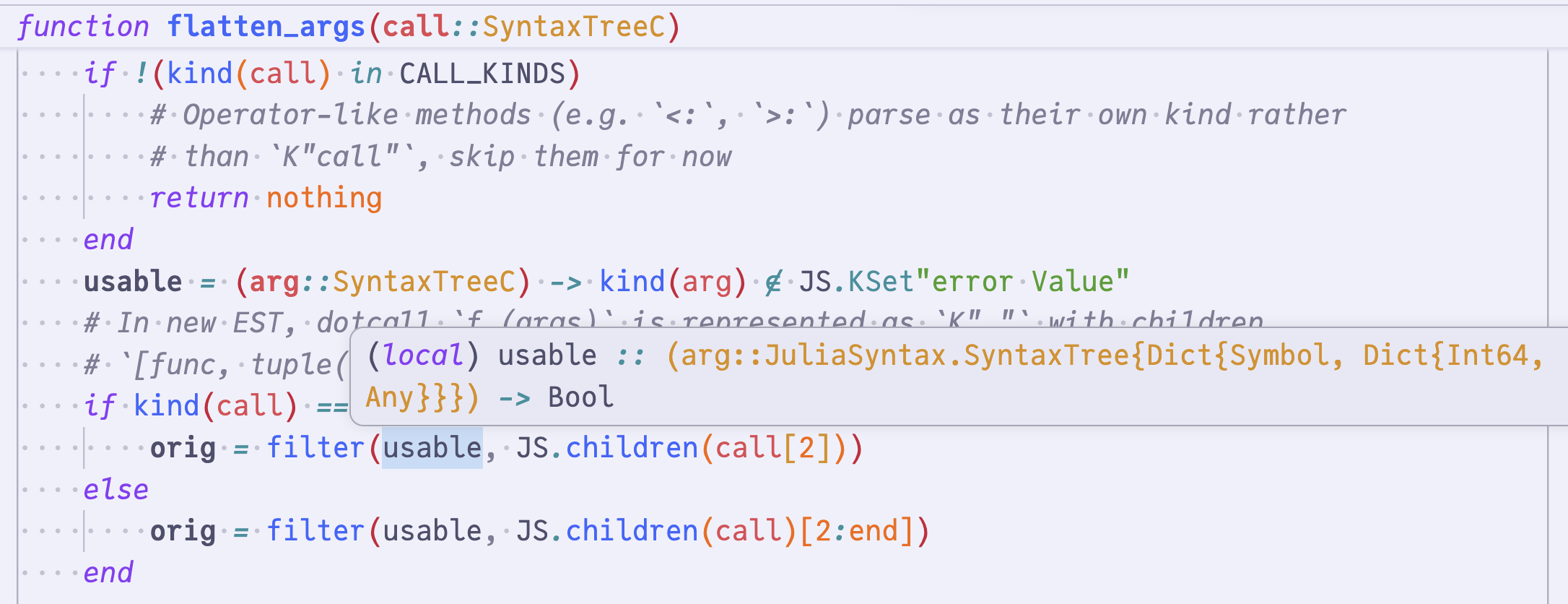
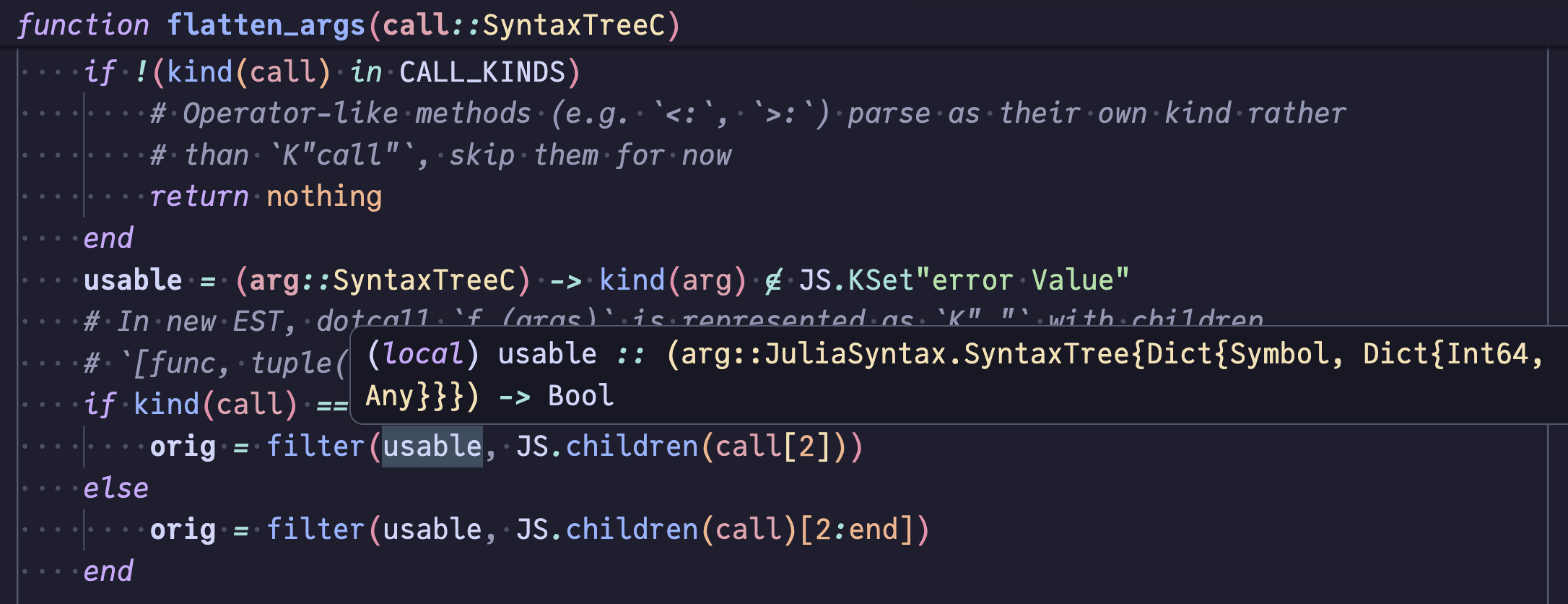
The type header is rendered as expr :: T, with a few specialized shapes:
- Bindings carry a kind tag —
(argument),(local),(static parameter), or(global)— before the name. - Closures are displayed as
(args::T...) -> rt, with argument names recovered from the body method when available. - Function singletons render as
typeof(<name>)only when the source text doesn't already mention the name, avoiding noise likesin :: typeof(sin).
| Target | Example |
|---|---|
| Global binding |
|
| Local binding |
|
| Call |
|
| Closure |
|
| Field access |
|
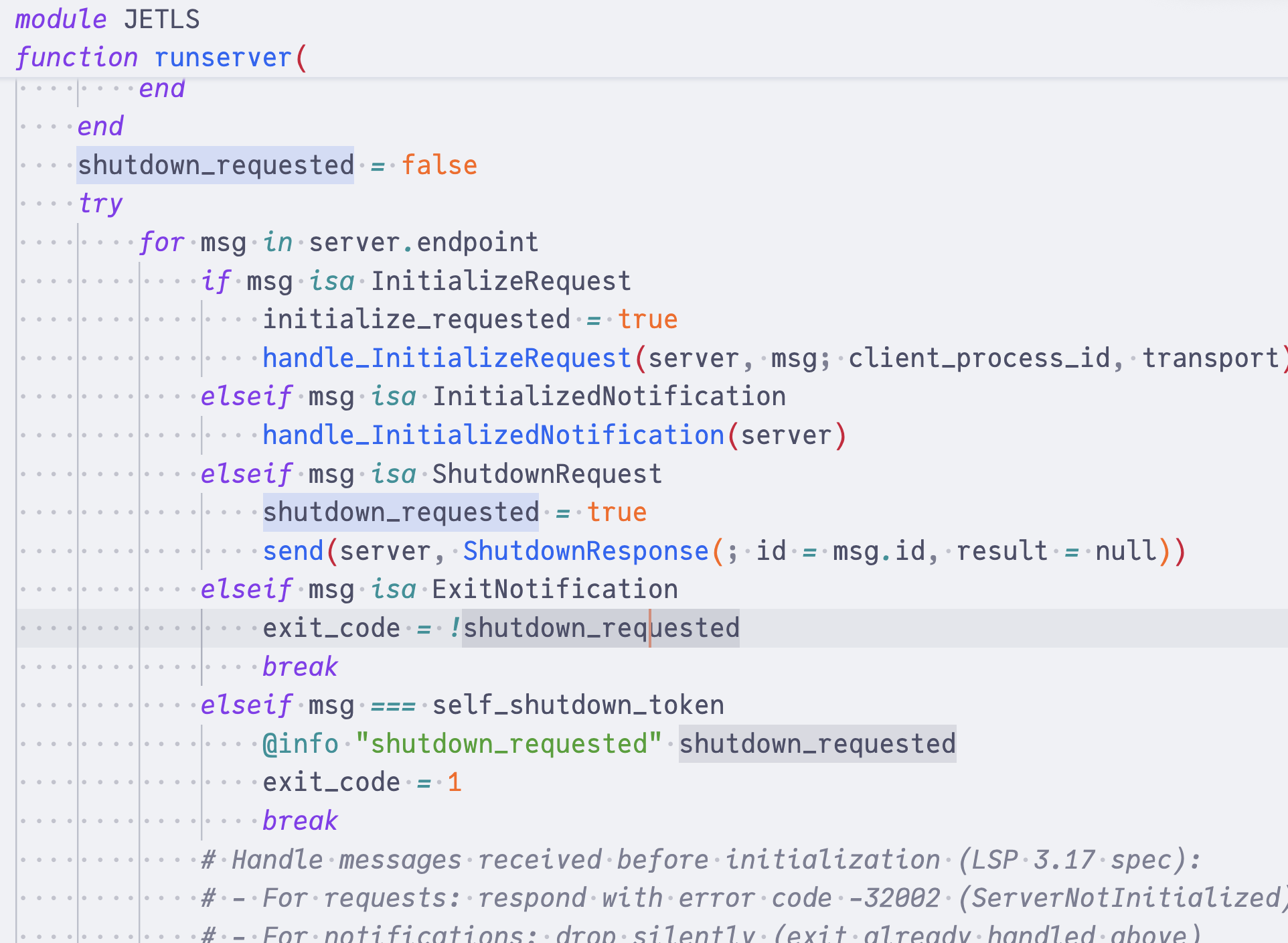
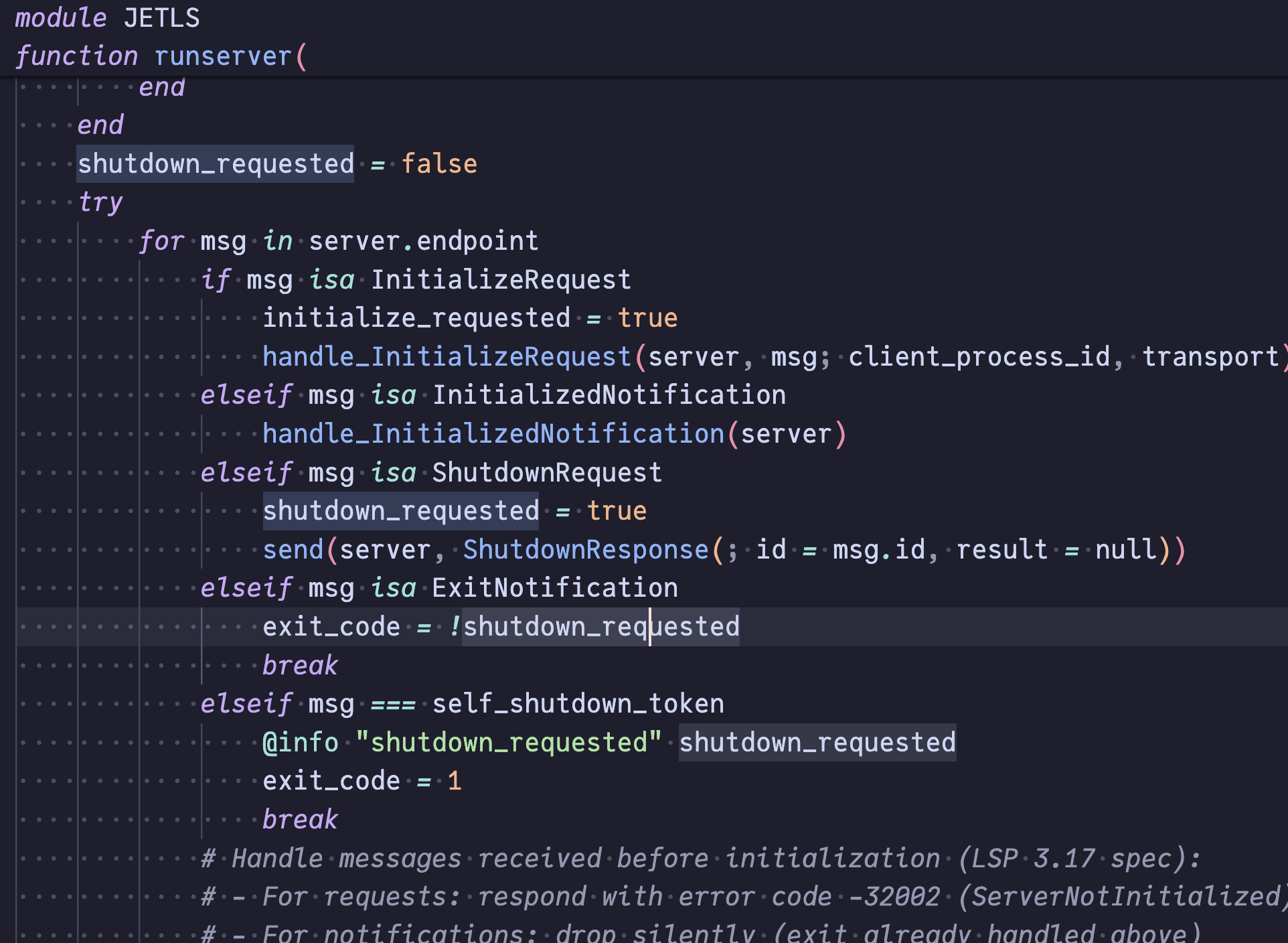
Document highlight
Highlight all occurrences of the symbol at the cursor within the current file, distinguishing between writes (definitions, assignments) and reads (uses).
Document and workspace symbol
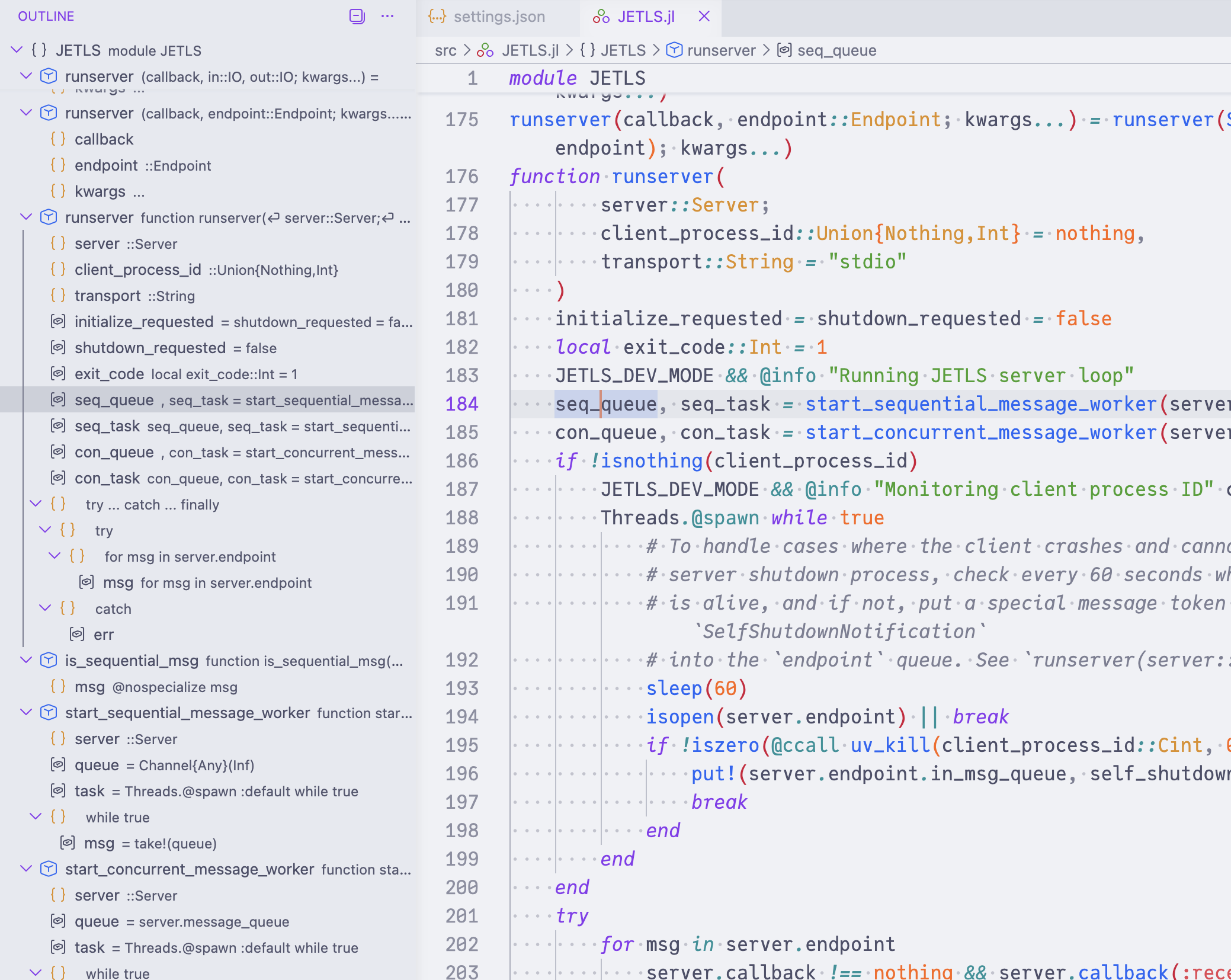
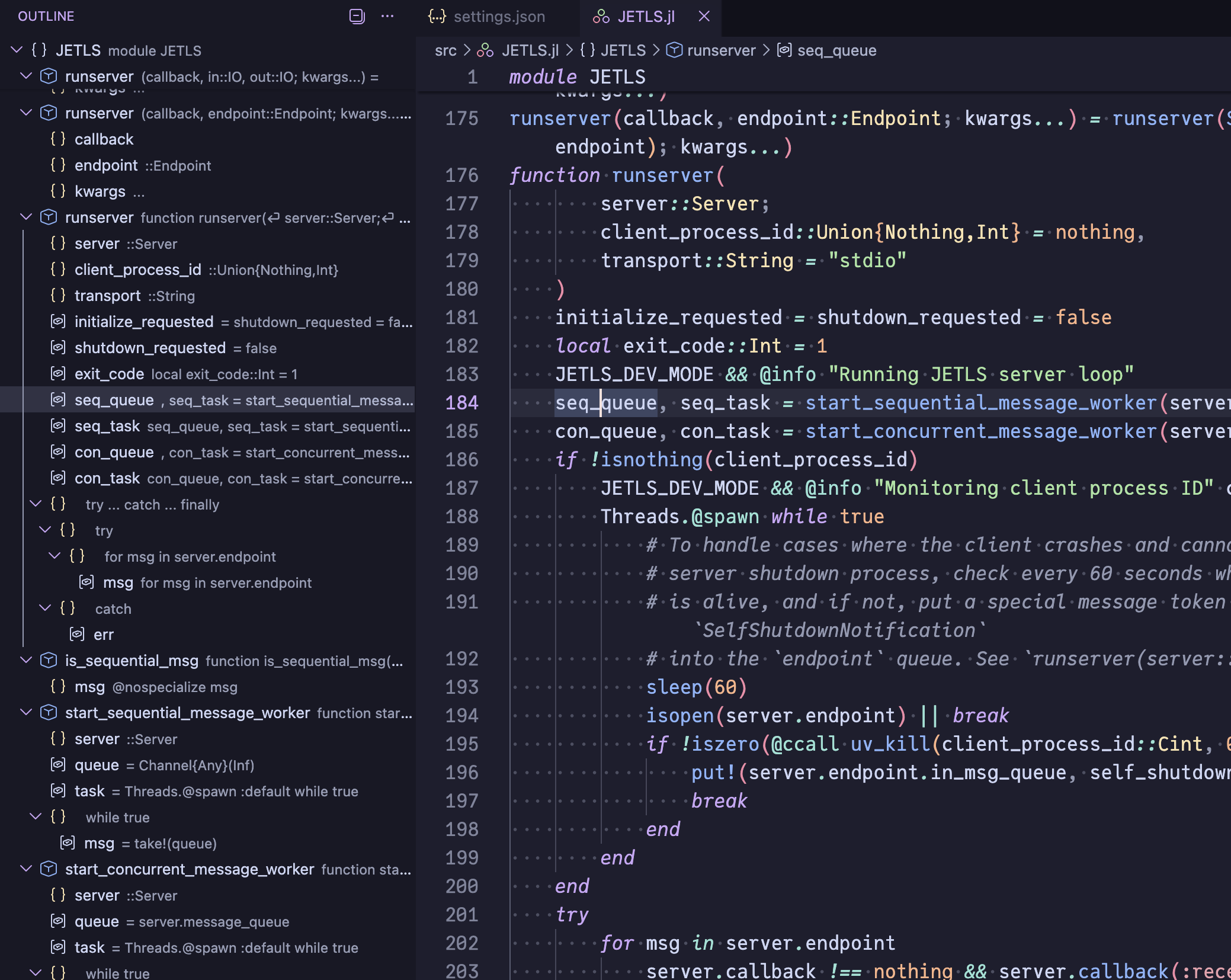
| Symbol scope | Description | Example |
|---|---|---|
| Document symbol | An outline view of the current file, listing modules, functions, methods, structs, constants, etc. |
|
| Workspace symbol | Fuzzy-search across symbols in the whole workspace. |
|
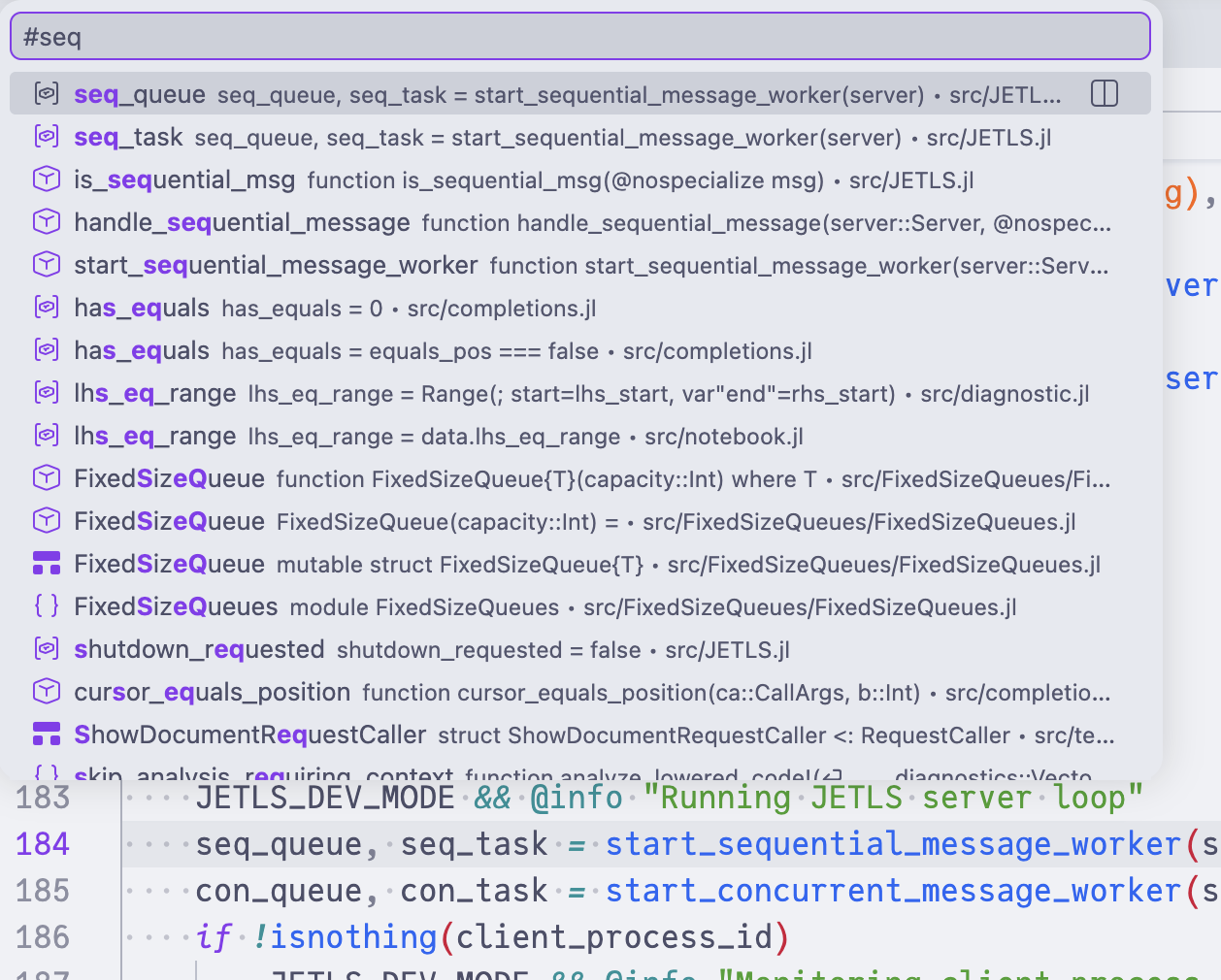
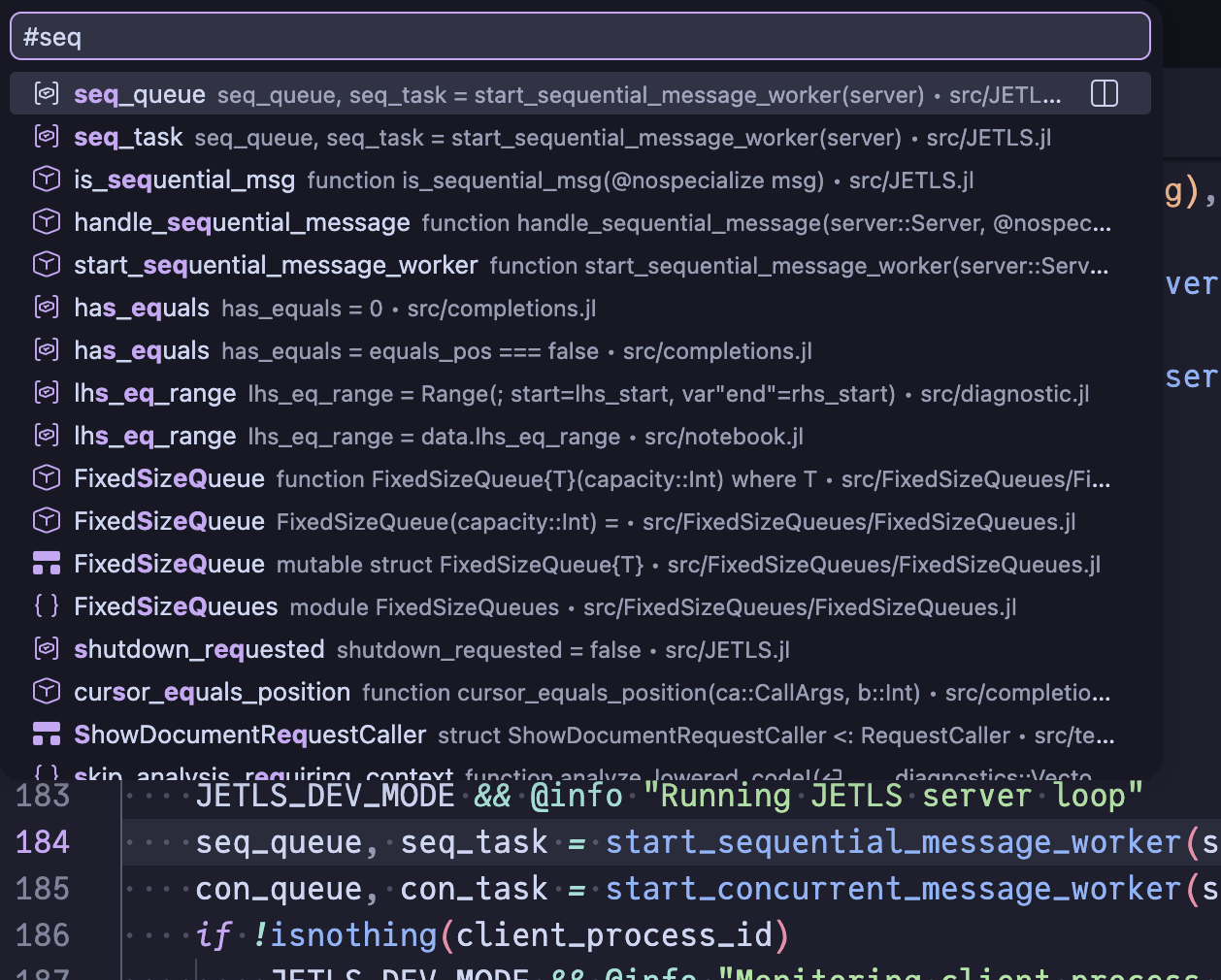
Code lens
JETLS surfaces actionable information inline above relevant code via code lenses.
Reference count
When code_lens.references is enabled, a reference count is displayed above each top-level symbol (functions, structs, constants, abstract/primitive types, modules). Clicking the lens dispatches the editor.action.showReferences command (a VSCode convention) carrying the pre-resolved reference locations. Clients that follow this convention open the references panel out of the box; clients that don't need a client-side handler — see the Neovim setup for an example.
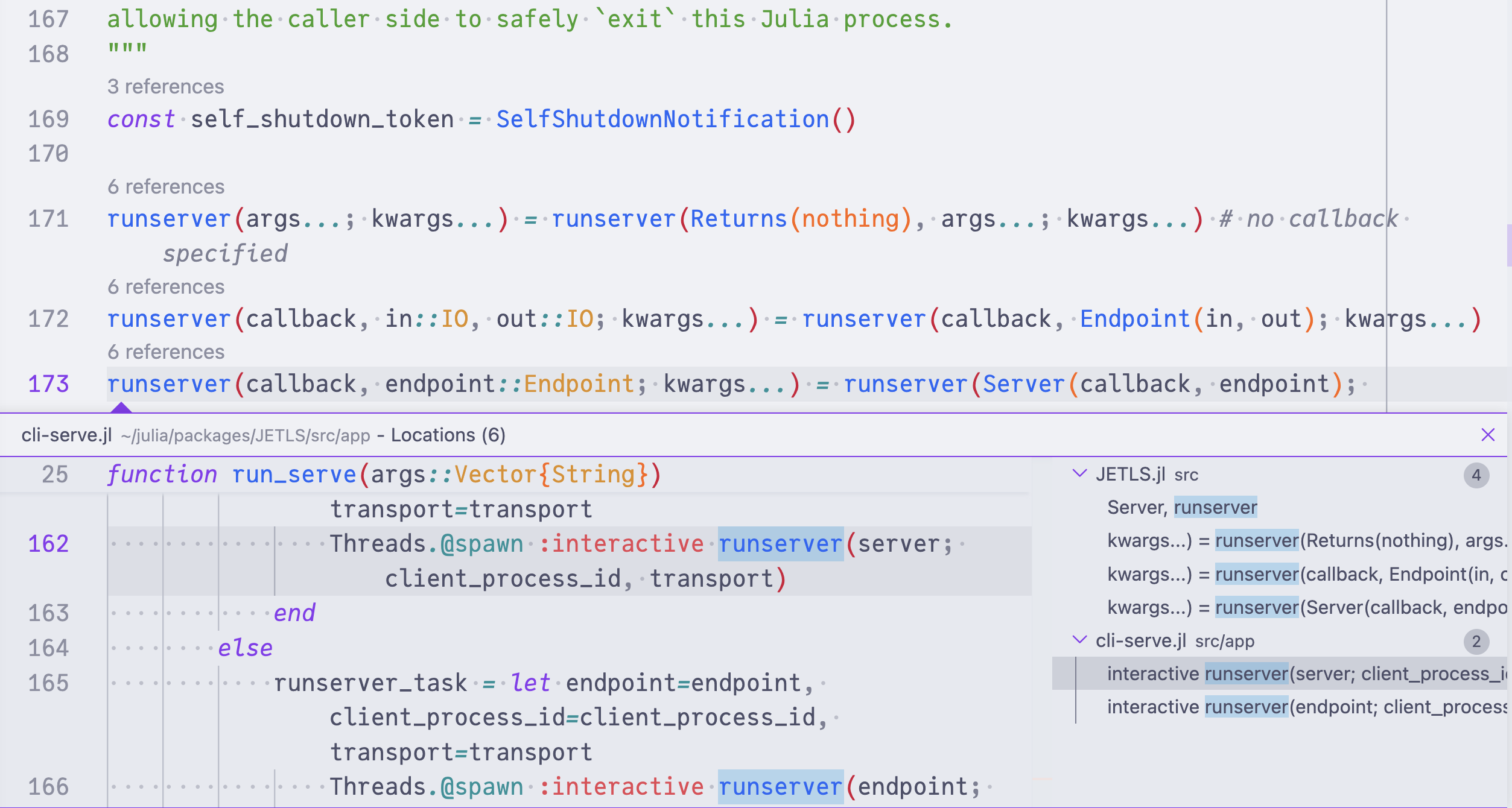
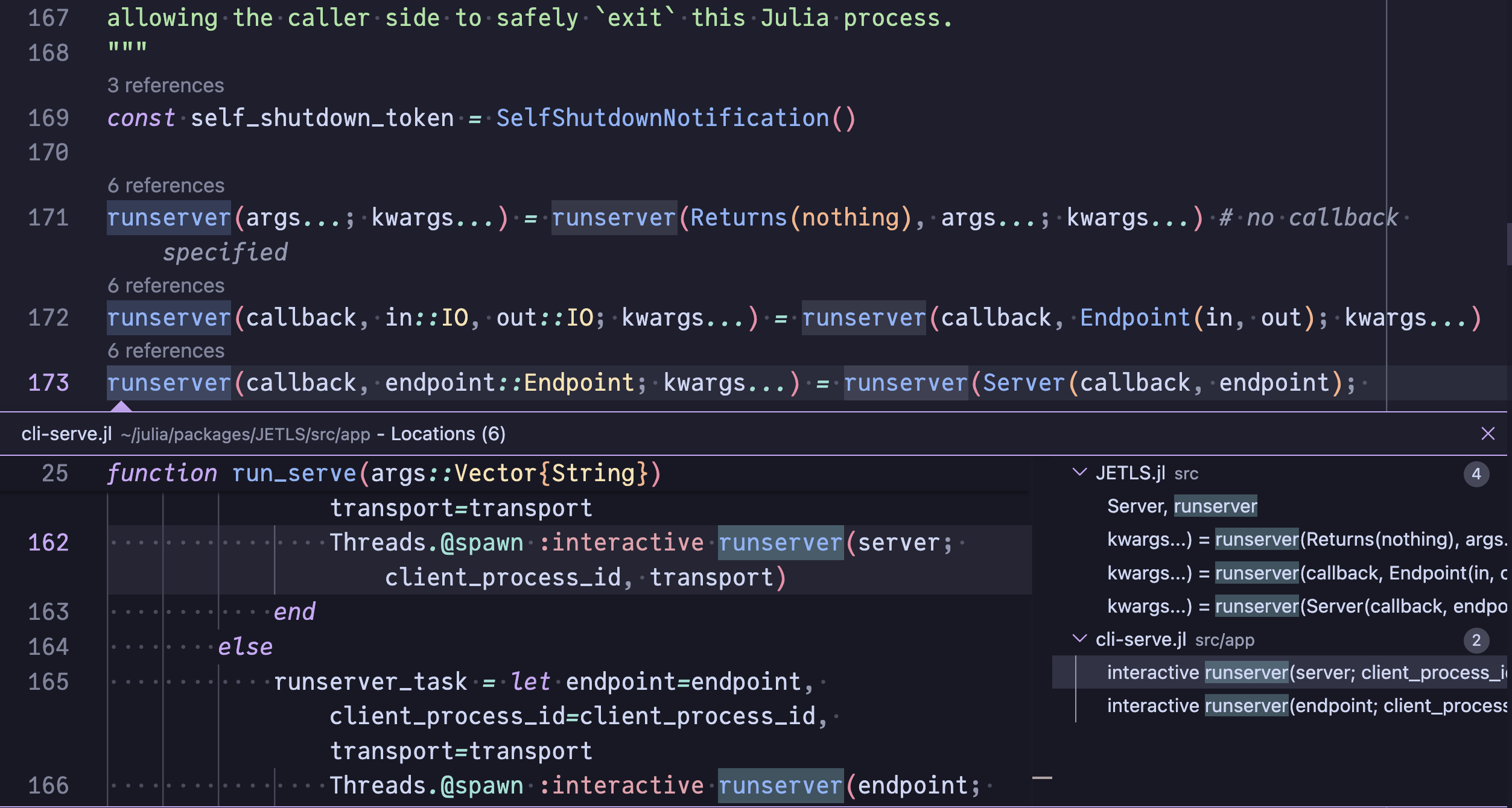
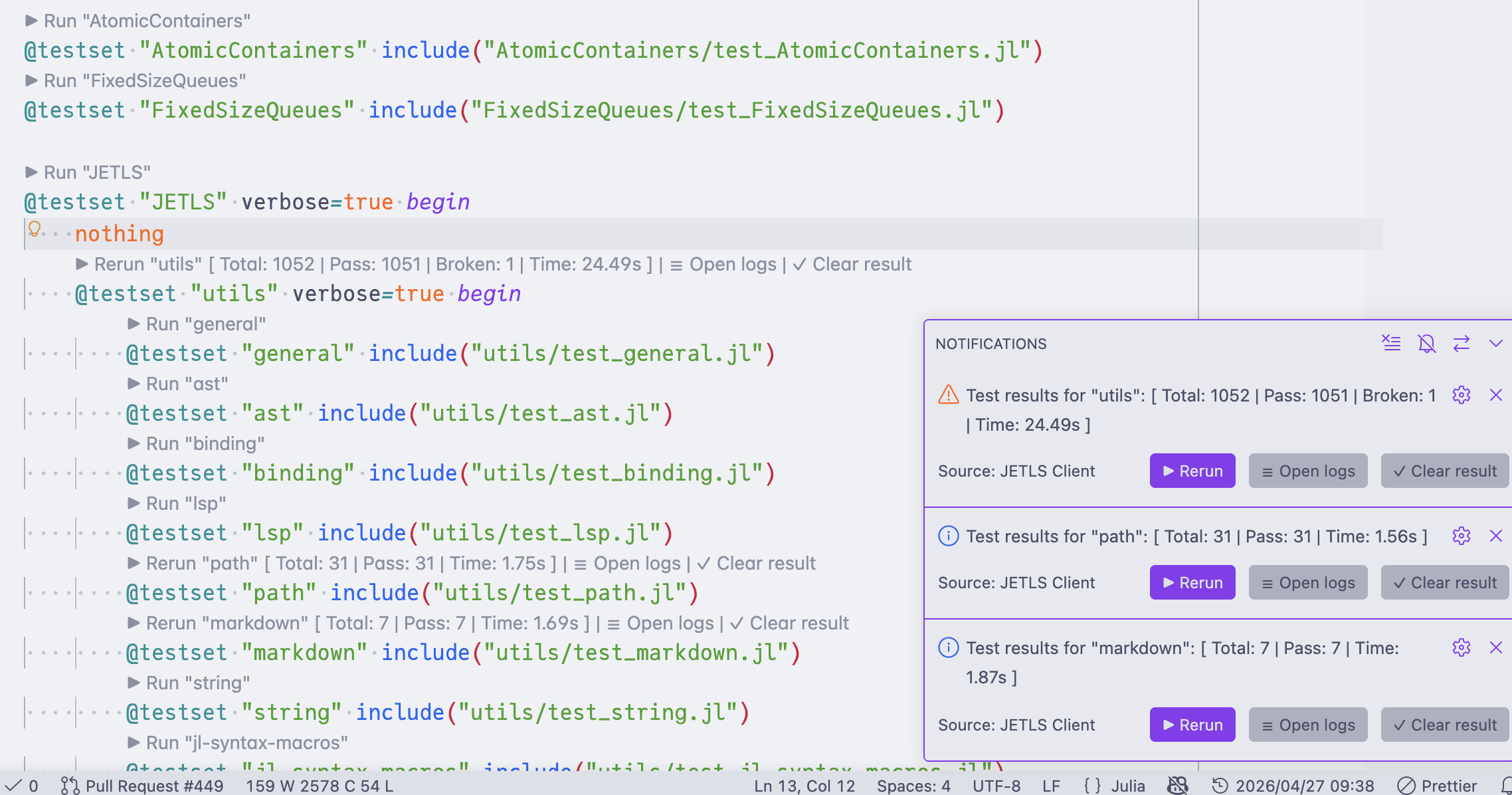
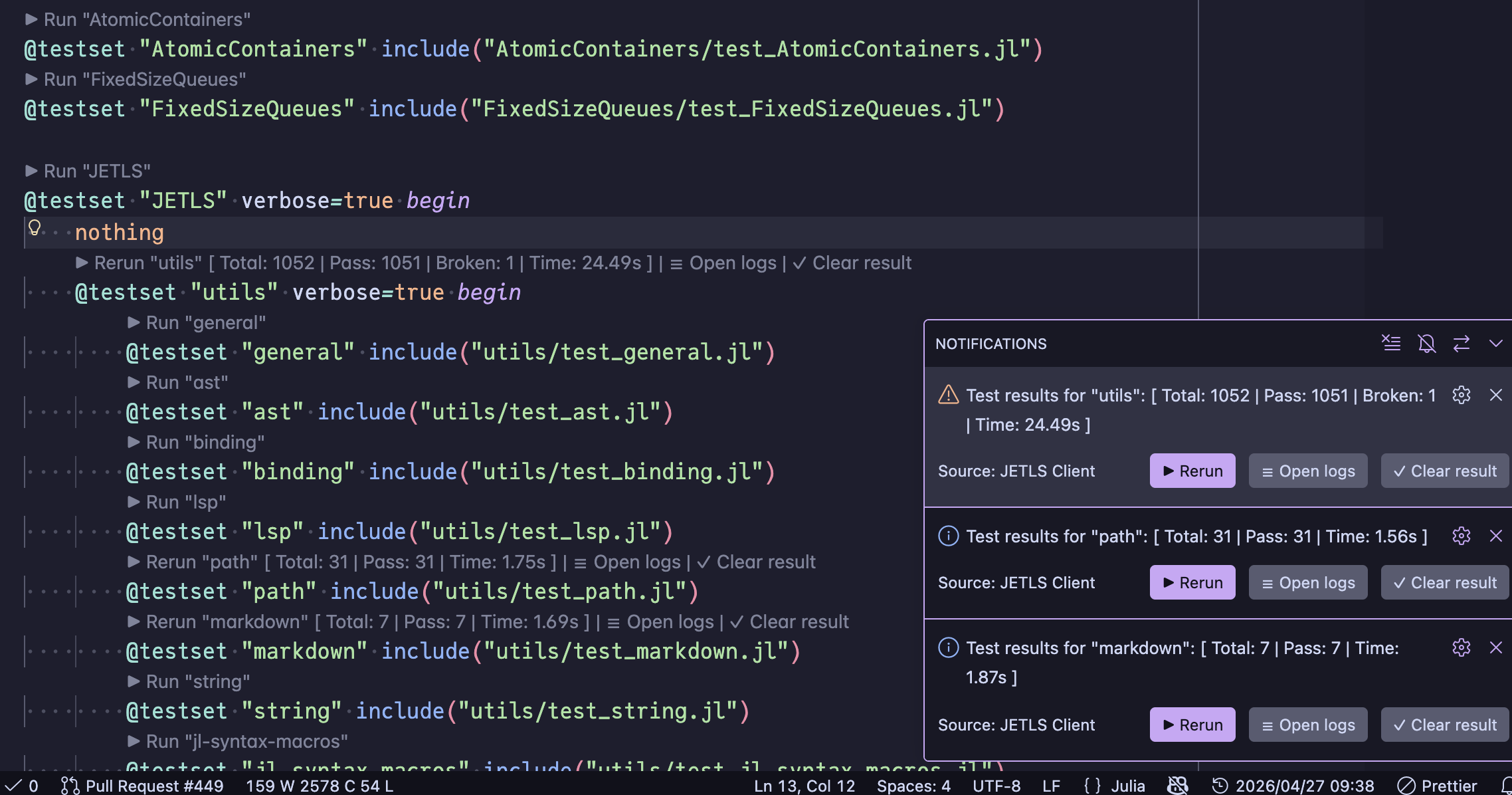
TestRunner code lens
Run and re-run @testset blocks directly from the editor. See TestRunner code lens for details.
Inlay hint
Show inline annotations in the editor without modifying the source. JETLS provides two kinds of inlay hints: structural end-tag labels for long blocks, and inferred type annotations next to expressions.
All inlay hints can be disabled via your editor's global settings (e.g. editor.inlayHints.enabled in VSCode, on by default).
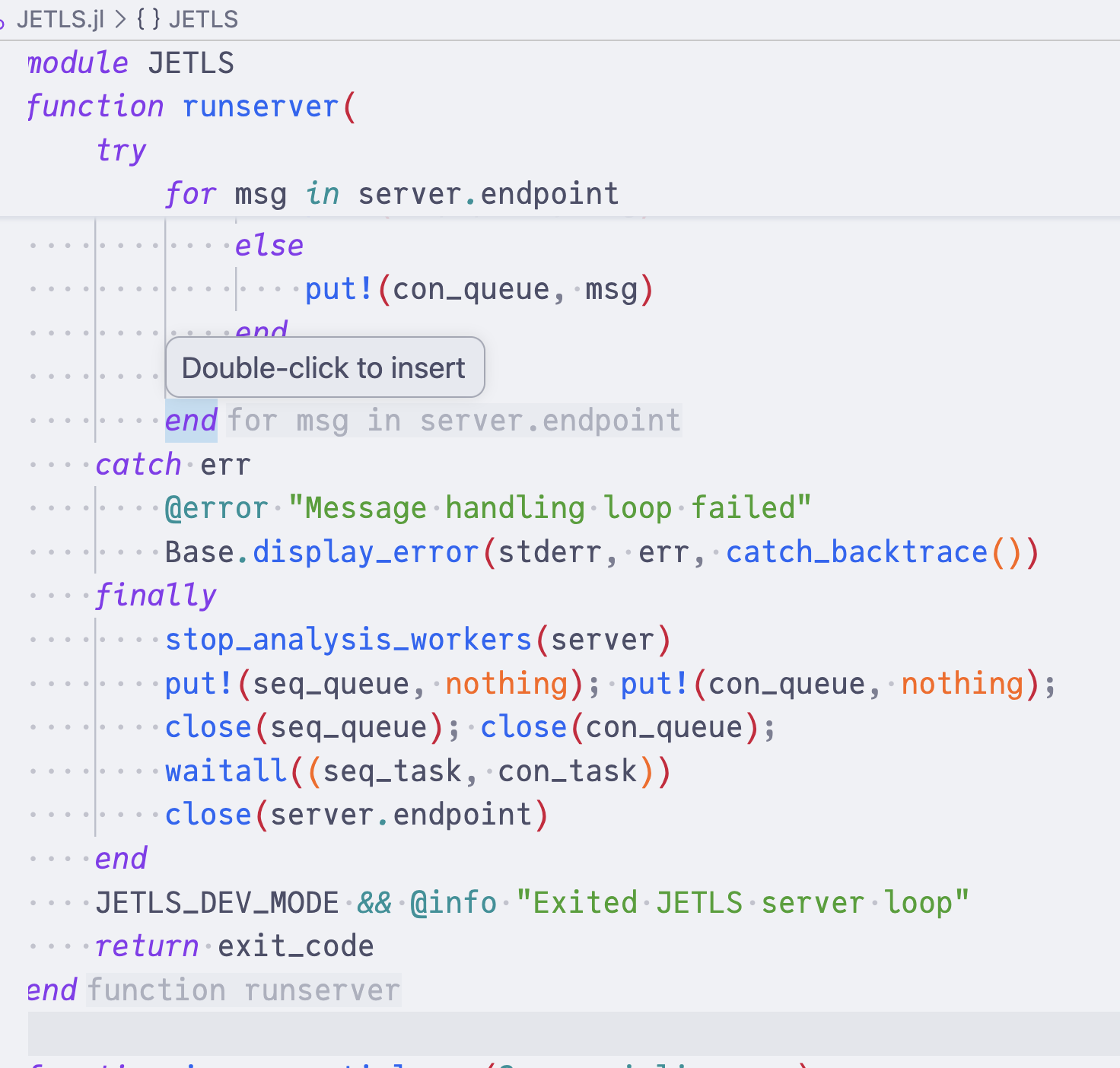
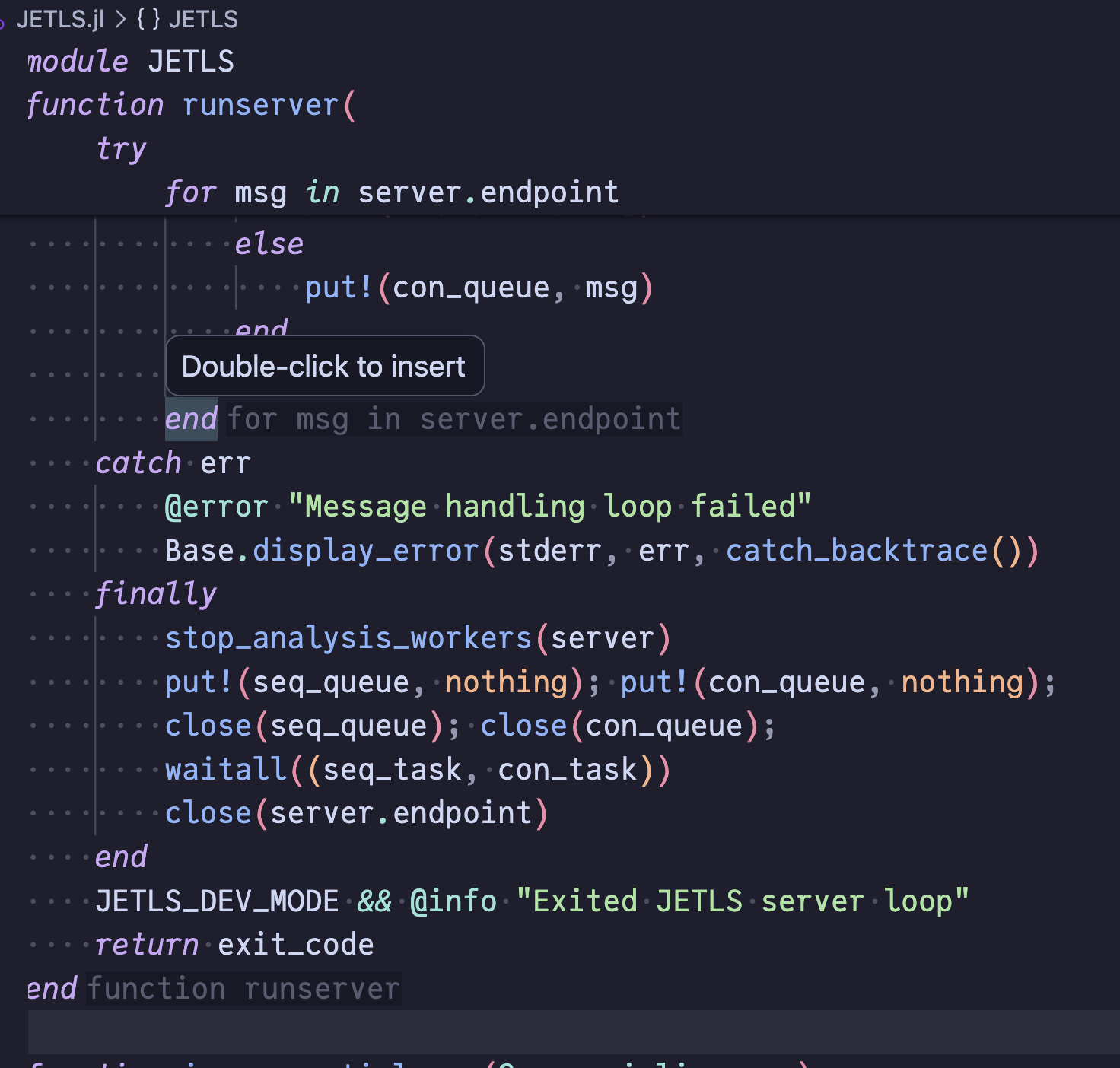
Block-end hints
Label the construct that a long end keyword closes — module Foo, function foo, @testset "foo", and so on — to make navigation in long blocks easier. See [inlay_hint.block_end] for enable/disable and threshold configuration.
Type hints
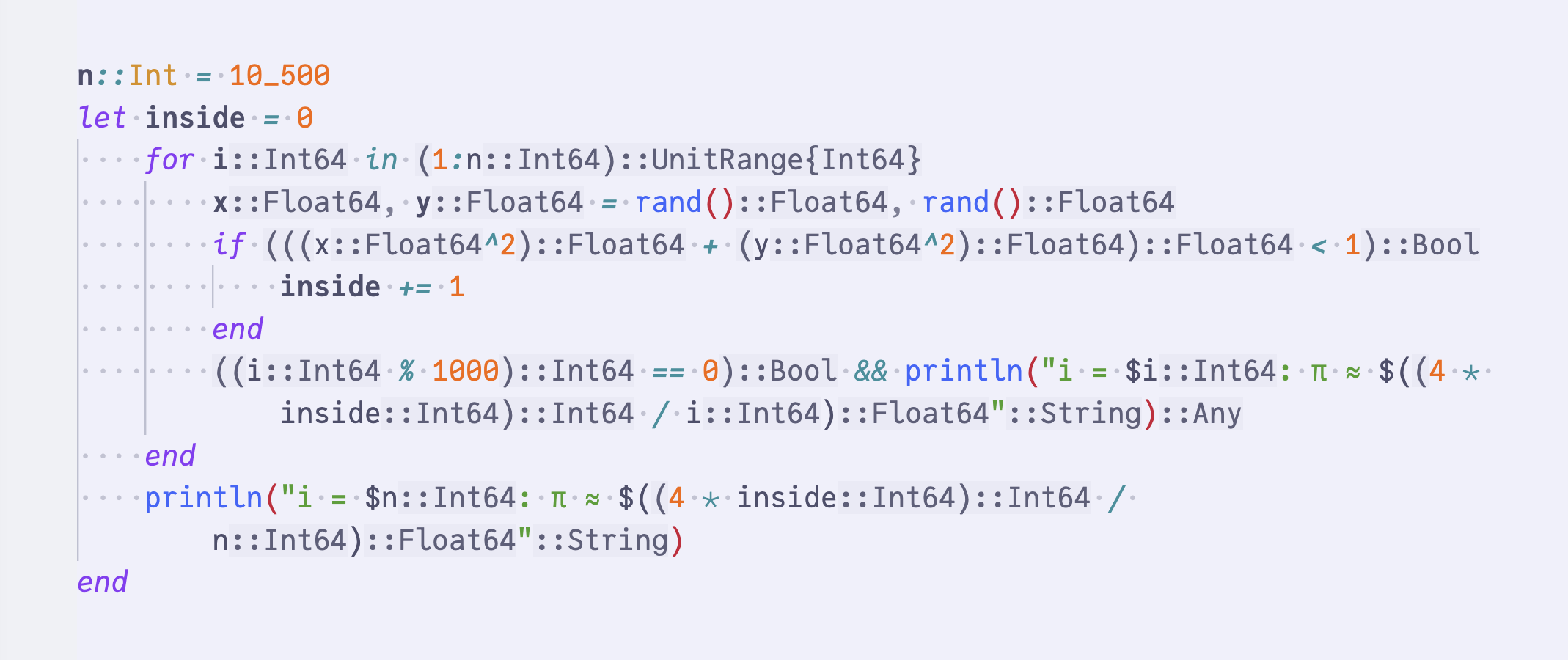
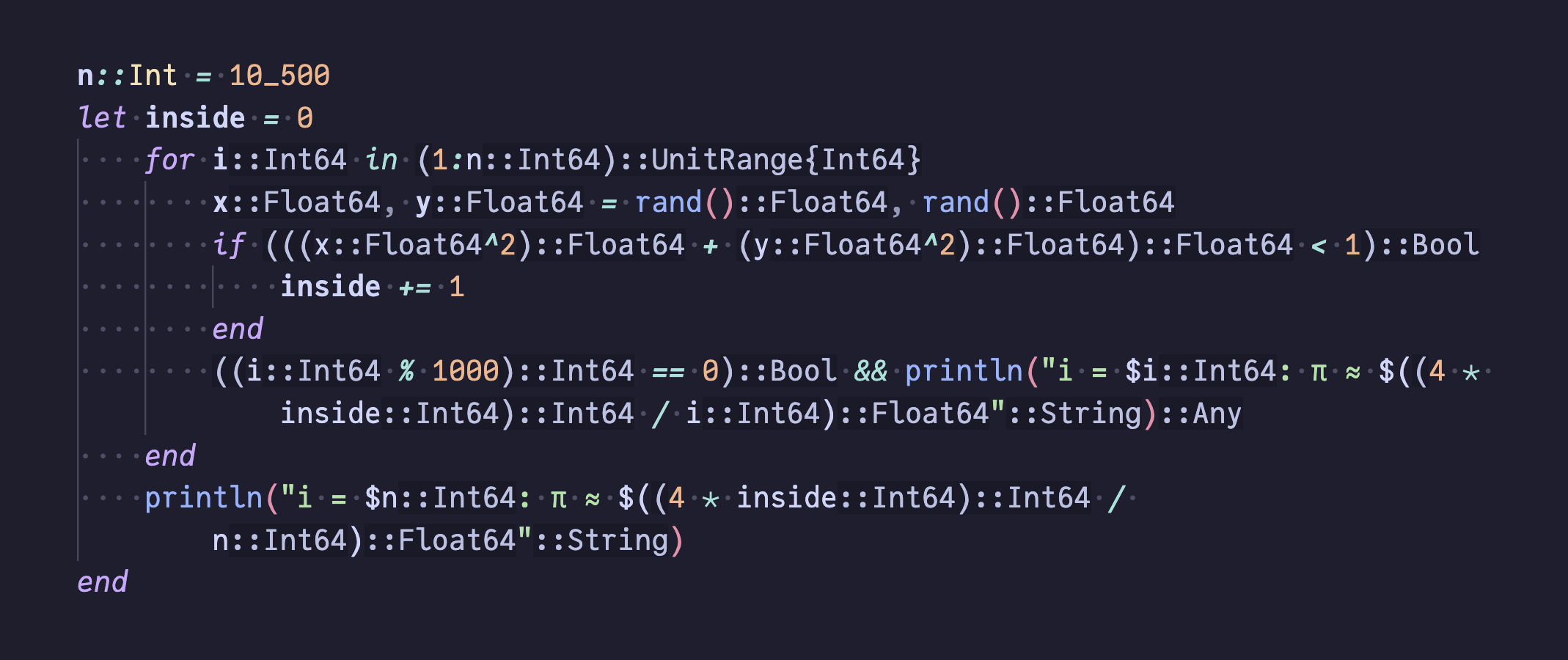
Show inferred types next to expressions — bindings, calls, function return types, branch results, etc. — so types are visible inline without hovering. Long types are clipped with … to fit inline; hover the hint to see the unclipped type in the tooltip.
Method bodies: Hints currently come from inference starting at the declared signature — parameter types as written, defaulting to Any if absent. Because this drives Julia's standard inference machinery, features like isa / isnothing narrowing and return-type merging work as expected, and the inline hints let you read those results directly off the source.
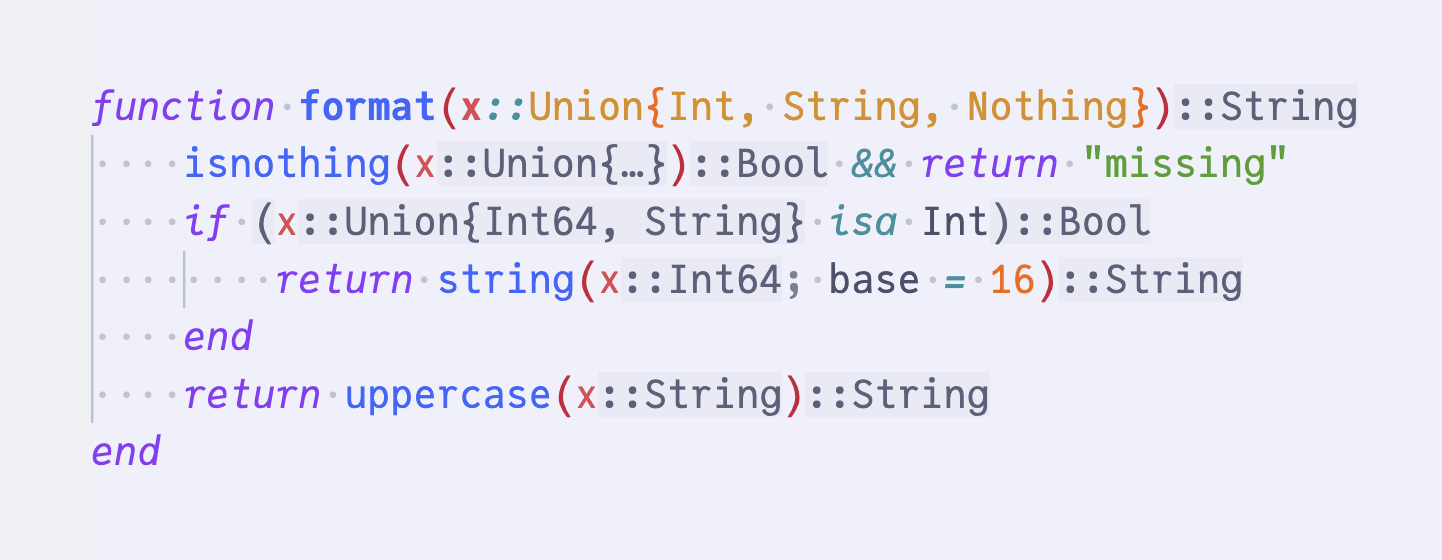
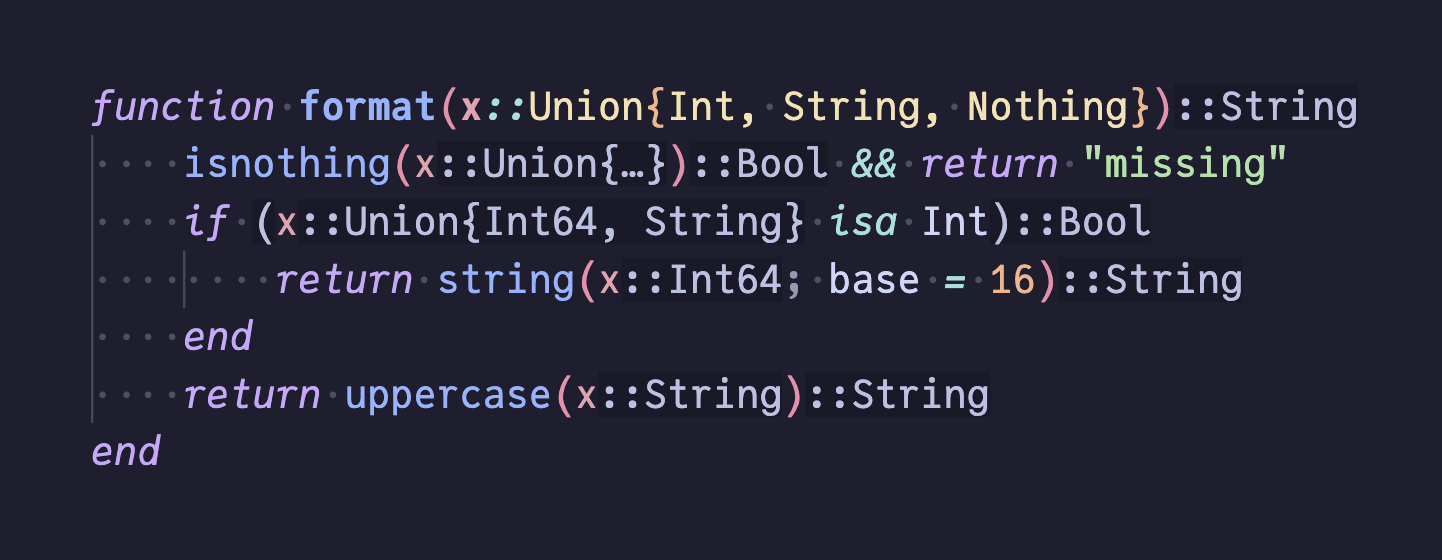
Note that, in the example above, the isnothing(x) branch shows x::Union{…} — the unclipped Union{Int, String, Nothing} is in the hover tooltip.
Top-level chunks: Type hints aren't limited to method bodies, e.g. standalone let blocks, are each inferred independently and get the same per-statement annotations.
Non-obvious types and Union{}: Types you wouldn't write by hand surface inline — Vector{SubString{String}} from split, SubString{String} from first. When inference proves an expression always errors, the type collapses to Union{}; the tooltip explains the bottom type. Here, parse(Int, head, 16) has no matching method (the right form is parse(Int, head; base = 16)), so the call receives both a ::Union{} hint and JET's method-error diagnostic.
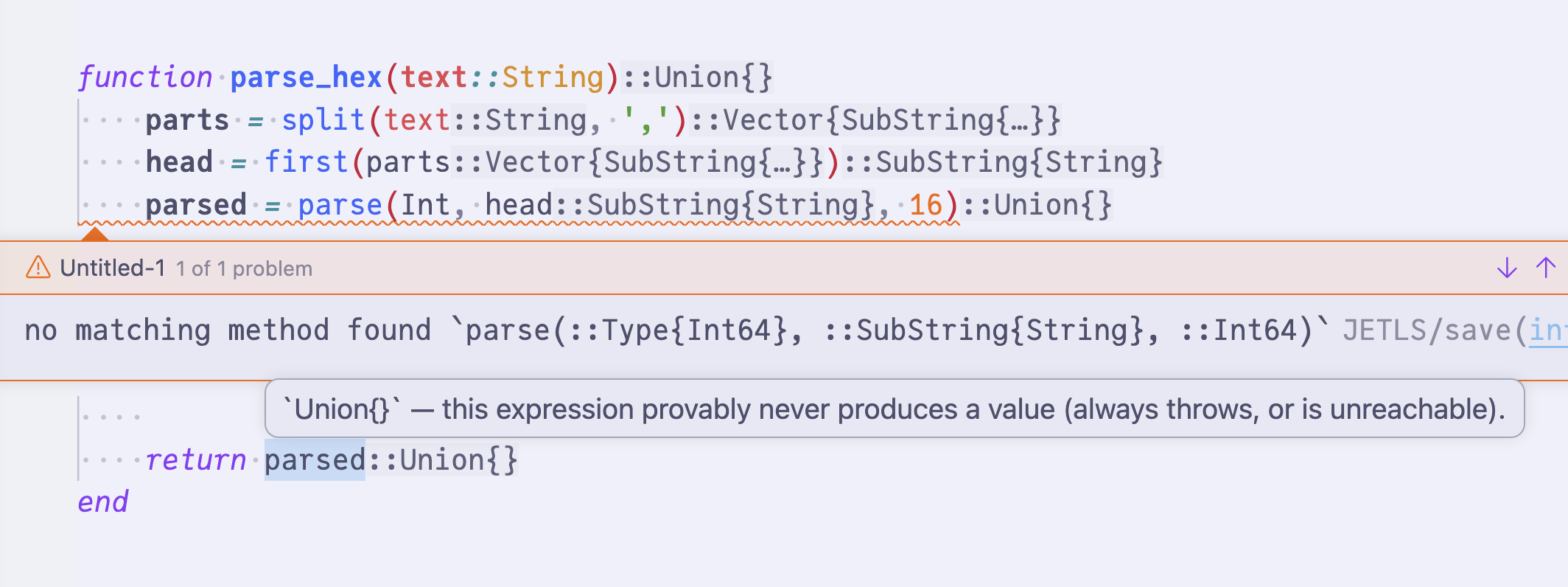
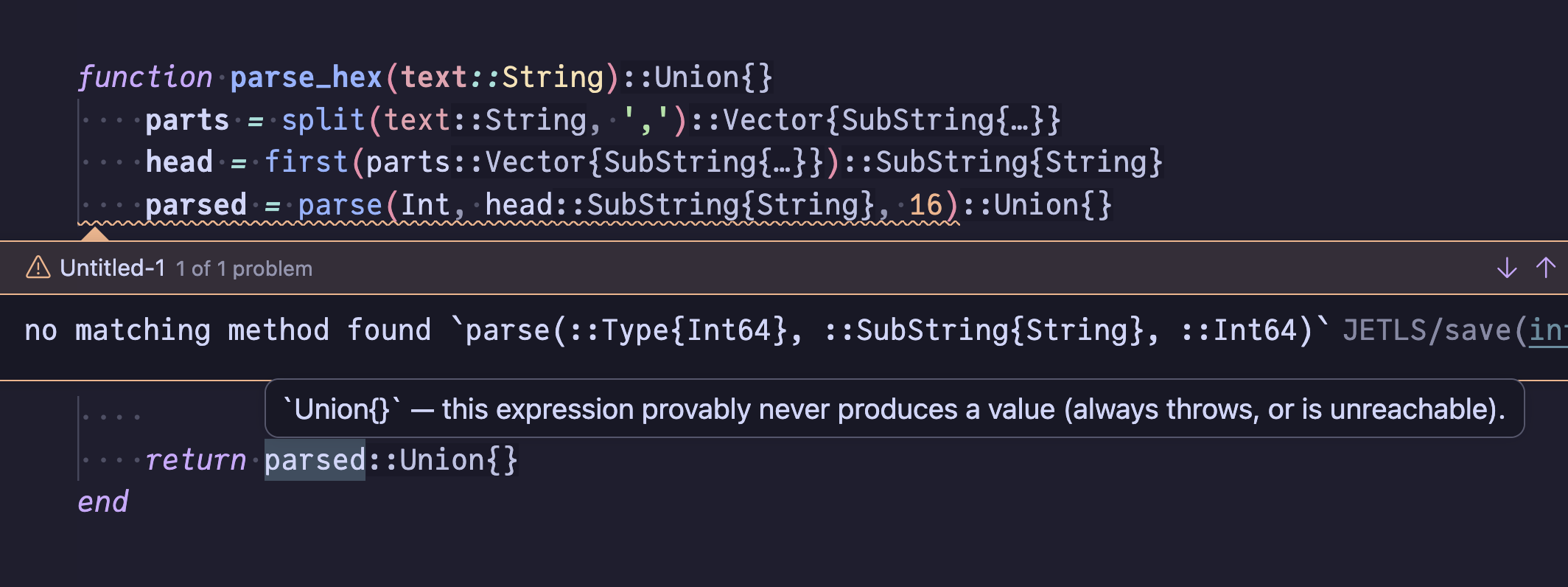
Can be disabled with [inlay_hint.types] enabled configuration.
Semantic tokens
JETLS implements textDocument/semanticTokens to augment the editor's built-in syntactic highlighter (e.g. tree-sitter or TextMate grammar) with information that requires semantic analysis. Tokens for keywords, operators, literals, comments, and macros are left to the syntactic highlighter, which typically handles them well without semantic information.
Emitted token types:
parameter— function argumentstypeParameter—whereclause type variablesvariable— locally scoped namesjetls.unspecified— global bindings (function, type, module, variable etc.) whose concrete kind JETLS does not classify. Sending a custom (non-predefined) type leaves the syntactic highlighter's color in place while still allowing modifier styling (e.g..declaration) to apply.[jetls_unspecified_styling]
Modifiers:
declaration— explicitlocal xdeclarationsdefinition— assignments, function arguments,wherebindings
How these tokens are rendered depends on the editor theme. In the screenshot below (VSCode with the Catppuccin theme), xs and factor are colored as parameter and T as typeParameter, while the locally bound total and x use the variable color. Identifiers carrying the definition modifier are rendered in bold, so the definition sites of xs, factor, T, total, and x stand out from their references.[semantic_tokens_customization]
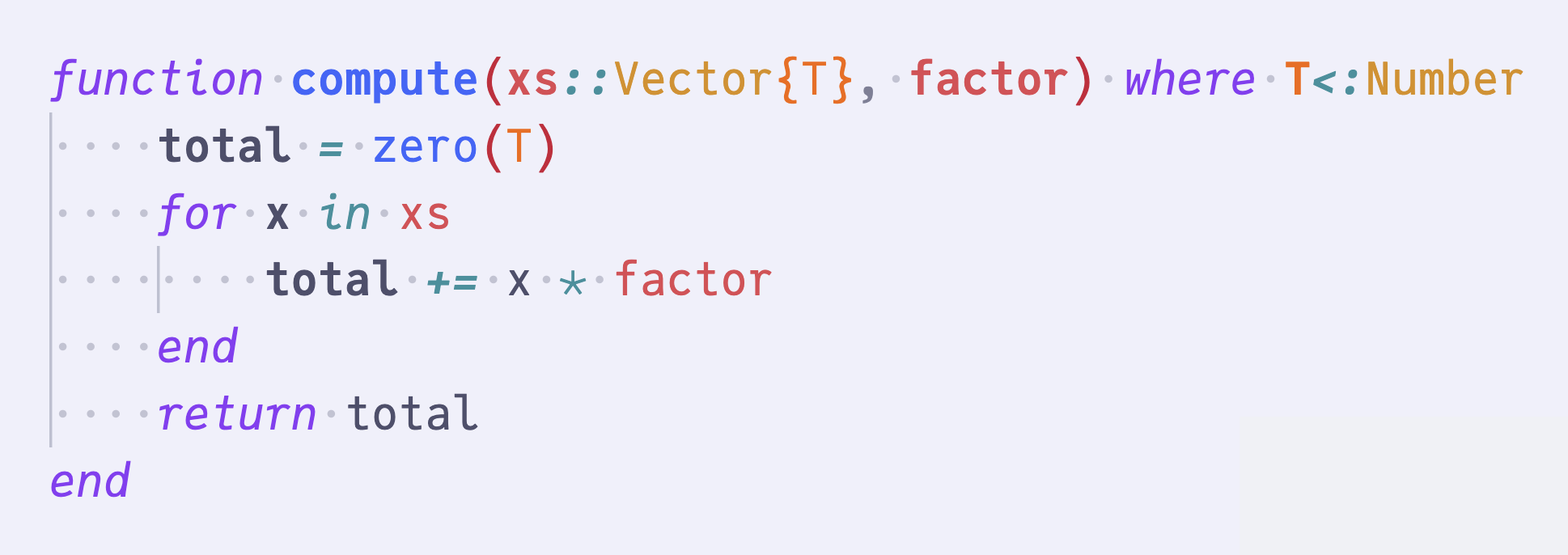
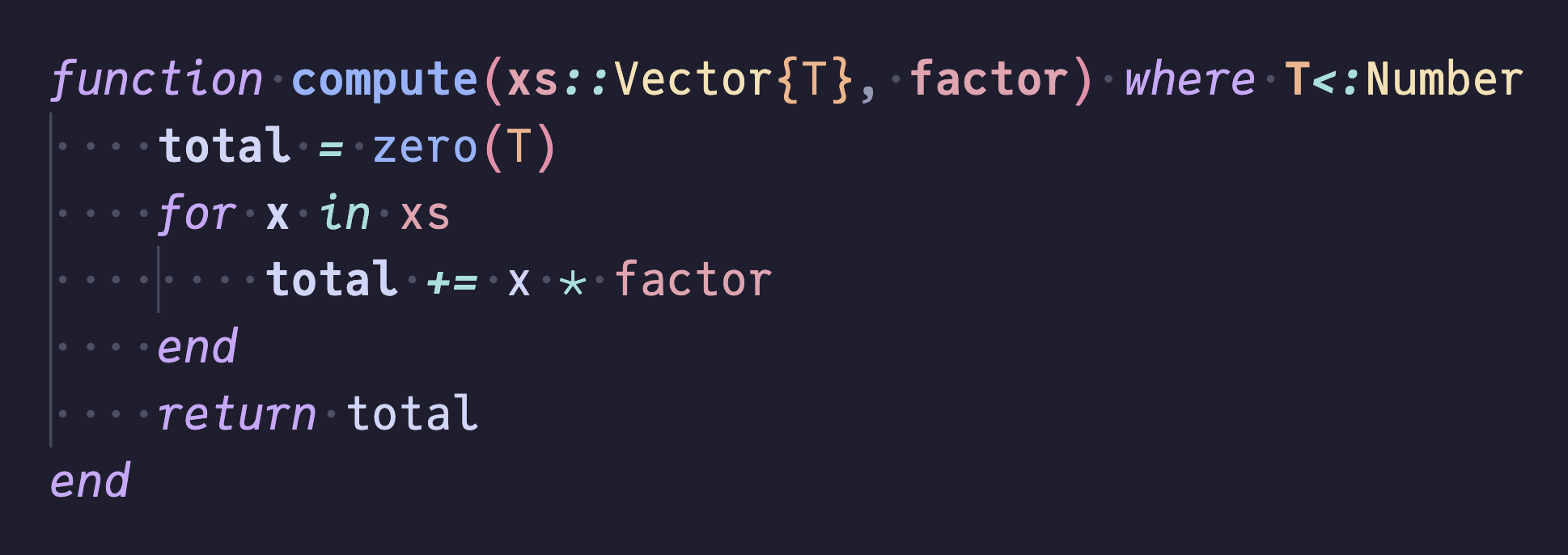
Both textDocument/semanticTokens/full and textDocument/semanticTokens/range requests are supported. Delta updates are not implemented.
Because JETLS only emits identifier classifications and leaves keywords / operators / literals / comments / macros to the editor's syntactic highlighter, semantic tokens are only registered when the client advertises augmentsSyntaxTokens = true in its capabilities. Clients that do not declare this capability, or that explicitly set it to false, will not have JETLS's semantic tokens feature activated.
Completion
JETLS provides type-aware code completion with multiple modes.
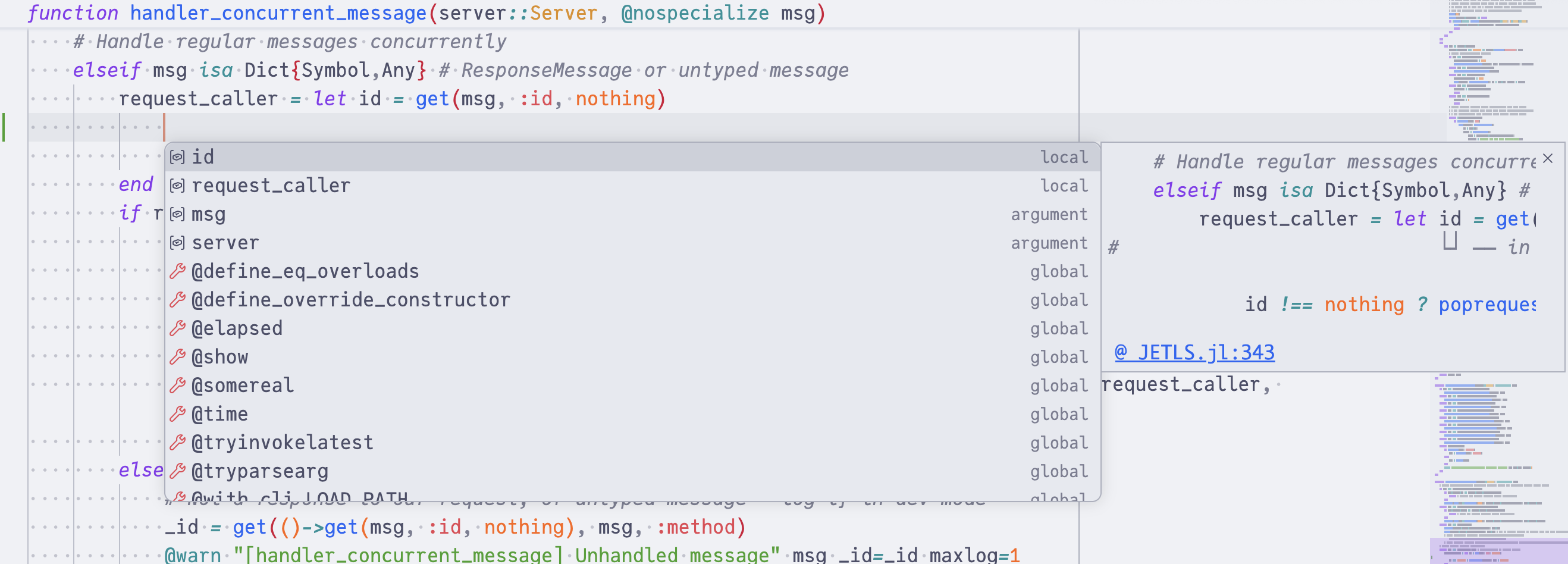
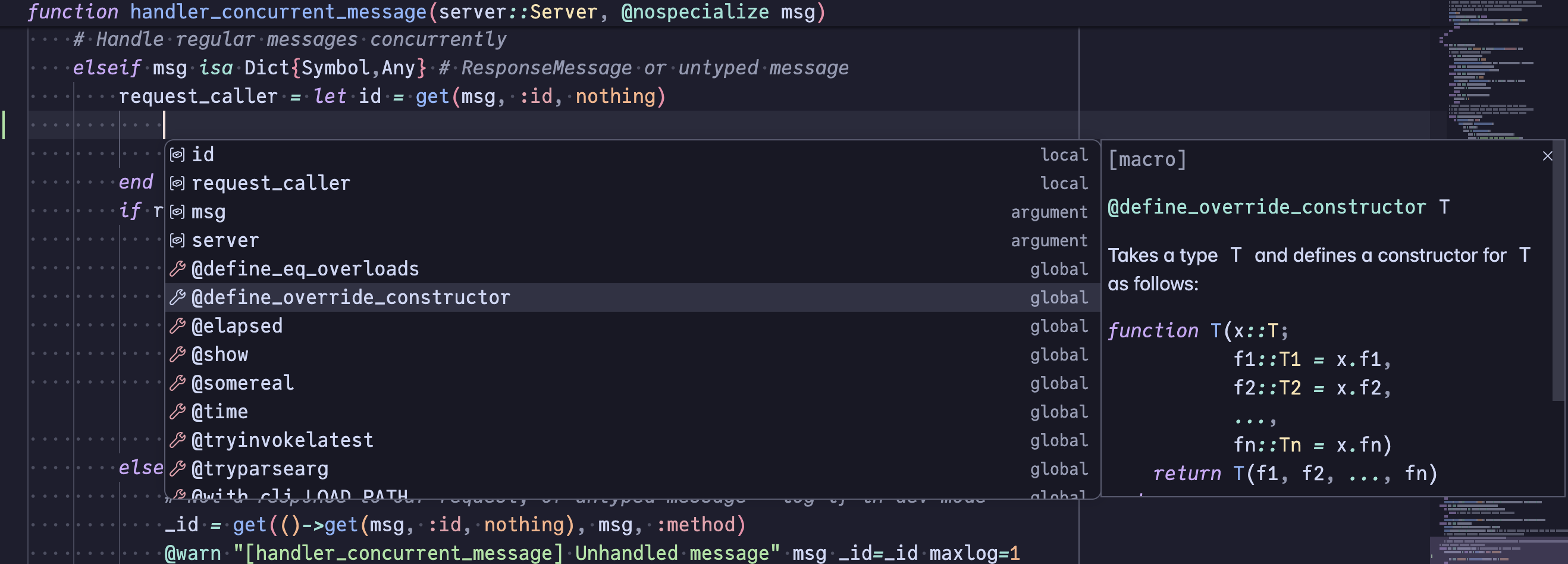
Global and local completion
Completion for global symbols (functions, types, modules, constants) and local bindings. Global completion items include detailed kind information resolved lazily when a candidate is selected.
Property completion
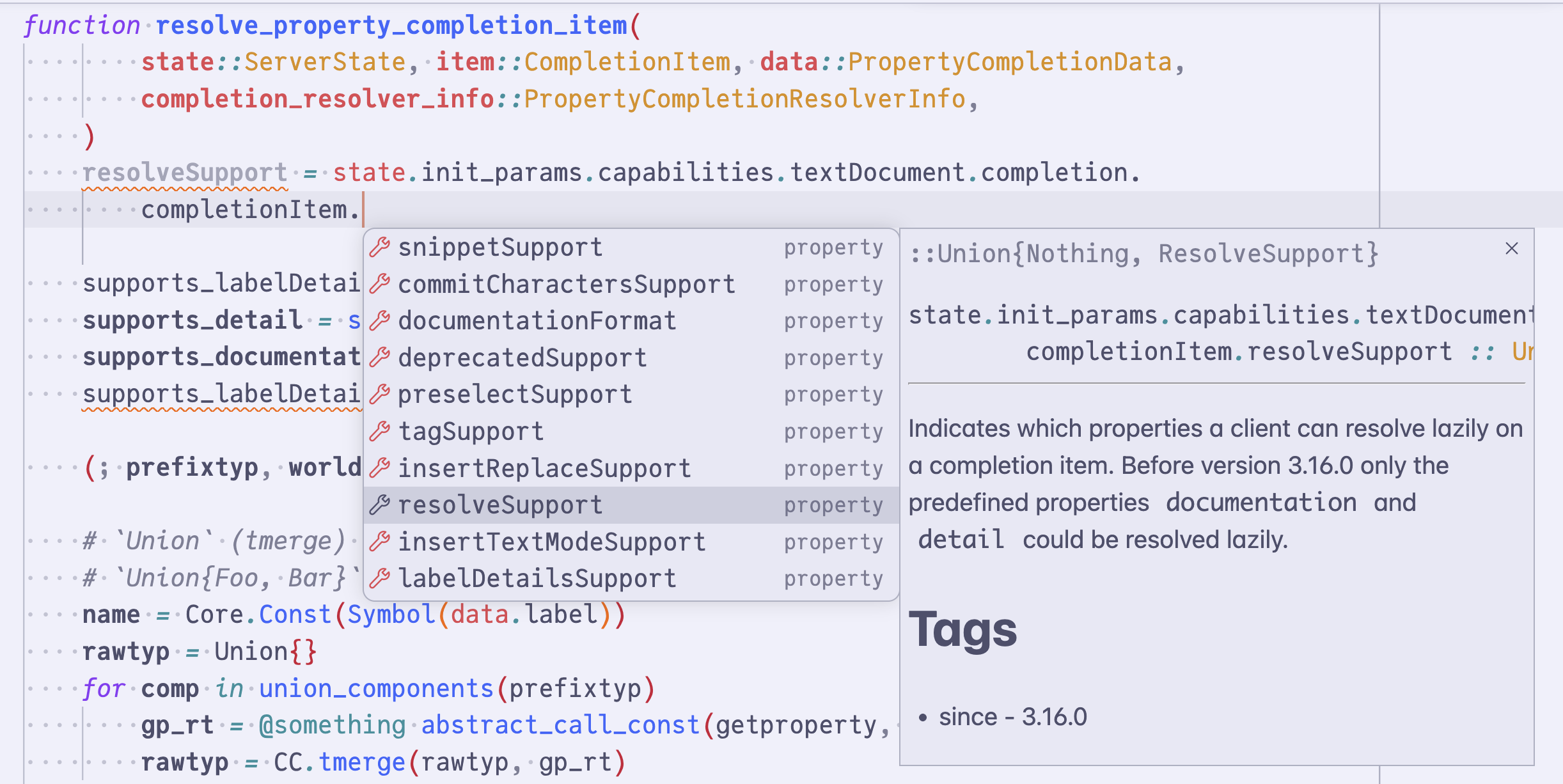
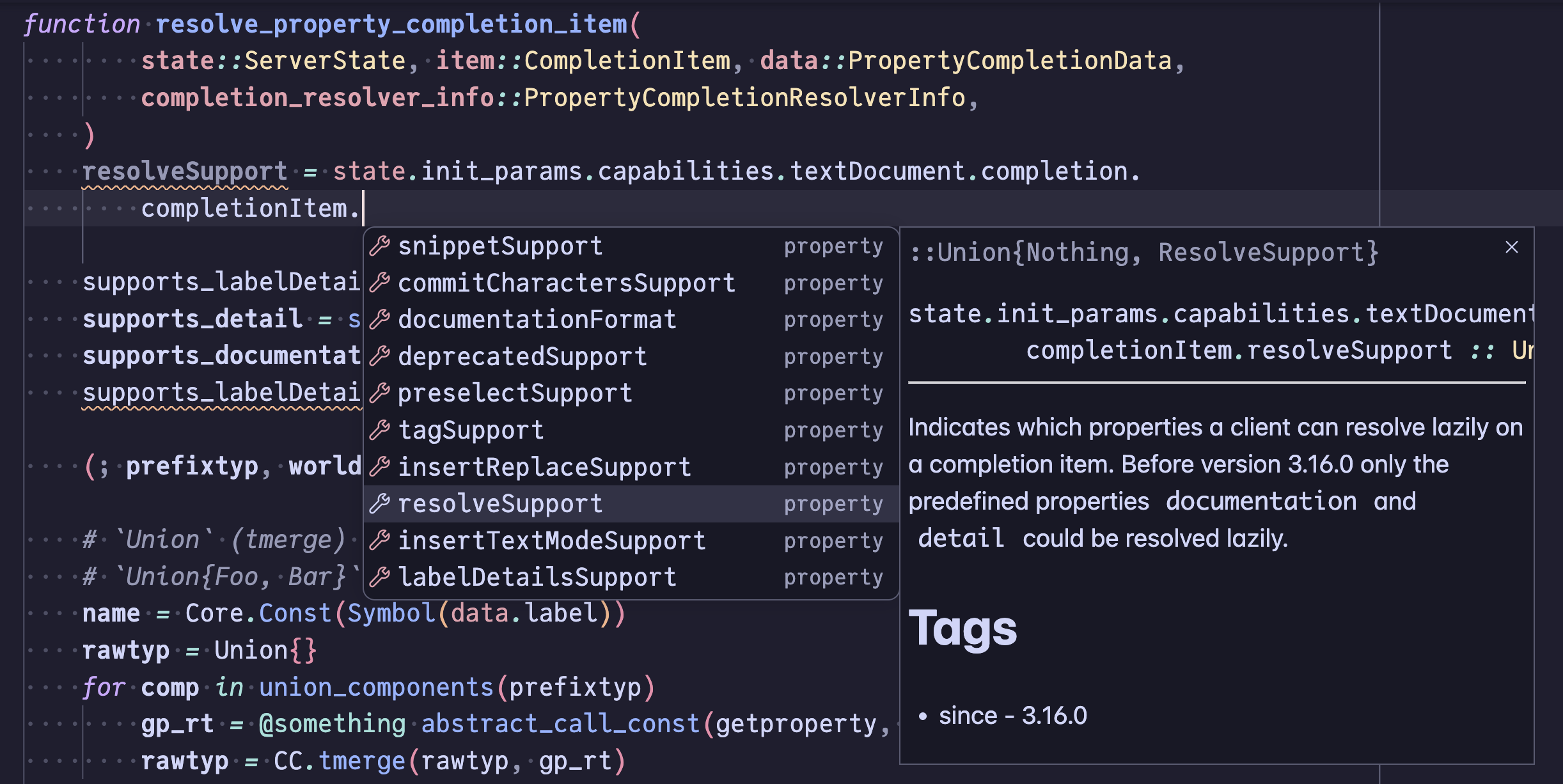
Triggered automatically by typing . after a typed expression (x.│, r.pat│). Candidate names are derived from the dot prefix's inferred type via propertynames(::T), so general struct property names and types that define a custom propertynames overload are both handled uniformly. The inferred type of each property (x.field :: T) is resolved lazily, only when the client requests details for a focused item. The resolved documentation panel additionally includes the per-field docstring attached to that field in its struct definition when one is present.
For union-typed prefixes (x::Union{Foo, Bar}), the offered names are the union of each component's properties, and the resolved type detail merges each component's per-property type. The common Union{T, Nothing} pattern thus still surfaces T's properties.
When the dot prefix is a module (Base.│), the request falls through to module-member completion (see Global and local completion).
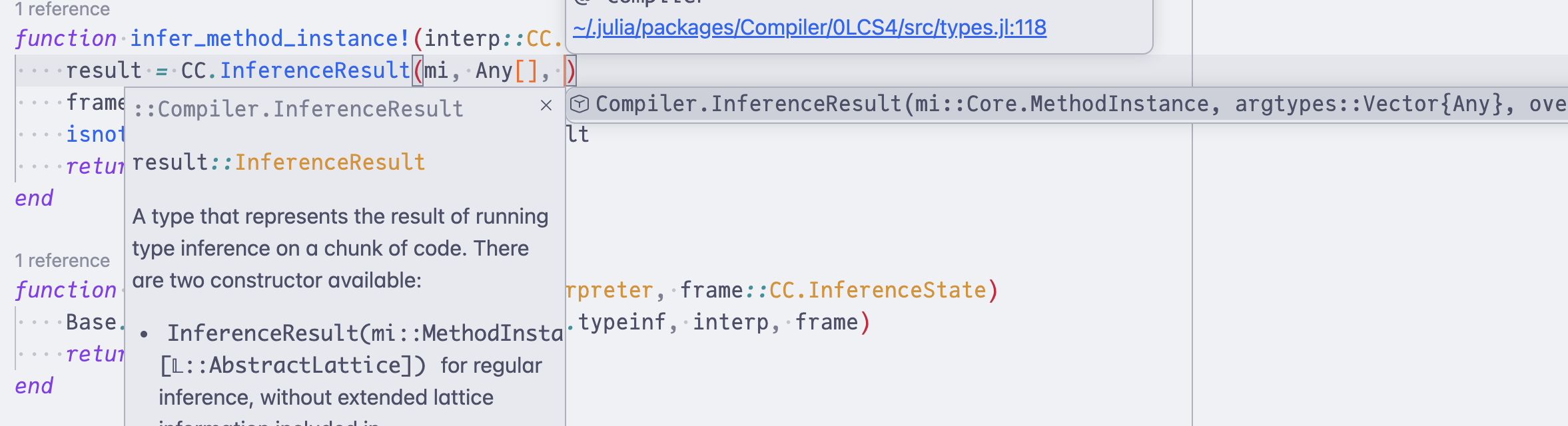
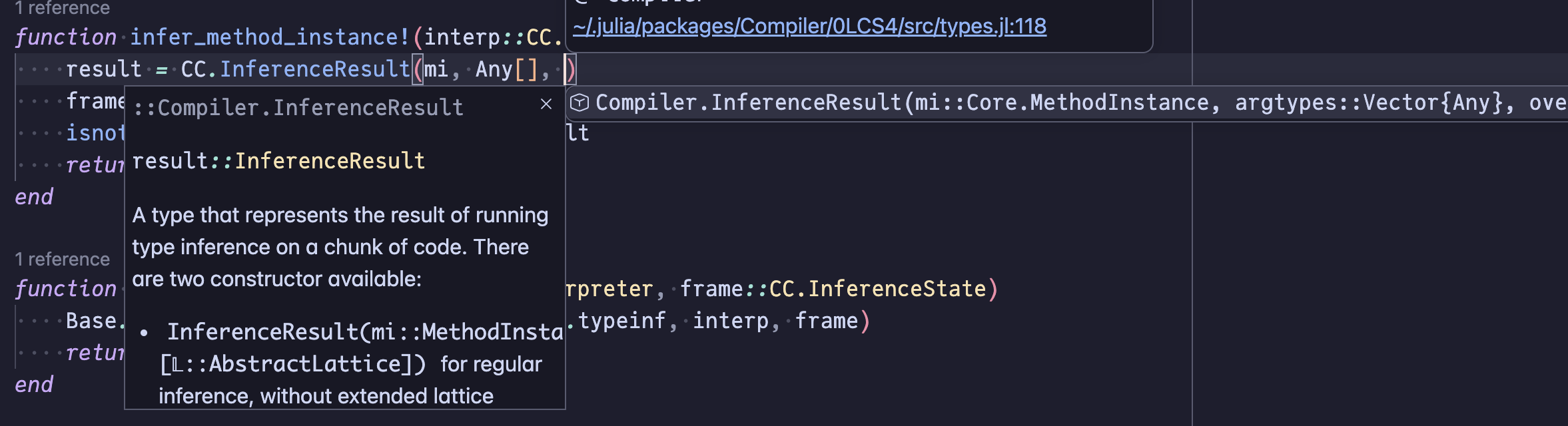
Method signature completion
Triggered inside a function call (after (, ,, or space). Compatible method signatures are suggested based on the inferred type of each argument at the call site (mirroring Signature help's filtering — arbitrary local-scope expressions are included). Selecting a candidate inserts remaining positional arguments as snippet placeholders with type annotations. Inferred return type and documentation are resolved lazily.
Keyword argument completion
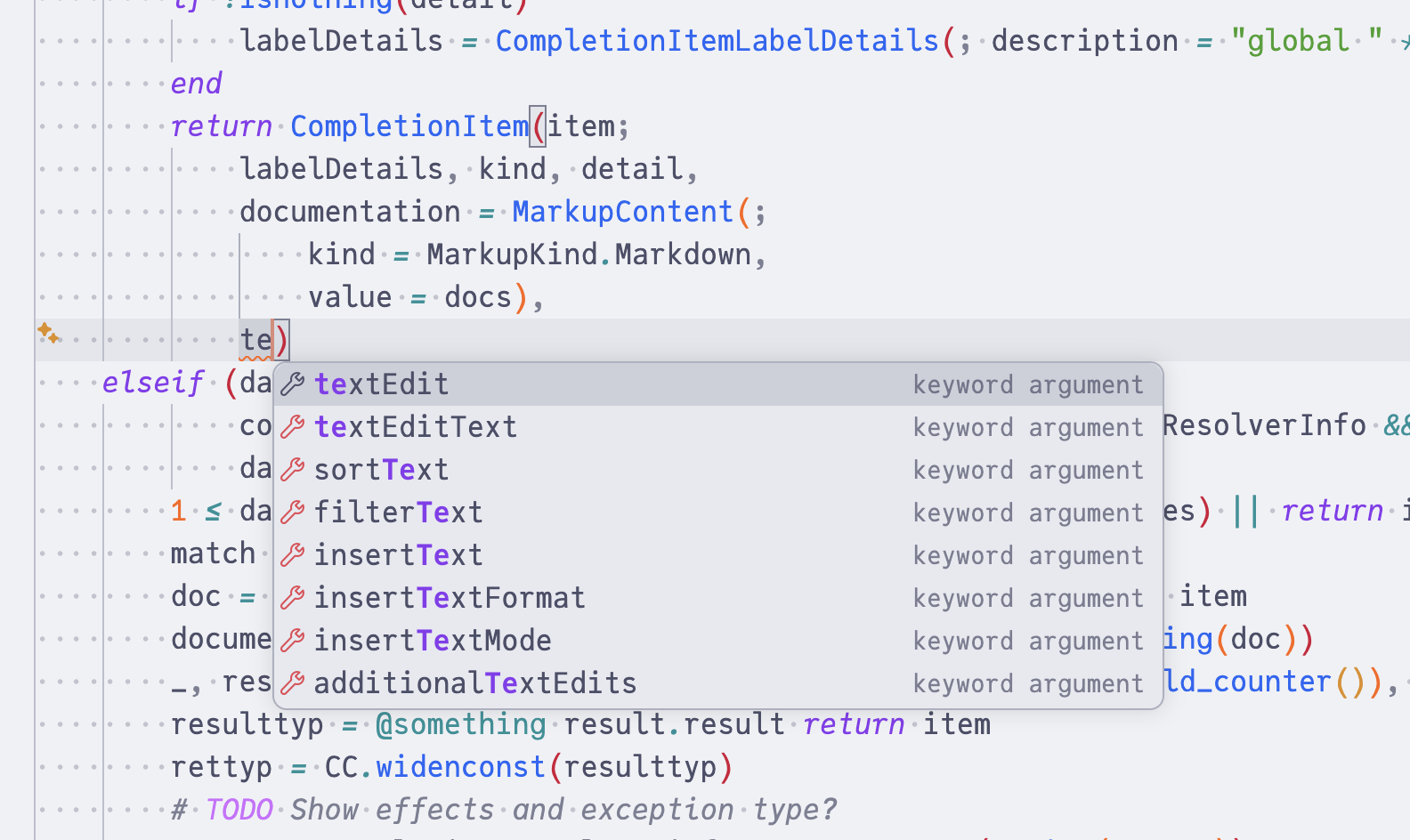
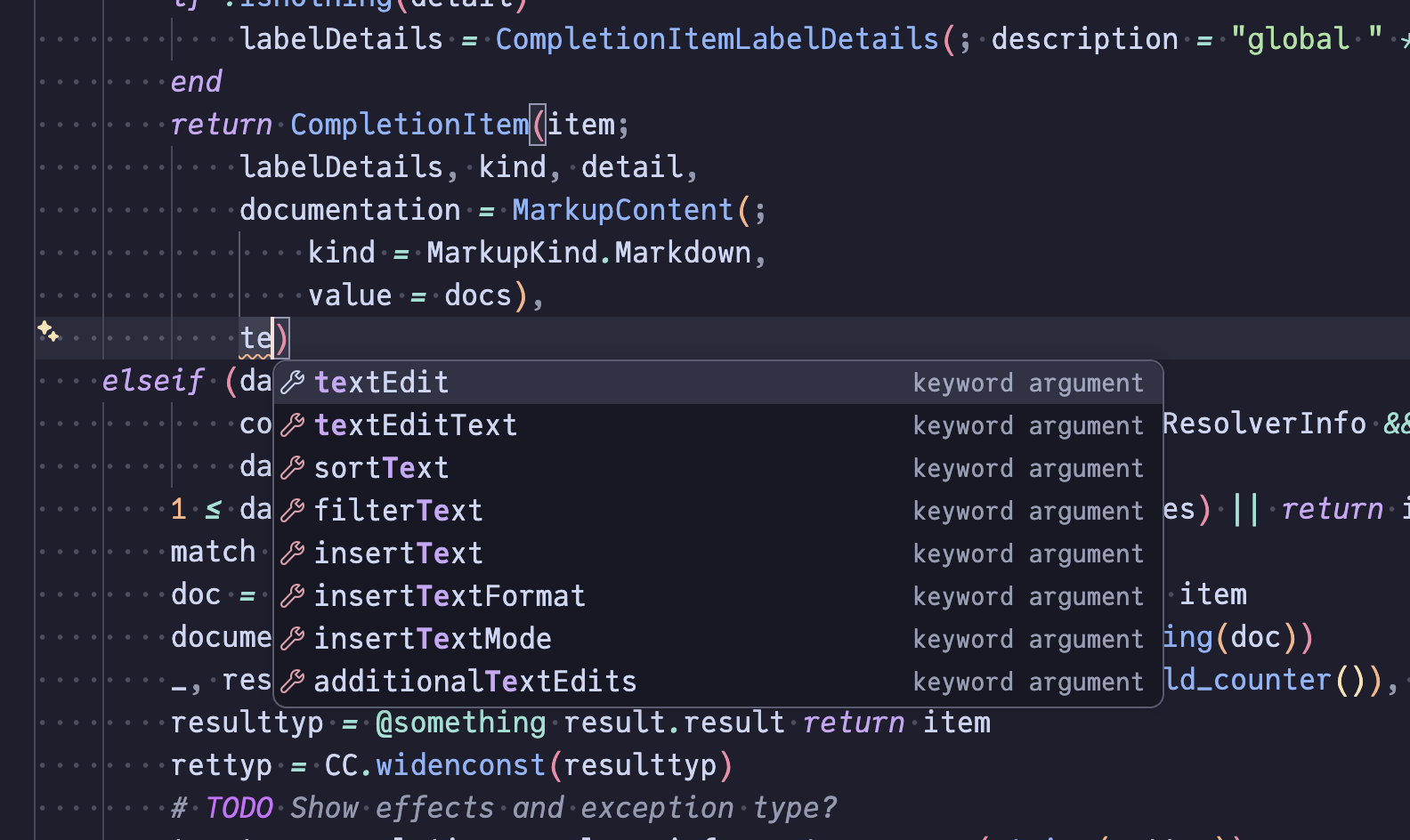
Triggered inside a function call at the keyword argument position (e.g. func(; |) or func(k|)). Available keyword arguments are suggested with = appended. Already-specified keywords are excluded.
LaTeX and emoji completion
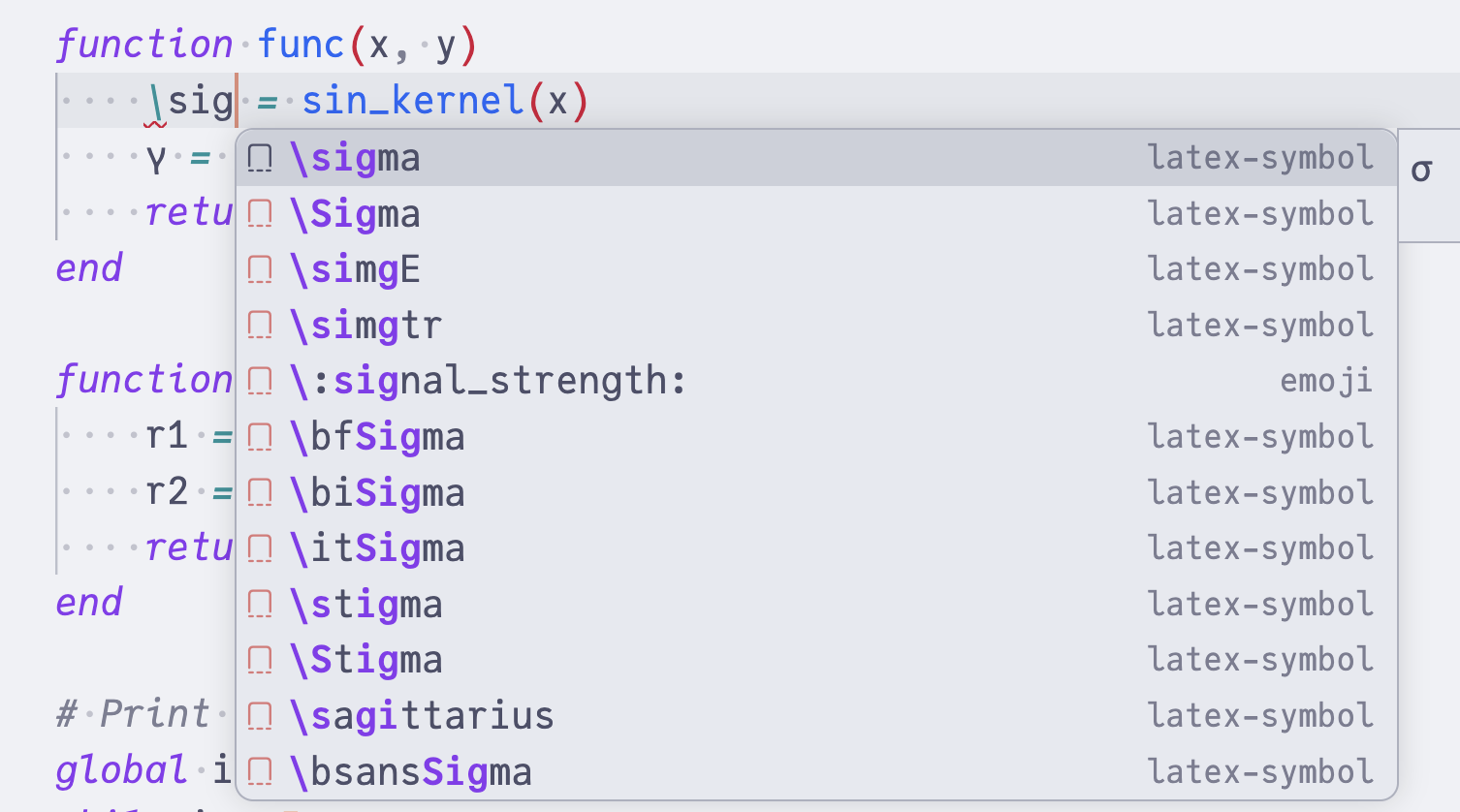
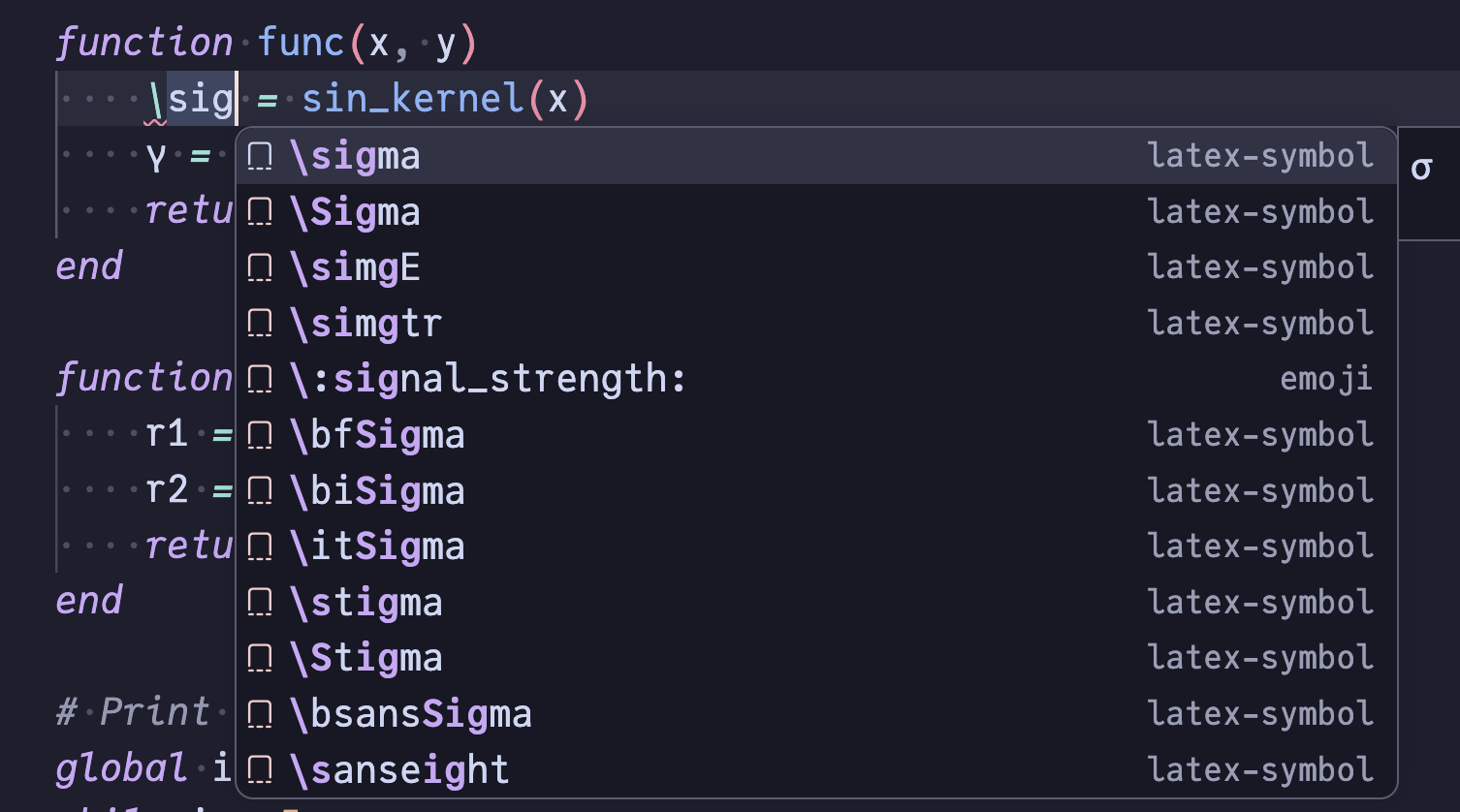
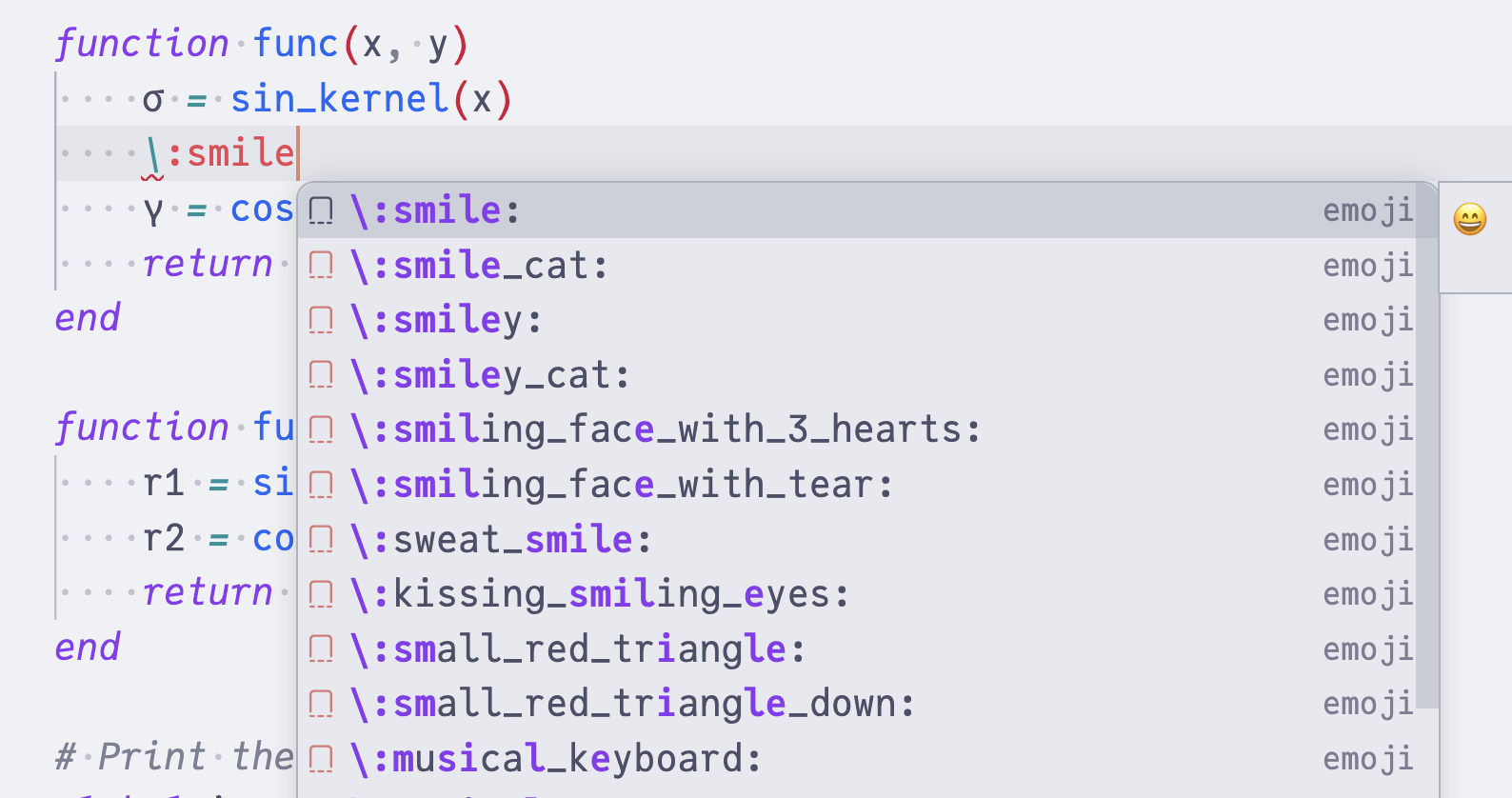
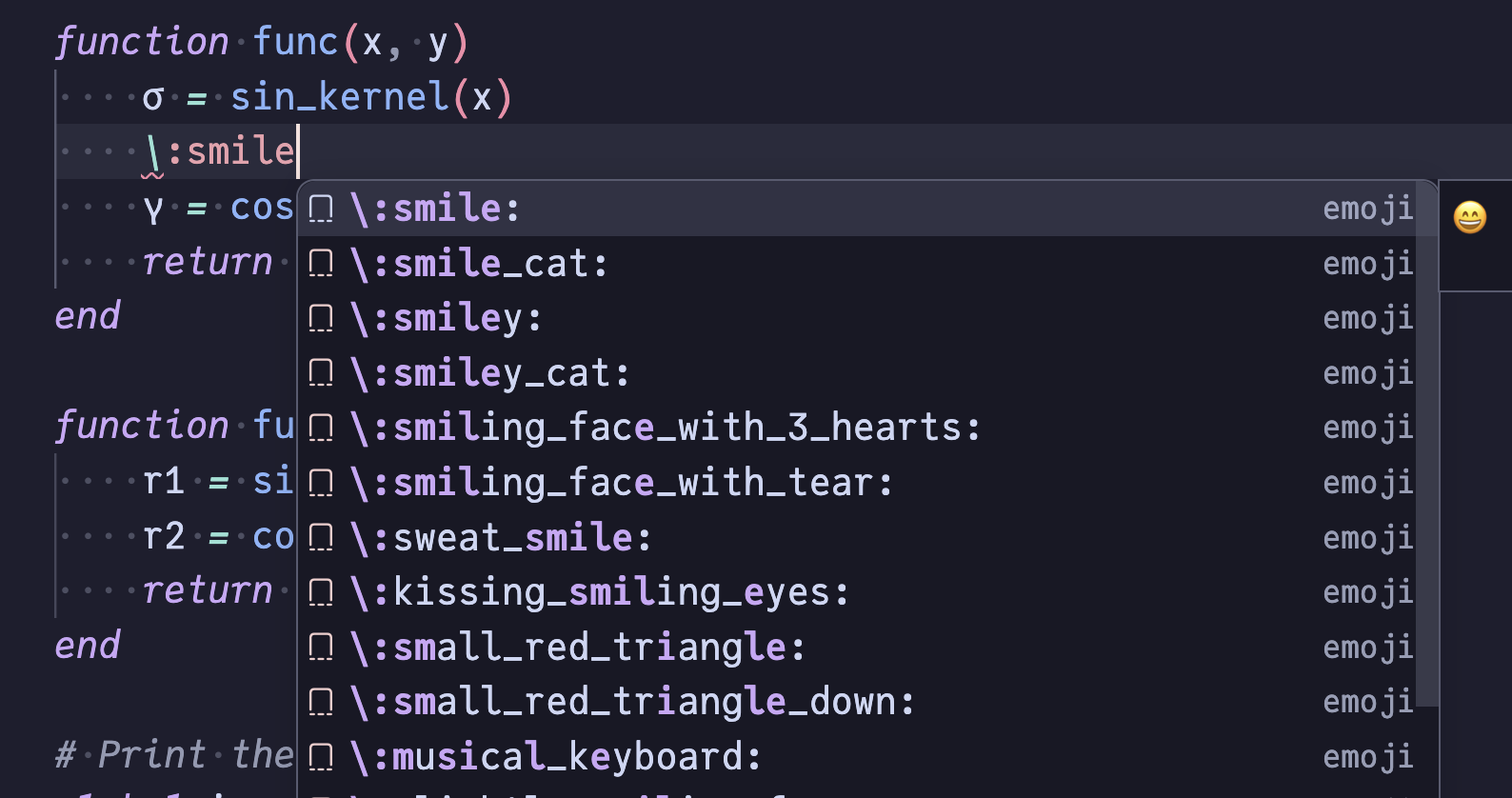
Type \ to trigger LaTeX symbol completion (e.g. \alpha → α) or \: to trigger emoji completion (e.g. \:smile: → 😄), mirroring the Julia REPL.
| Trigger | Example |
|---|---|
LaTeX symbol (\) |
|
Emoji (\:) |
|
Signature help
Method signatures are displayed as you type function arguments. Methods are filtered based on the inferred type of each argument at the call site, including arbitrary local-scope expressions. For example, both sin(1,│) and let x = rand(Int); sin(x,│); end show only methods compatible with an Int first argument.
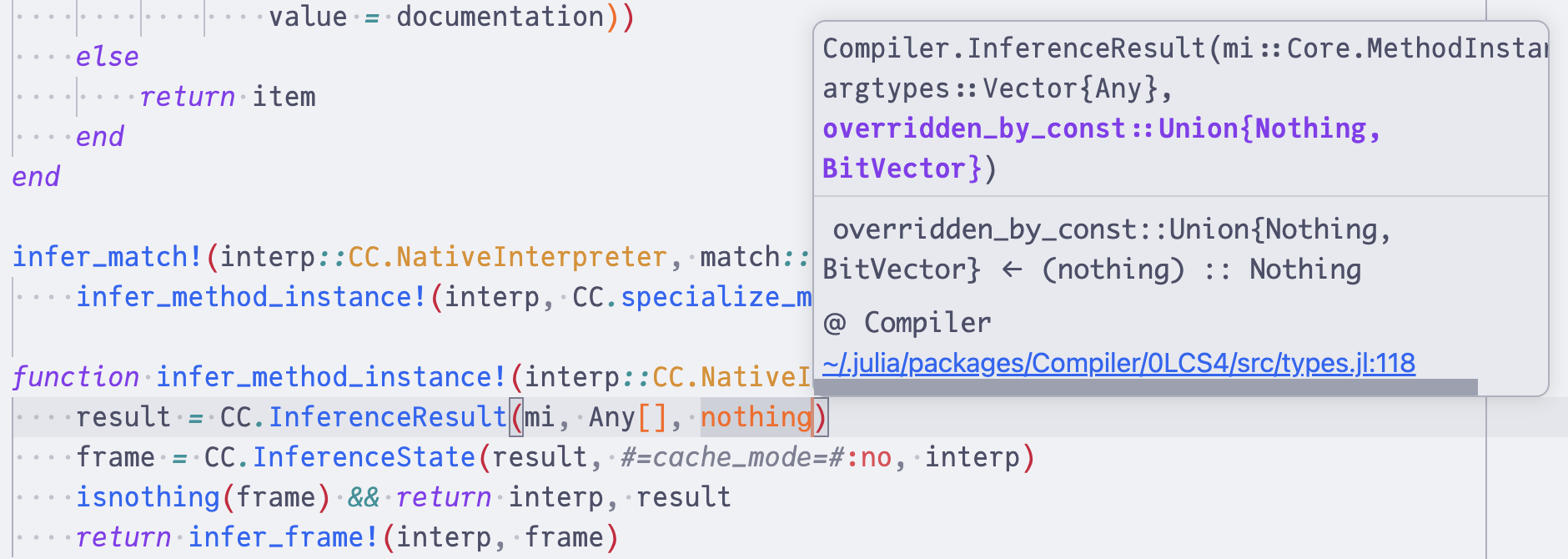
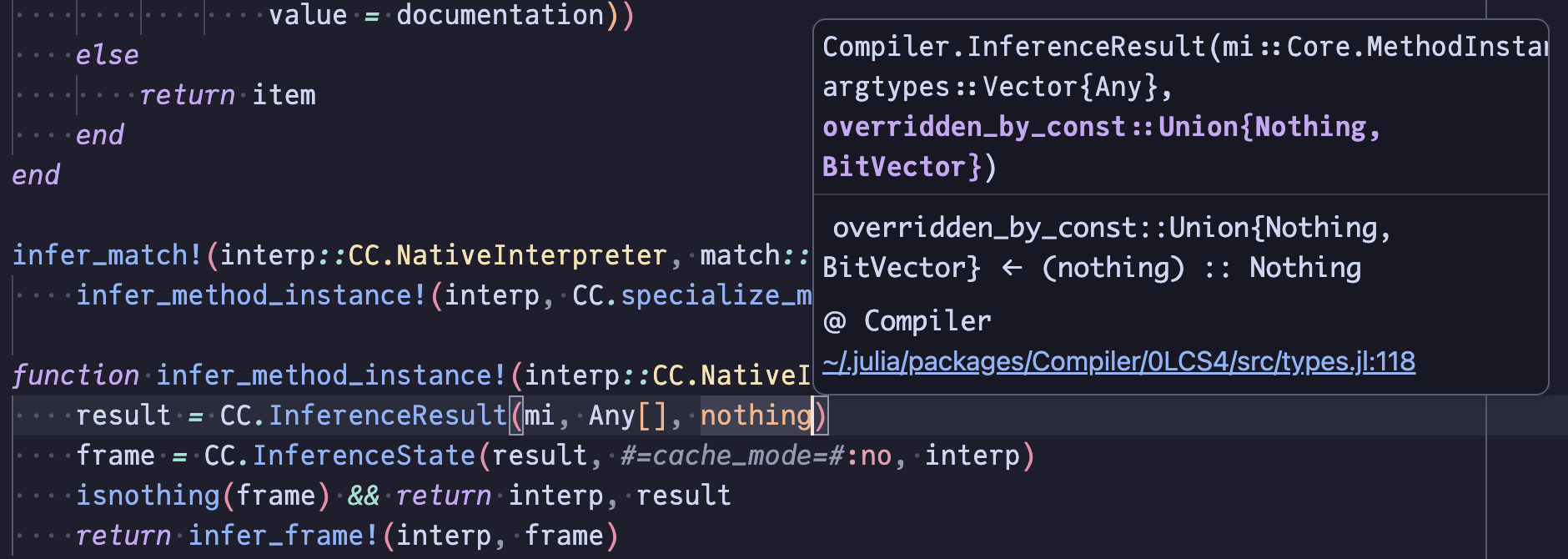
Rename
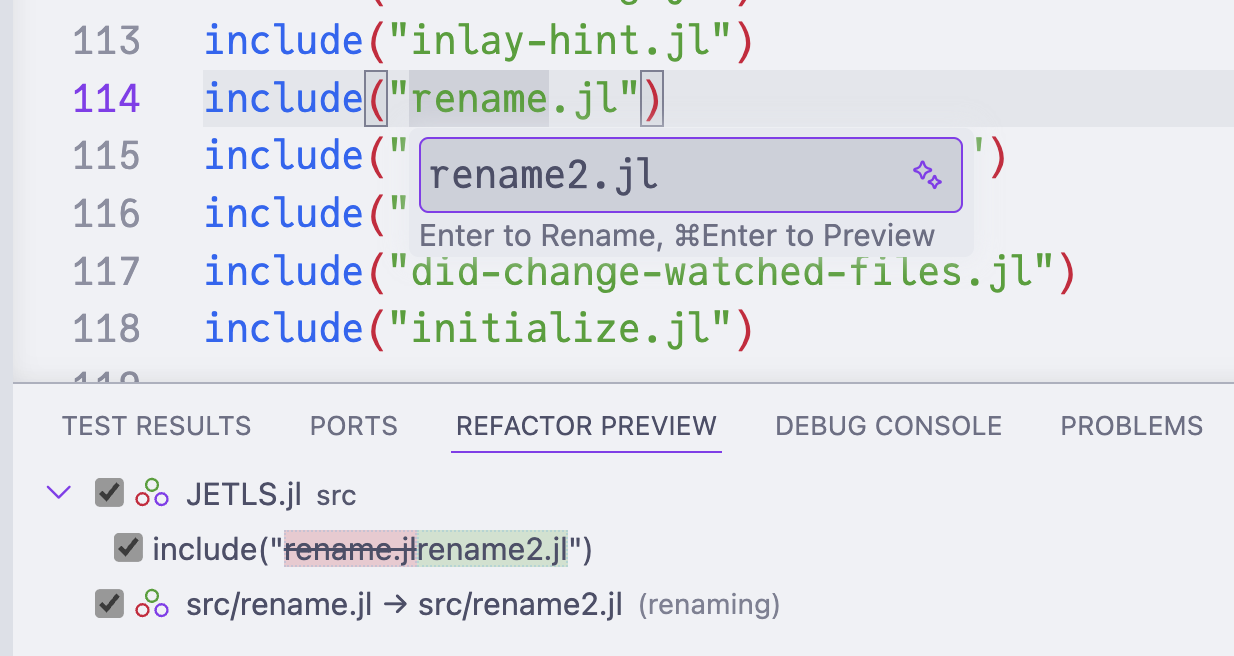
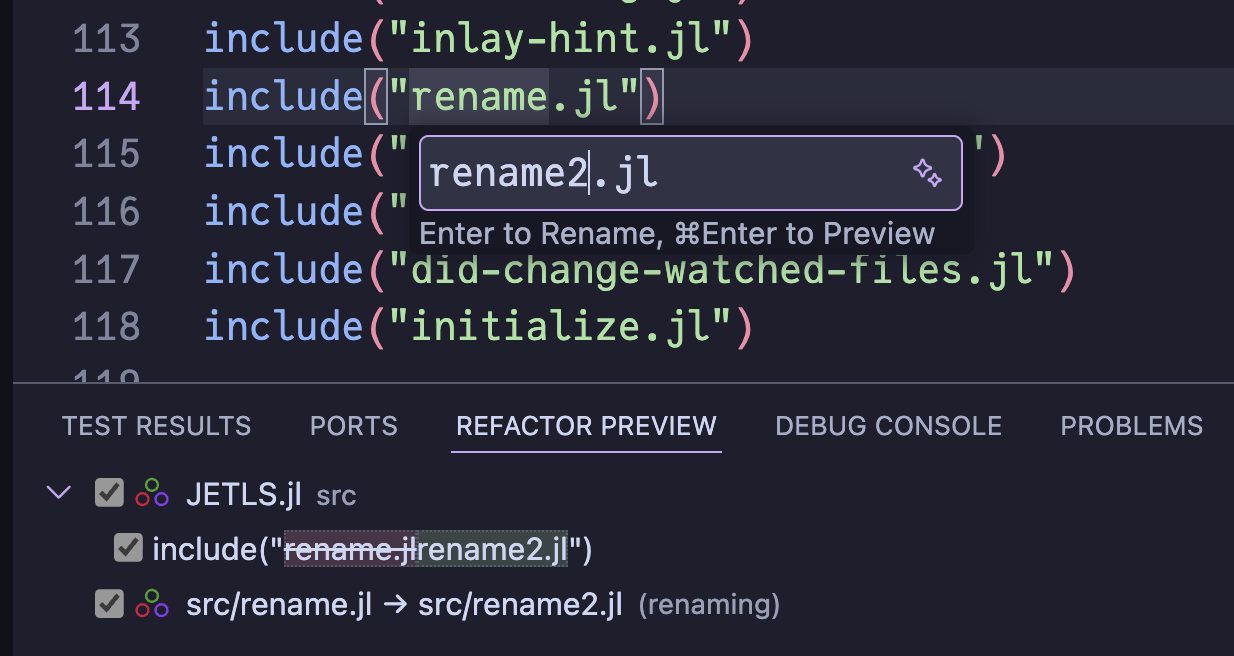
Rename local or global bindings across files analyzed together (e.g., a package and its included files).
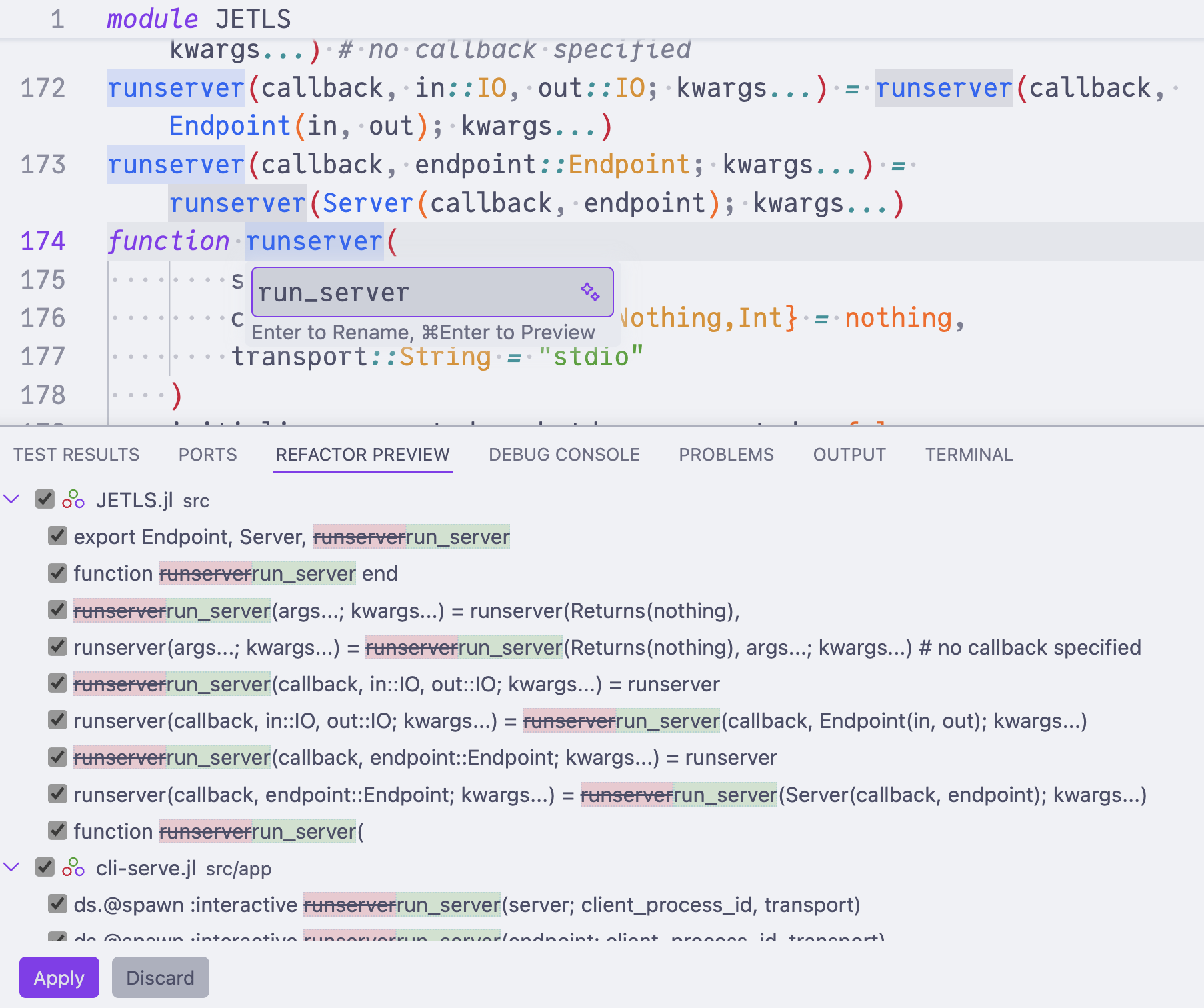
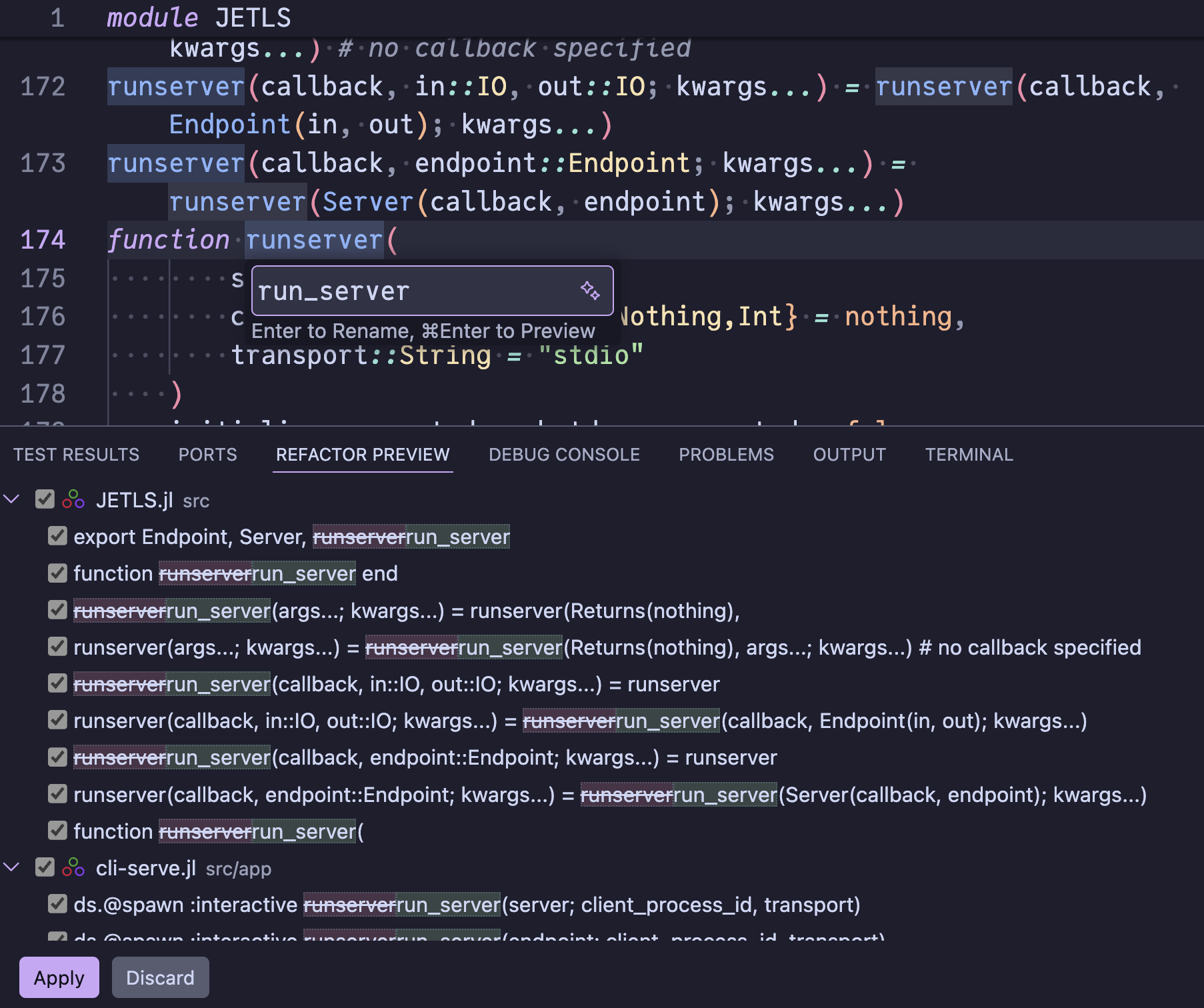
When renaming a string literal that refers to a file path (e.g. in include("foo.jl")), JETLS also renames the file on disk.
Code actions
JETLS provides code actions for quick fixes and refactoring, including:
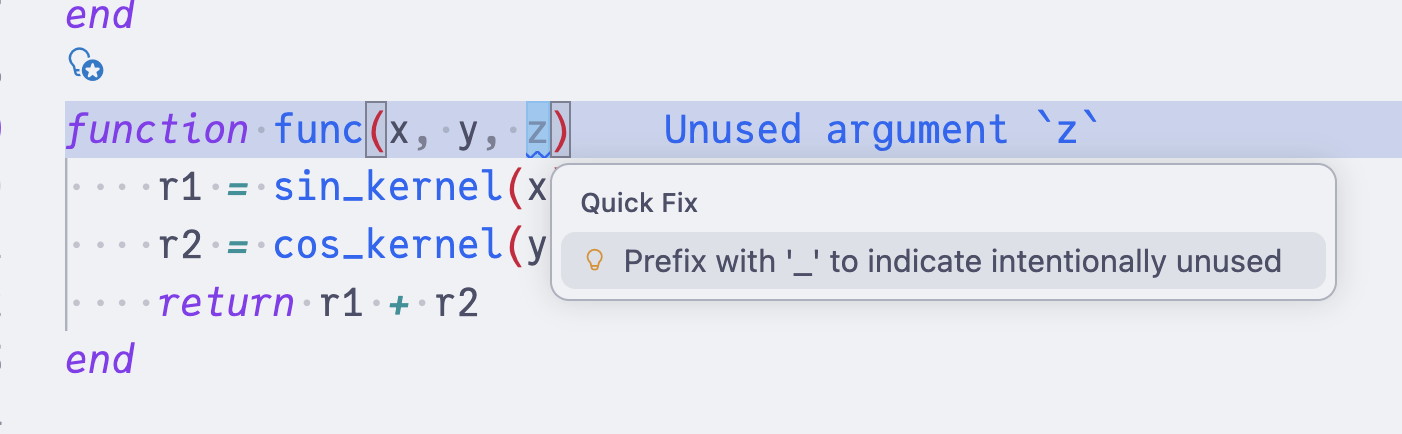
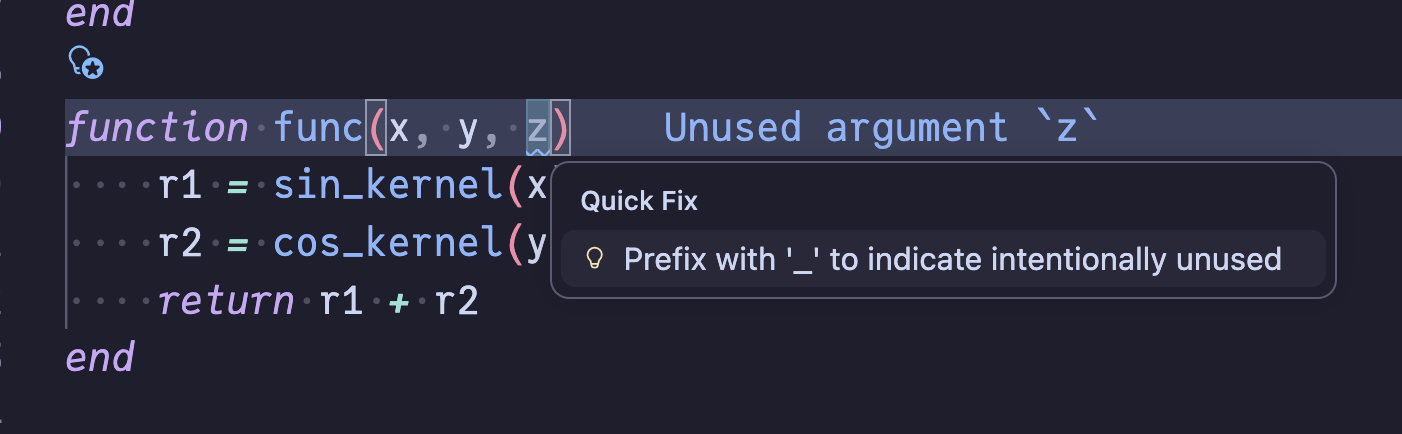
- Prefix unused variables with
_(or delete the assignment entirely) - Remove unused imports
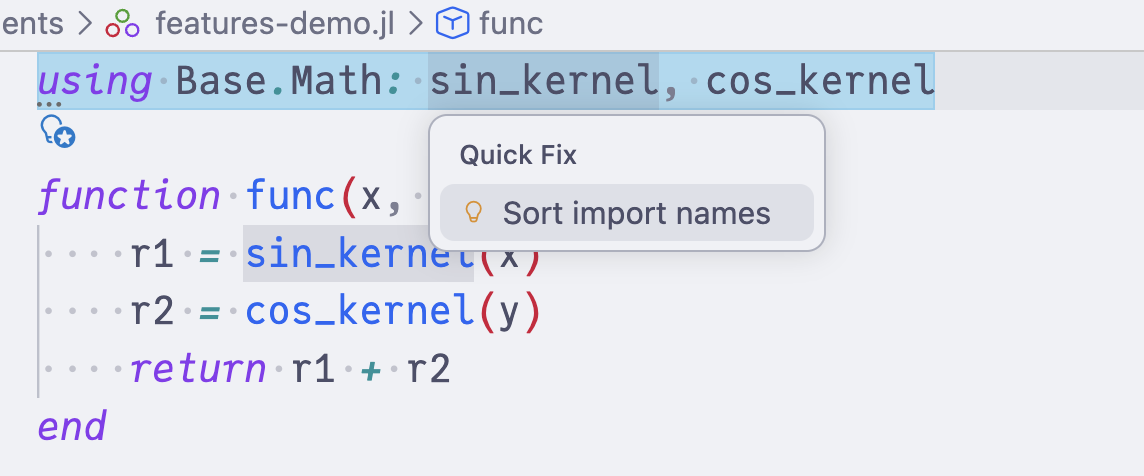
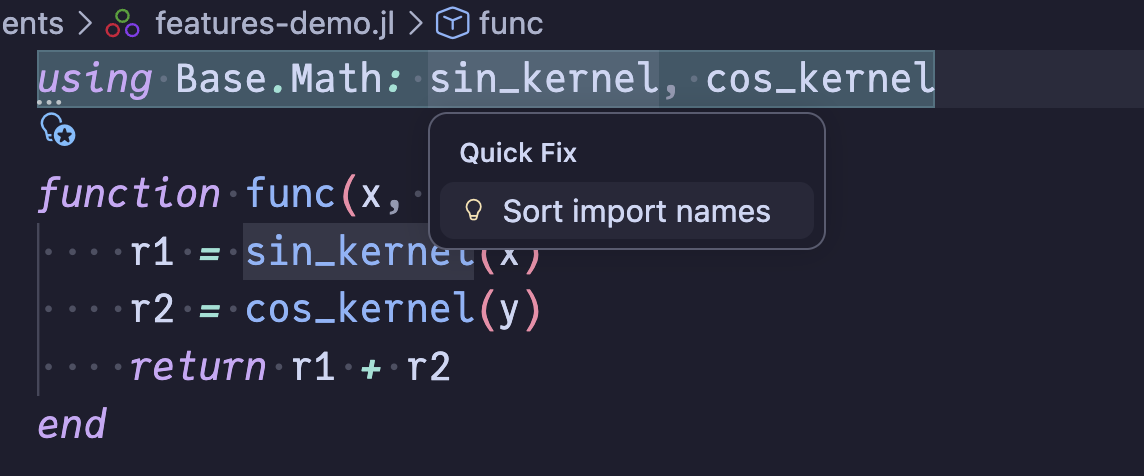
- Sort import names
- Delete unreachable code
- Insert
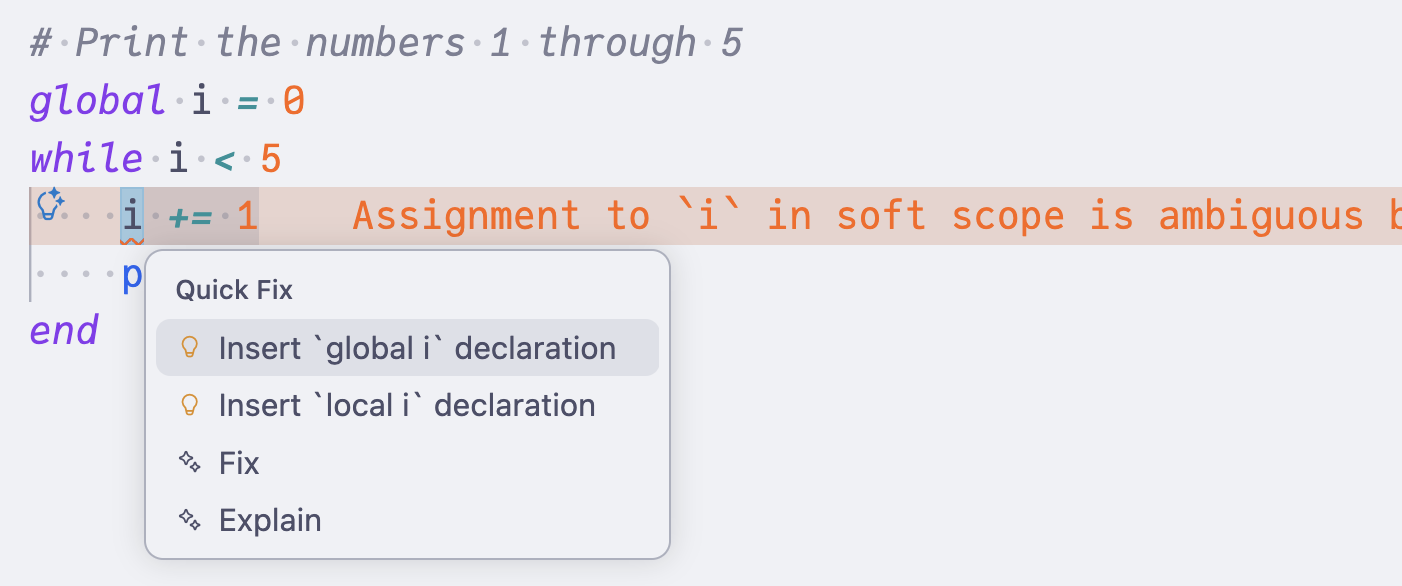
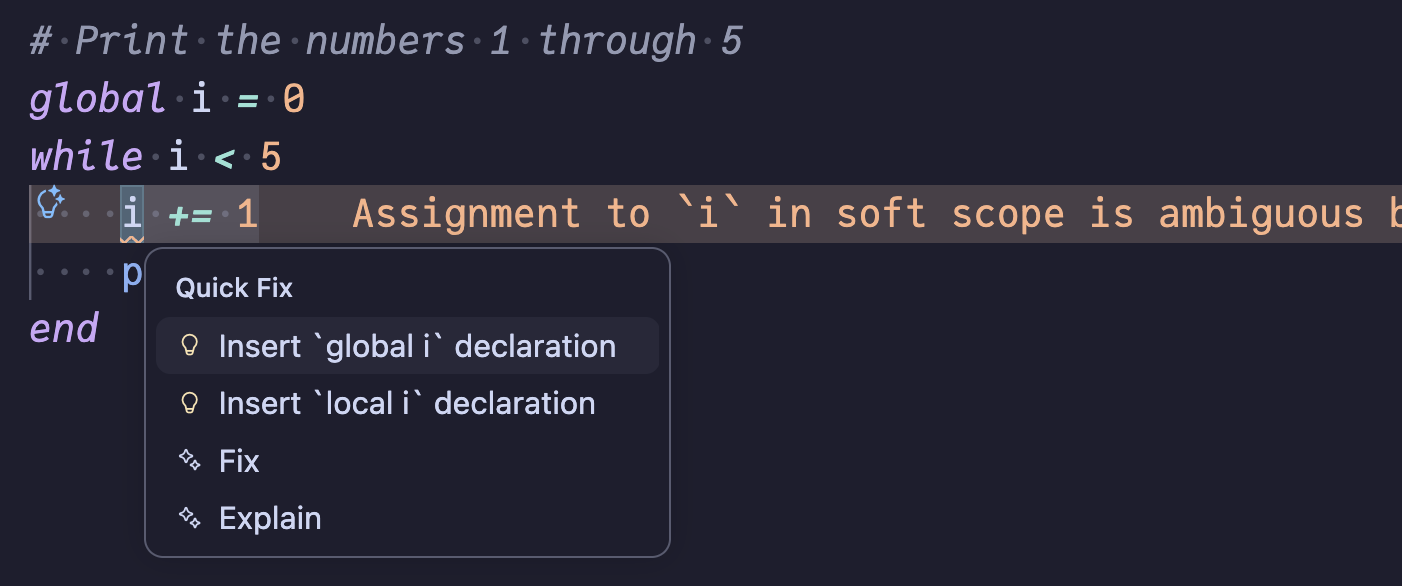
global/localdeclarations for ambiguous soft scope variables - Attach orphaned docstrings to the following definition
- Run a nearby
@testsetor@testcase via TestRunner code actions - Expand macro calls via macro expansion views
- View inferred types as type annotations
A few representative examples:
| Code action | Triggered by | Example |
|---|---|---|
Prefix unused variable with _ |
|
|
Insert global / local declaration |
|
|
| Sort import names |
|
Code views
JETLS can open read-only code views: server-computed Julia documents derived from your source, such as the result of macro expansion. They are served as virtual documents through the LSP 3.18 workspace/textDocumentContent request when the client supports it, and otherwise fall back to a temporary file opened via window/showDocument, so they work across editors regardless of textDocumentContent support.
Macro expansion
JETLS offers two code actions on macro calls, each opening the expanded code in a read-only .jl view:
- Show macro expansion for
@macroexpands the macro call under the cursor a single level, to see what one macro produces. - Expand all macros in this top-level form recursively expands every macro in the enclosing top-level form (the
@macroexpandview).
You can trigger the first with the cursor on the macro call, and the second from anywhere inside a top-level form that contains a macro.
For example, Show macro expansion for @assert on @assert @isdefined(x) "x should be defined" opens a view like:
# Macro call:
# @assert @isdefined(x) "x should be defined"
# └─────────────────────────────────────────┘ ── the macro call being expanded
# # @ demo.jl:1

# Expanded code view:
:(if @isdefined(x)
      nothing
  else
      throw(AssertionError("x should be defined"))
  end)
The nested @isdefined call stays in the result because this action expands only the selected macro call one level.
In contrast, Expand all macros in this top-level form on
function selected_value(primary, fallback)
    if primary !== nothing
        value = primary
    elseif fallback !== nothing
        value = fallback
    else
        error("no value available")
    end
    @assert @isdefined(value) "value should be assigned"
    return value
end
expands every macro the form contains, including the nested @isdefined:
# All macros expanded in the top-level form at demo.jl:1

:(function selected_value(primary, fallback)
      if primary !== nothing
          value = primary
      elseif fallback !== nothing
          value = fallback
      else
          error("no value available")
      end
      if $(Expr(:isdefined, :value))
          nothing
      else
          throw(AssertionError("value should be assigned"))
      end
      return value
  end)
To read like hand-written code, the view trims hygiene noise: it strips LineNumberNodes and shows GlobalRefs that resolve in the expansion context (or to an exported Base/Core name) as bare symbols (so the expansions above show throw/AssertionError, not Base.throw). If expansion throws, the error trace is shown instead.
Type annotations
Show inferred type annotations opens a read-only view of the enclosing top-level form with JETLS's type inlay hints spliced into the source as explicit ::T annotations — every expression (parameter uses, intermediate results, the return value) carries its inferred type. Unlike the inline hints, which are transient editor decorations, the result is an annotated copy of the code as ordinary buffer text: you can select, scroll, search, and copy it like any other document.
For example, consider this function:
function summarize(xs::Vector{Int}, label)
    total = sum(xs)
    first_pos_even = findfirst(xs) do x
        x > 0 && iseven(x)
    end
    sample = if first_pos_even === nothing
        missing
    else
        xs[first_pos_even]
    end
    return (
        label,
        total,
        sample,
    )
end
The resulting annotated copy surfaces several related inference results at once: the do-block argument x is inferred as Int64, the predicate expression as Bool, findfirst returns Union{Nothing, Int64}, the else branch narrows the index to Int64, and the untyped label propagates to the final Tuple{Any, Int64, Union{Missing, Int64}} return type:
# Inferred type annotations at summary.jl:1

function summarize(xs::Vector{Int}, label)::Tuple{Any, Int64, Union{Missing, Int64}}
    total = sum(xs::Vector{Int64})::Int64
    first_pos_even = findfirst(xs::Vector{Int64}) do x::Int64
        ((x::Int64 > 0)::Bool && iseven(x::Int64)::Bool)::Bool
    end::Union{Nothing, Int64}
    sample = if (first_pos_even::Union{Nothing, Int64} === nothing)::Bool
        missing
    else
        (xs::Vector{Int64})[first_pos_even::Int64]::Int64
    end::Union{Missing, Int64}
    return (
        label::Any,
        total::Int64,
        sample::Union{Missing, Int64},
    )::Tuple{Any, Int64, Union{Missing, Int64}}
end
Formatting
JETLS integrates with external formatters (Runic.jl by default, or JuliaFormatter.jl) for both document and range formatting. See Formatter integration for setup instructions.
TestRunner integration
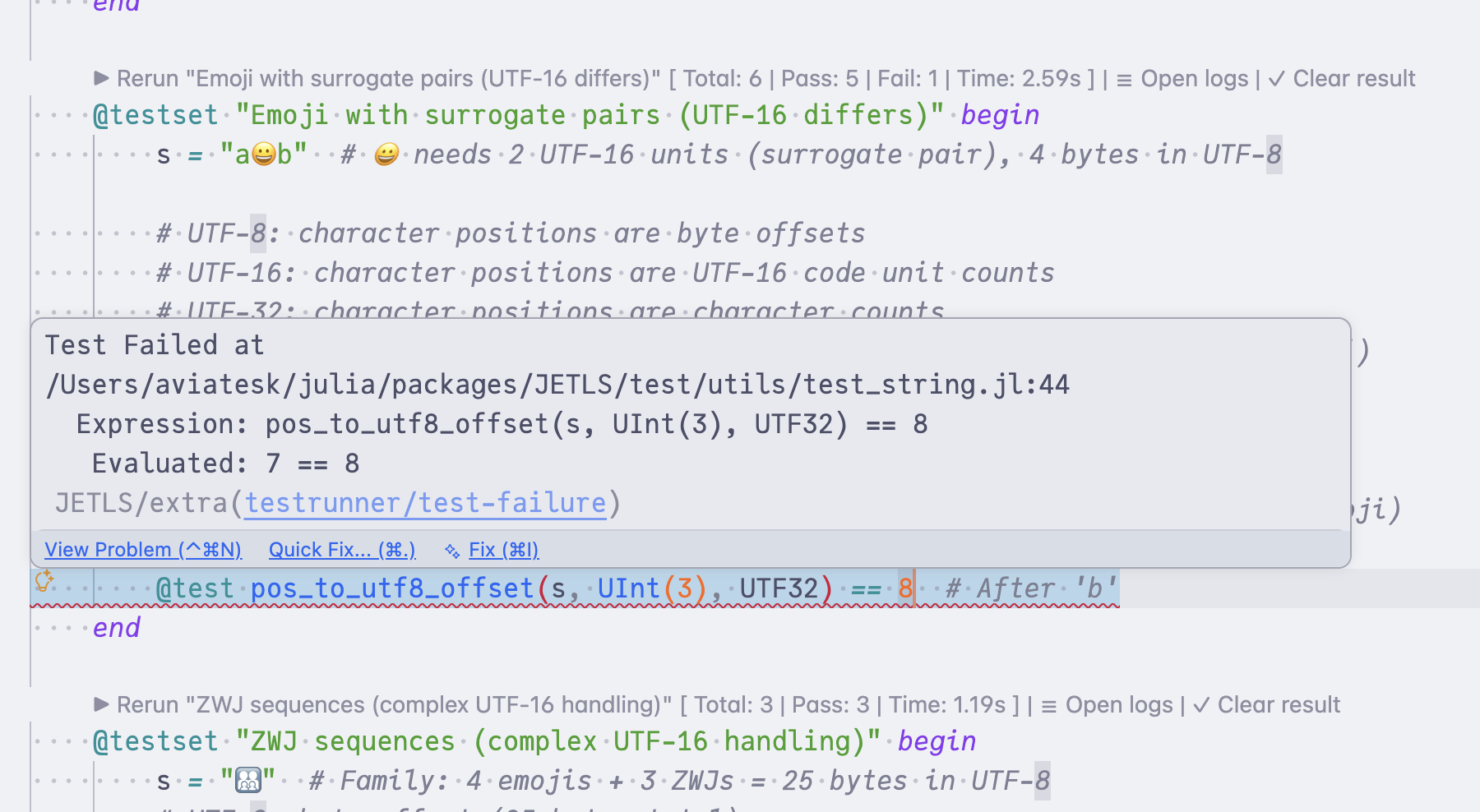
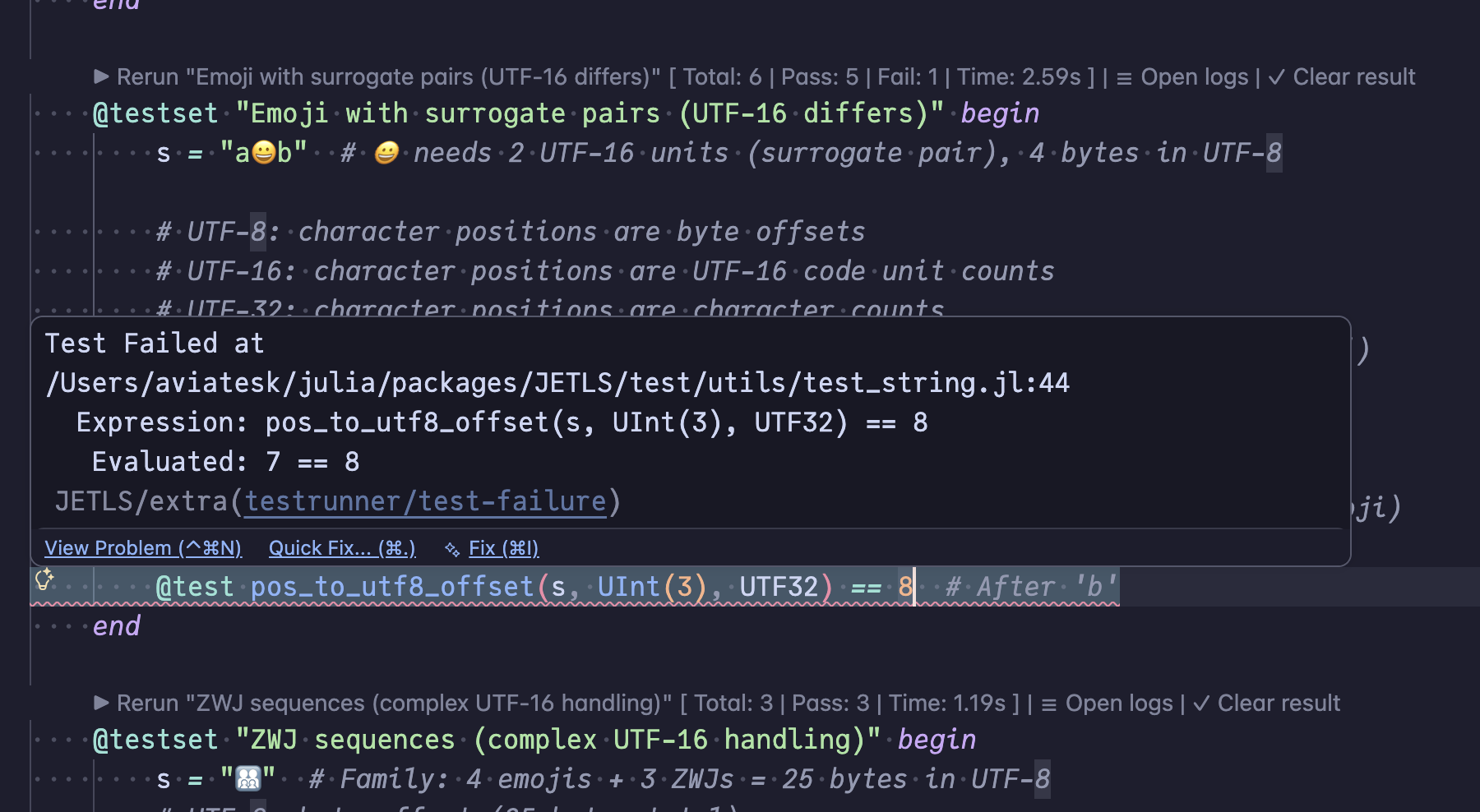
Run individual @testset blocks and @test cases directly from the editor via code lenses and code actions, with results surfaced as inline diagnostics and logs. See TestRunner integration for setup and supported patterns.
Notebook support
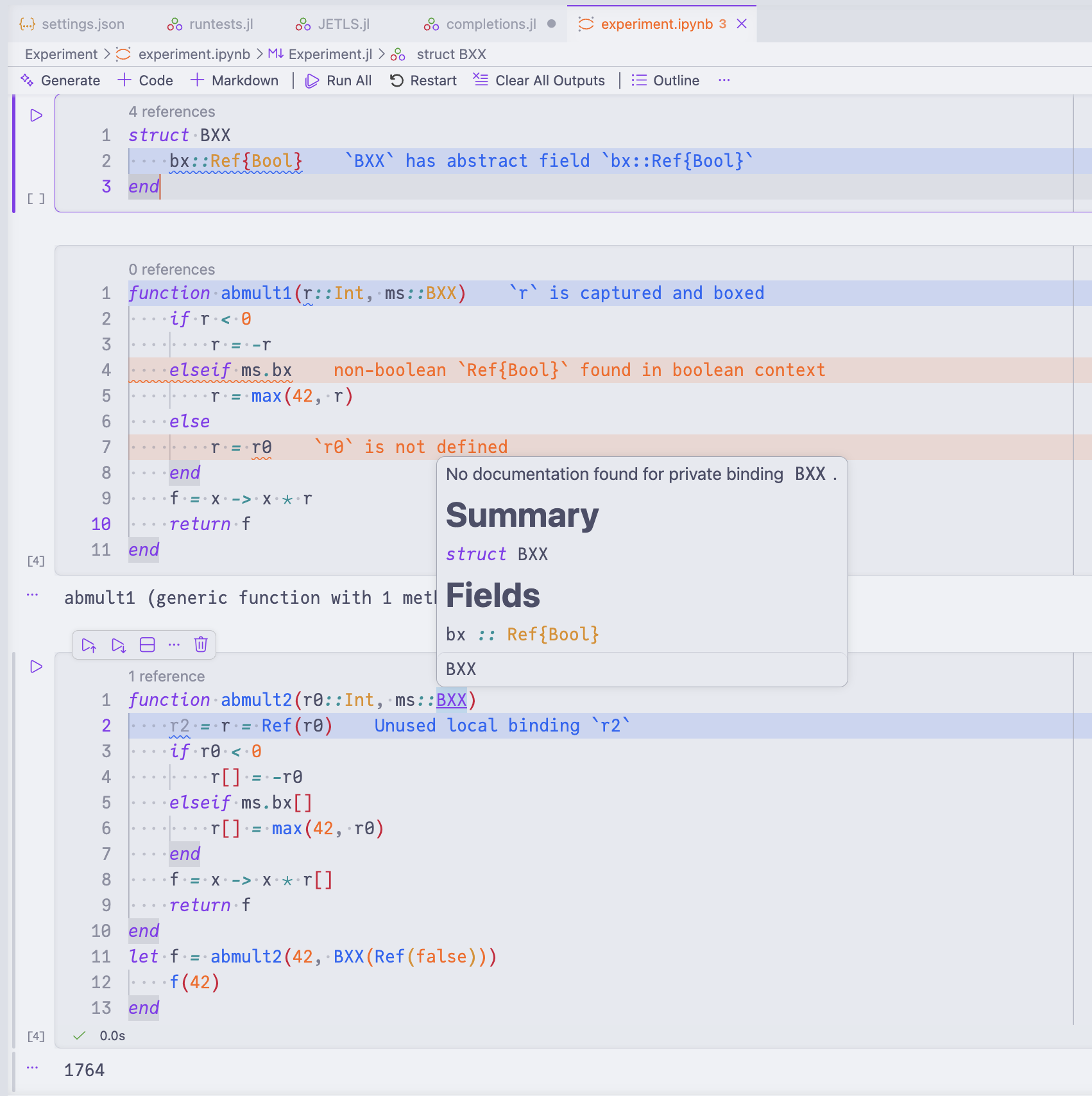
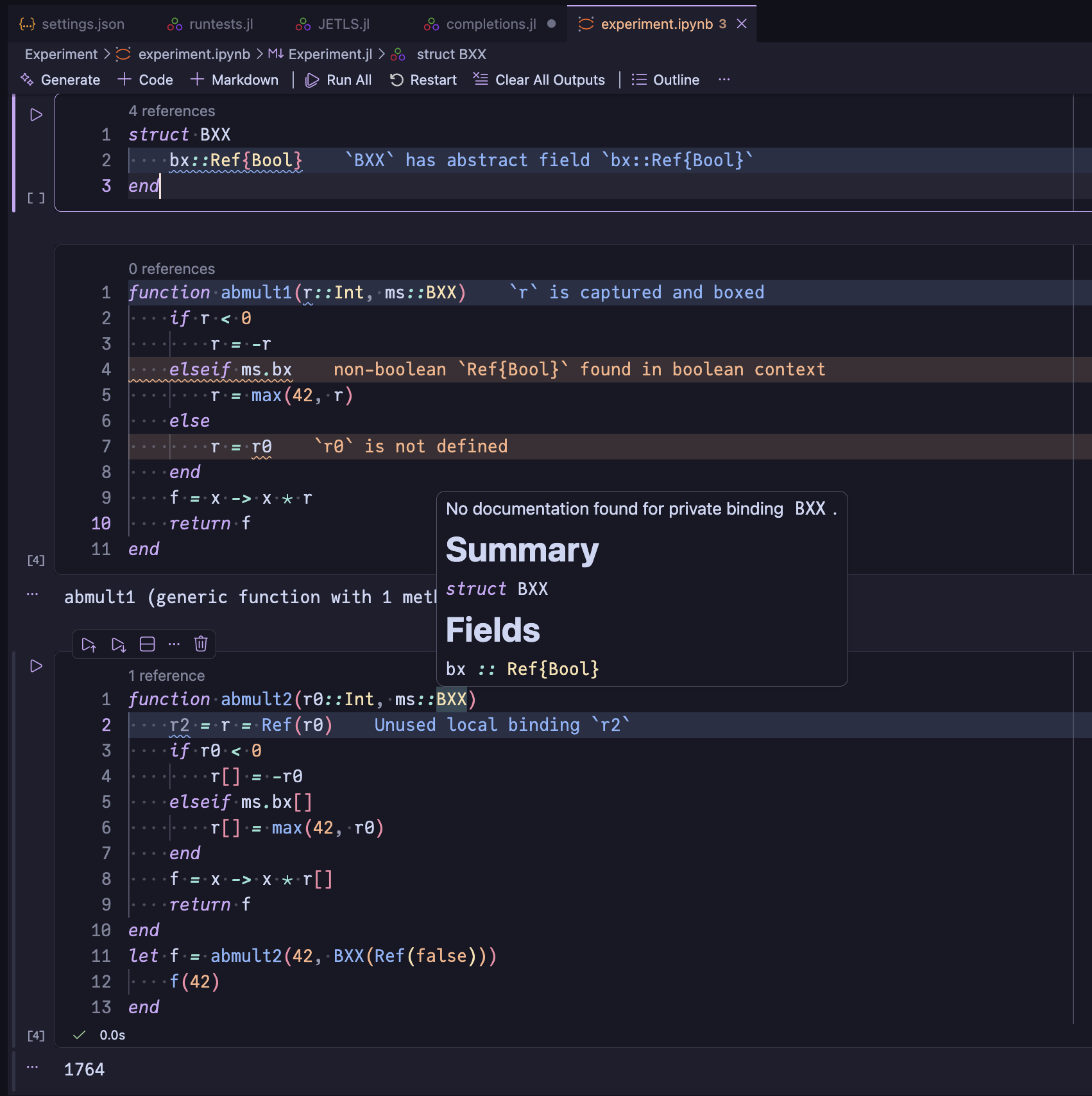
JETLS provides LSP features for Julia code cells in Jupyter notebooks. Cells are analyzed together, so all LSP features including diagnostics, go-to definition, find-references, etc., work across cells. See Notebook support for details.
- error_lensSome screenshots show diagnostic messages rendered inline next to the affected line. This presentation is provided by the Error Lens VSCode extension, not by JETLS itself — JETLS reports the diagnostic information through standard LSP channels, and the inline rendering is up to the client.
- jetls_unspecified_stylingDo not assign a foreground color or
fontStyletojetls.unspecifieditself (e.g."jetls.unspecified": "#abcdef") — doing so would override the syntactic highlighter's color, defeating the very reason we use a custom token type. Modifier-targeted rules (*.declaration,jetls.unspecified.declarationetc.) are the intended way to style these tokens. - semantic_tokens_customization
The semantic tokens screenshots use
editor.semanticTokenColorCustomizationson top of Catppuccin to colortypeParameterdistinctly and to render tokens carrying thedefinitionmodifier in bold:"editor.semanticTokenColorCustomizations": { "[Catppuccin Latte]": { "rules": { "typeParameter": "#fe640b", "*.definition": { "bold": true } } }, "[Catppuccin Mocha]": { "rules": { "typeParameter": "#fab387", "*.definition": { "bold": true } } } }